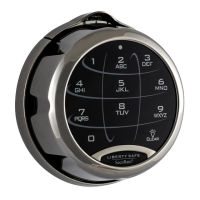
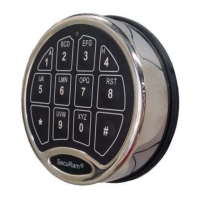
ProLogic L01 Operation Instructions
8
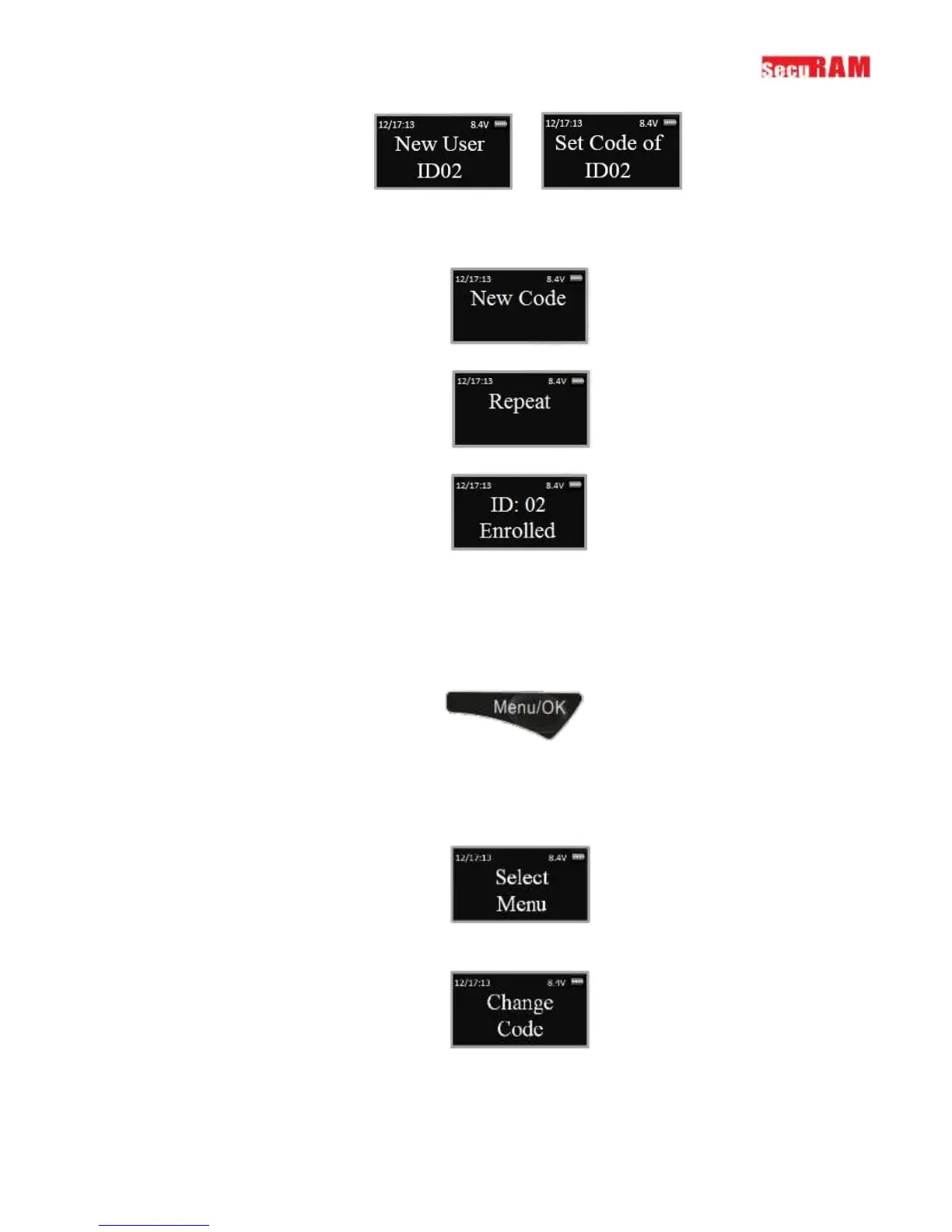
Step 6: Now enter a 6 digit code
Step 7: Repeat new code
Step 8: System will verify that code has been saved.
The new code is now enrolled and available to be used to open the lock
3.2 Change Code
This programming sequence is used to change any code.
Step1: Press the Menu/OK button
Step 2: Using the and , scroll to the System Menu and Press Menu/OK
Step 3: The display will prompt you to enter a valid code. Enter the code to be changed The
“Select Menu” message will be displayed as follows:
Step 4: Scroll to the menu selection “Change Code” and Press OK
Step 5: The display will show this message on the display “Set Code of IDXX” to be changed.


 To Next Page