ProLogic L01 Operation Instructions
6
2.2 Wrong Code Entry – Lock Out
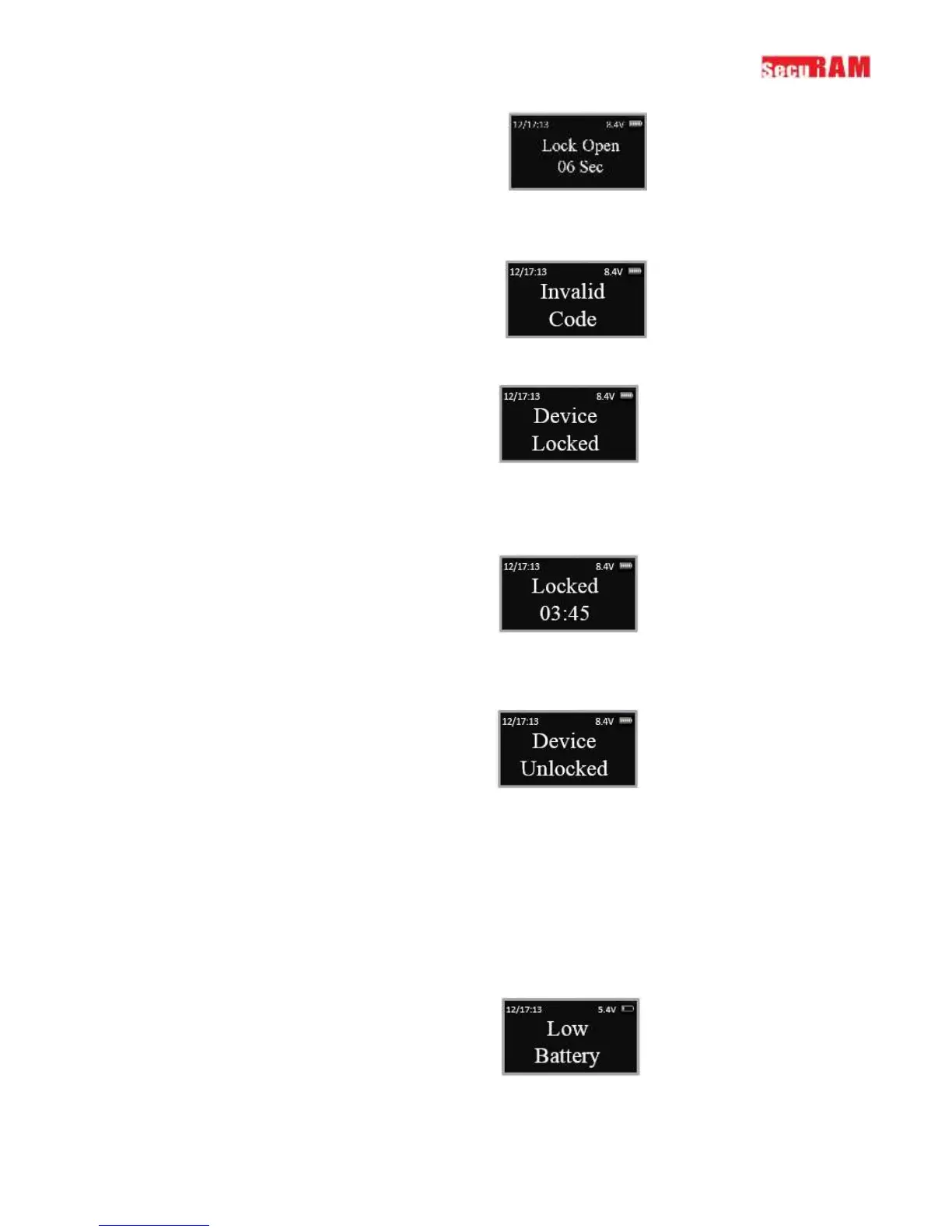
If an invalid code is entered, the following message will be displayed:
If 4 invalid codes are entered consecutively, the safe lock will enter
The display will then report the length of time remaining in the Lock Out period every 15 seconds until it
has expired
After the 4 minute Lock out period, the following message will be displayed, you can now enter a valid
code to open the safe lock.
Enter a valid code to open the lock.
Note: If an invalid code is entered at this point, the lock will only accept 2 invalid entries before it goes
back into the 4 minute Lock out period.
2.3 Low Battery Alert
The display will alert a low battery condition when the battery voltage reaches 5.4±0.2V.


 To Next Page