ProLogic L01 Operation Instructions
20
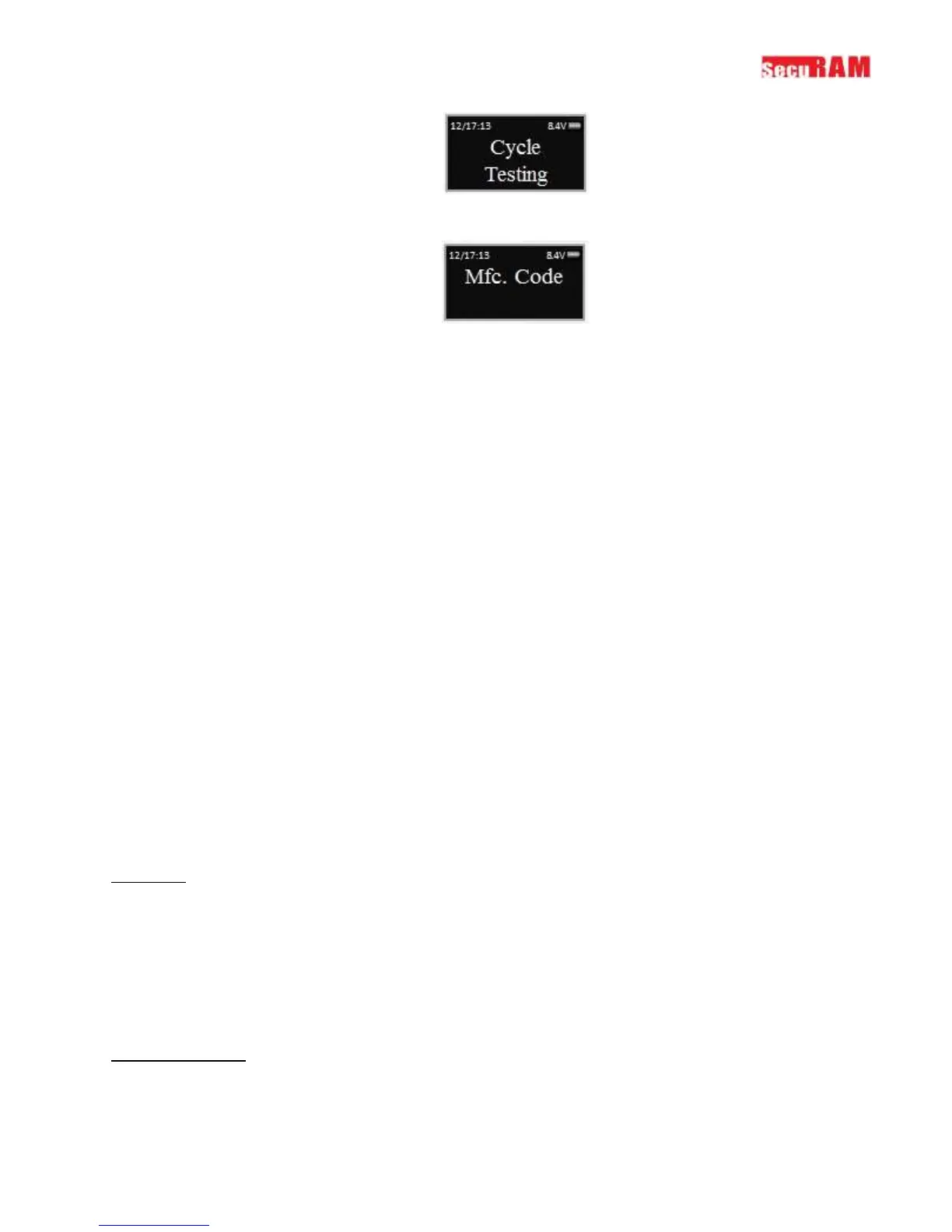
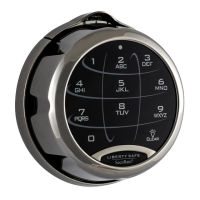
Step 5: The system will prompt you to enter the Manufacture Code. Enter 975246.
The system will now cycle the motor drive system, locking and unlocking the lock body every 1.5
seconds. The cycle testing will continue until the battery depletes itself of energy or power is
removed.
9.0 Menus
There are two menus on the ProLogic L01, the root menu and a sub-menu.
The sub-menu is accessible by entering a valid code. The menu selections in the sub-menu change
depending upon the level of the code entered. Super Code (ID00), and Manager Codes (ID01 and 02)
have access to the all programming menus. User Codes have limited menu selections.
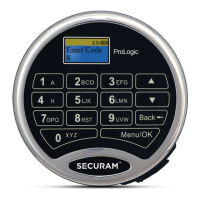
ProLogic L01 Menu


 To Next Page