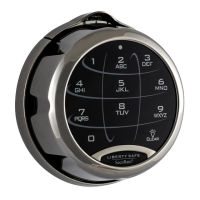
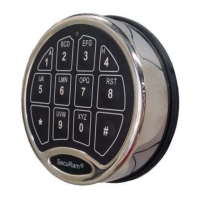
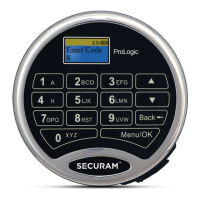
ProLogic L01 Operation Instructions
21
Root Menu
• Select Menu
• System Menu
• System Info
• Recovery Code Set Recover System
• Encryption Key Set
Sub Menu – Super/Manager Codes
• Select Menu
• Change Code System Info.
• Obfuscate Code Entry
• Delete All Users
• Recovery Code Set
• Recover System
*Super Code Menu item only.
Important:
• For indoor use only.
• Encryption Key Set
• Cycle Testing
• Enable Manager*
• Disable User
• Enable User
• Delete One User
• Enroll New User
• Use one 9V alkaline battery. Manufacturer recommends to use Duracell
TM
or Energizer® Alkaline
batteries.
• Low Battery Alert: The display will alert low battery when battery voltage reaches 5.4±0.2V.
PLEASE REPLACE THE BATTERY IMMEDIATELY. Operations, such as enrolling or deleting, are not
permitted.
For mounting and wiring information refer to the installation instruction in this manual.


 To Previous Page