35
TO SET - AUDIBLE ALARM
(while in the Surface Mode)
Factory set for ON, the Alarm can be also be set to OFF.
This setting also applies to the LED Warning Indicator that is
synchronized with the Audible.
When set OFF, the Alarm will not sound during the
conditions described on page 13.
• Press Both buttons, release when SET: 2 appears.
• Press and release the Advance (Front) button, the Units
screen appears with the set point flashing.
• Press the Advance (Front) button 7 more times.
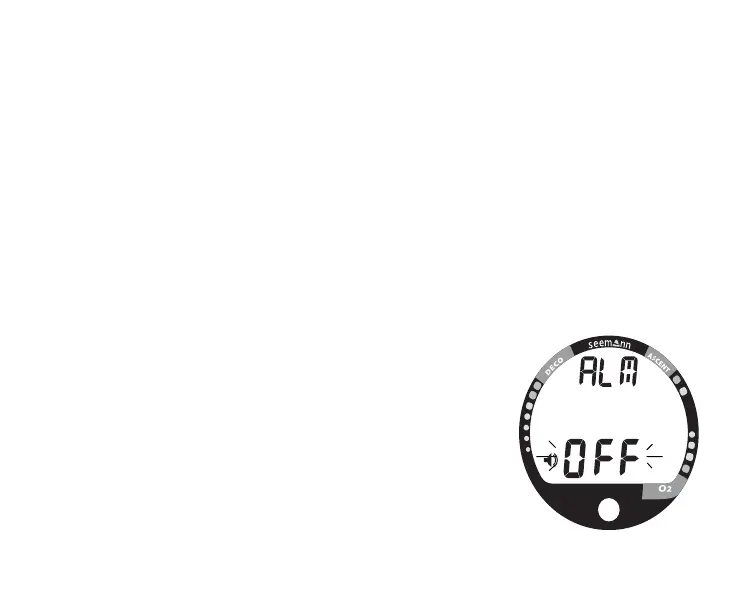
• The graphic ALM and Alarm (speaker) icon appear
with ON (or OFF) flashing (Fig. 32).
• Press the Select (Side) button to toggle between ON
and OFF.
• Press the Advance (Front) button to accept the setting
and advance to Set Max Nitrogen Bar Graph Alarm, or
press and hold Both buttons for 2 seconds to revert to
Surface Mode.
Fig. 32- Set Audible Alarm



 To Next Page