5.1 Preparation for the installation
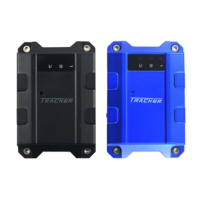
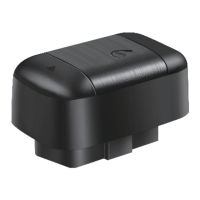
5.1.1 Product Check. Open the packing box and check the device‘s
model and accessories. If the model is wrong or the accessories not
complete, please contact the dealer.
5.1.2 Choose SIM card. Please insert a SIM card to the device. Please
take dealer’s advice as reference.
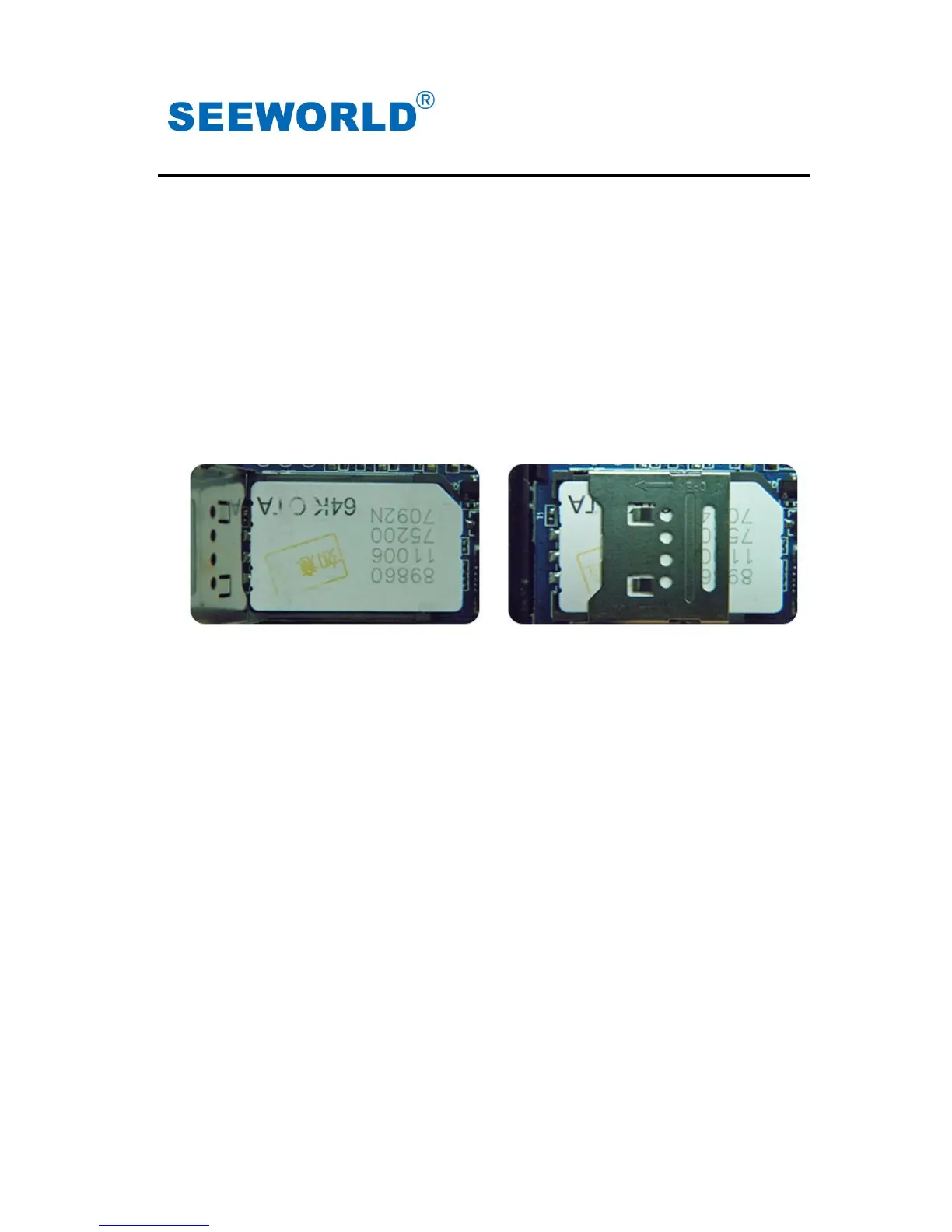
5.1.3 SIM card installation. Discharge the cover of the device and
uncover the SIM card holder. Then insert the SIM card and cover
SIM card holder (as follows).
5.1.4 Put back the front cover and screw it up.
5.1.5 Connect the device to the 9-24Vpower supply.(the red LED
constant glow)
5.1.6 Install the device in the hidden place of the car;
Note:The SIM card can not be inserted in wrong way;
The SIM card must be with GPRS function and enough deposit.
5.2 Installation
The GPS tracker must be installed under professional personnel.
Note:
1) Please install the device in the hidden place as followings:
Under Front windshield;
In the front instrument panel;
Under back windshield;
2) Avoid being placed with signal radiators like reverse sensor ;
3) The device has GSM antenna and GPS antenna inside. Please
ensure the receiving side of the device is face up and



 To Next Page