OPTION Opens the Option menu, which hos
features lor formatting
the
SEGA-CD*s
inter
no!
memory, ond saving and
erasing
gomes. OPTION is ovoiloblc when the
drive is empty, or
when
o CD
ROM disc is in me
drive. For details on using
OPTION, sec
page
19,
CD-ROM
Starts
a CD-ROM gome.
This option is
available
only
when
a
CD-ROM disc is in the drive.
CD+G
Starts o graphic* display.
The
CD+G
option should
be
selected
only when
a CD+G
disc is in the
drive, When
a
CD+G
disc is playing, the SEARCH option changes to CD+G
CHANNEL
Note:
Use
the CD+G burton only
with discs that contain
graphics-
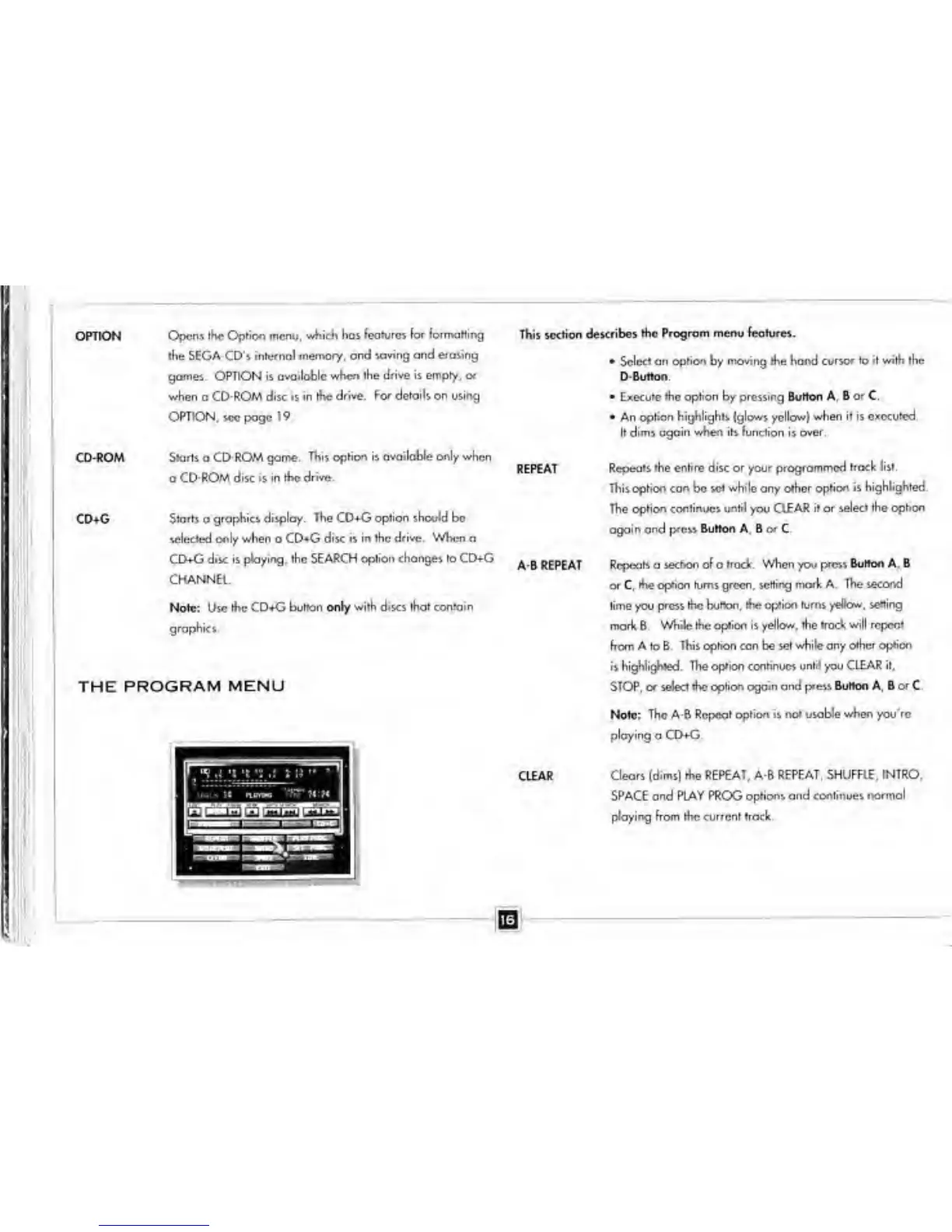
THE PROGRAM
MENU
This section
describes the Program menu lecture*.
•
Select
an option
by
moving the hond cursor to it with the
D
Button
•
Execute the option
by
pressing Burton A, B
or
C
•
An option
highlights
(glows yellow)
when it is executed.
It dims again
when
its function is
over.
REPEAT
A B REPEAT
CLEAR
Repeals the entire disc or your programmed track list.
This
option con
be
set while any other option is
highlighted.
The option continues until you CLEAR
it
or
select the option
again and
press
Button
A b C
Repeats a
section of
a
trad. When
you
pres% Burton A. B
or C.
the option turns green, setting mark A.
The second
lime you
press the button,
tlie option turns yellow, setting
mark 8.
While the option is yellow, the track will repeat
horn A to B.
This option can
be
set while any other
option
is
highlighted. The option continues until you CLEAR it,
STOP, or select the option again and p*ess
Burton
A
r
B
or
C.
Note: The A*B Repeat
option is not usable when you're
ploying a CD+G.
Clears (dims) the REPEAT, A-B REPEAT, SHUFFLE,
INTRO,
SPACE ond PLAY PROG options and
continues normal
playing from the current track


 To Next Page