38
EXPLANATION OF TEST AND DATA DISPLAY
9
9-2 TEST MODE
• ThedetailsofchangestoTestModesettingsaresavedwhenyouexit
from Test Mode by selecting EXIT from the system test mode menu. Be careful
becauseifthepoweristurnedoffbeforethatpoint,changestothesettingswill
belost.
• EnteringtheTestModeclearsfractionalnumberofcoinslessthanonecredit
andbonusadderdata.
• Usewiththespeciedsettings.Ifsettingsotherthanthosespeciedareused,
inappropriateoperationsormalfunctionmayoccur.
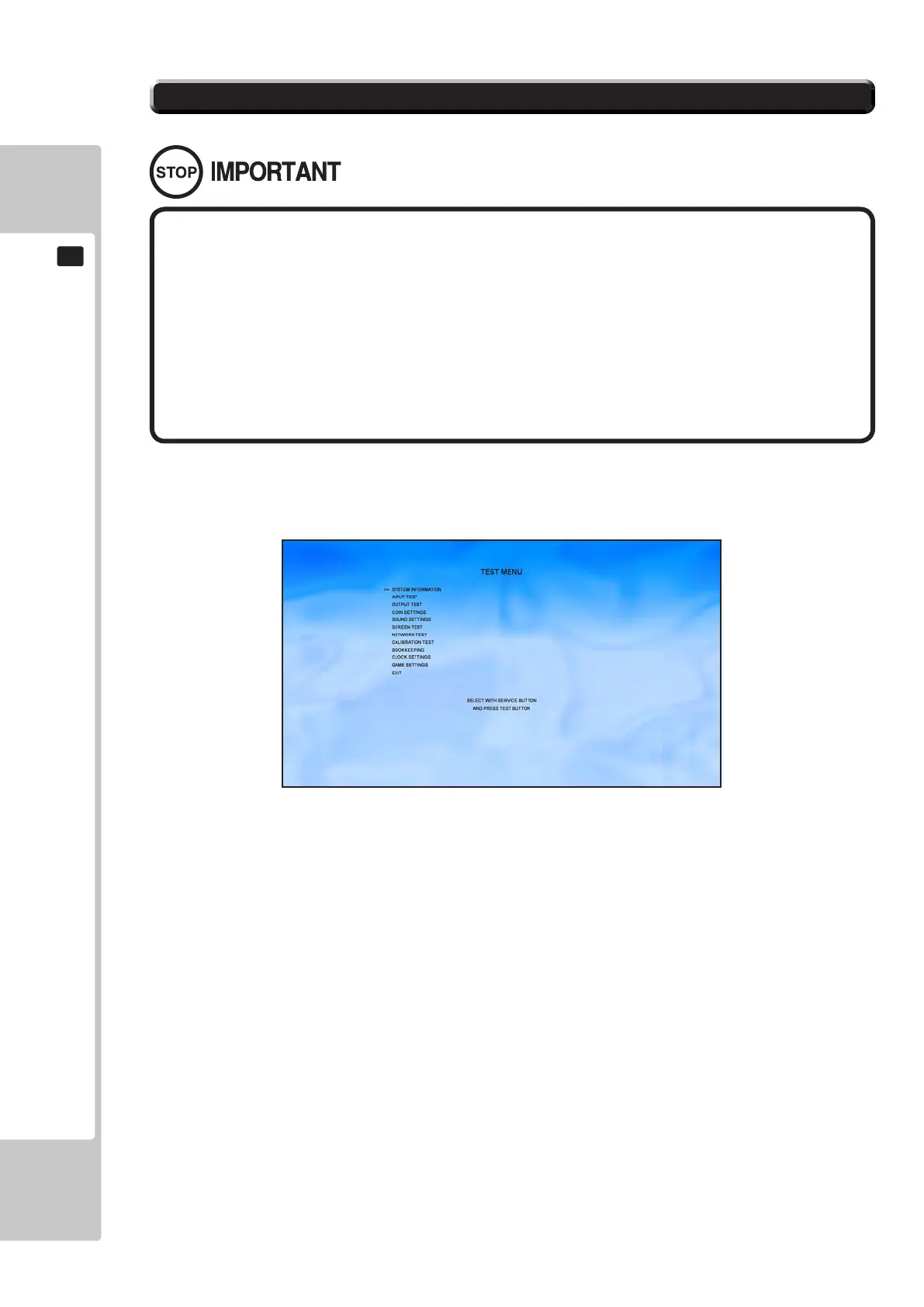
9-2-1 TEST MENU
The following options are available from the System Test Menu.
Use the SERVICE button to move the cursor to the desired test item. Press the TEST button to enter the selected
item.
SYSTEM INFORMATION: General information on Software & Hardware.
INPUT TEST: Test routine for input peripherals.
OUTPUT TEST: Test routine for output peripherals.
COIN SETTINGS: Test routine for coin handling.
SOUND SETTINGS: Test routine for audio outputs.
SCREEN TEST: Test routine for the display screen.
NETWORK TEST: Test routine for the Ethernet link.
CALIBRATION TEST: Calibration routine for input peripherals.
BOOKKEEPING: System meters and bookkeeping.
CLOCK SETTINGS: System clock setting.
GAME SETTINGS: Change the settings within the game (number of laps etc).
EXIT: Exit the System Test Menu back to the game.
To Purchase This Item, Please Visit : BMIGaming.com | Call Global Sales : + 561.391.7200 | USA / CA : (800) 746-2255











 To Next Page