28
GAME DESCRIPTION
8
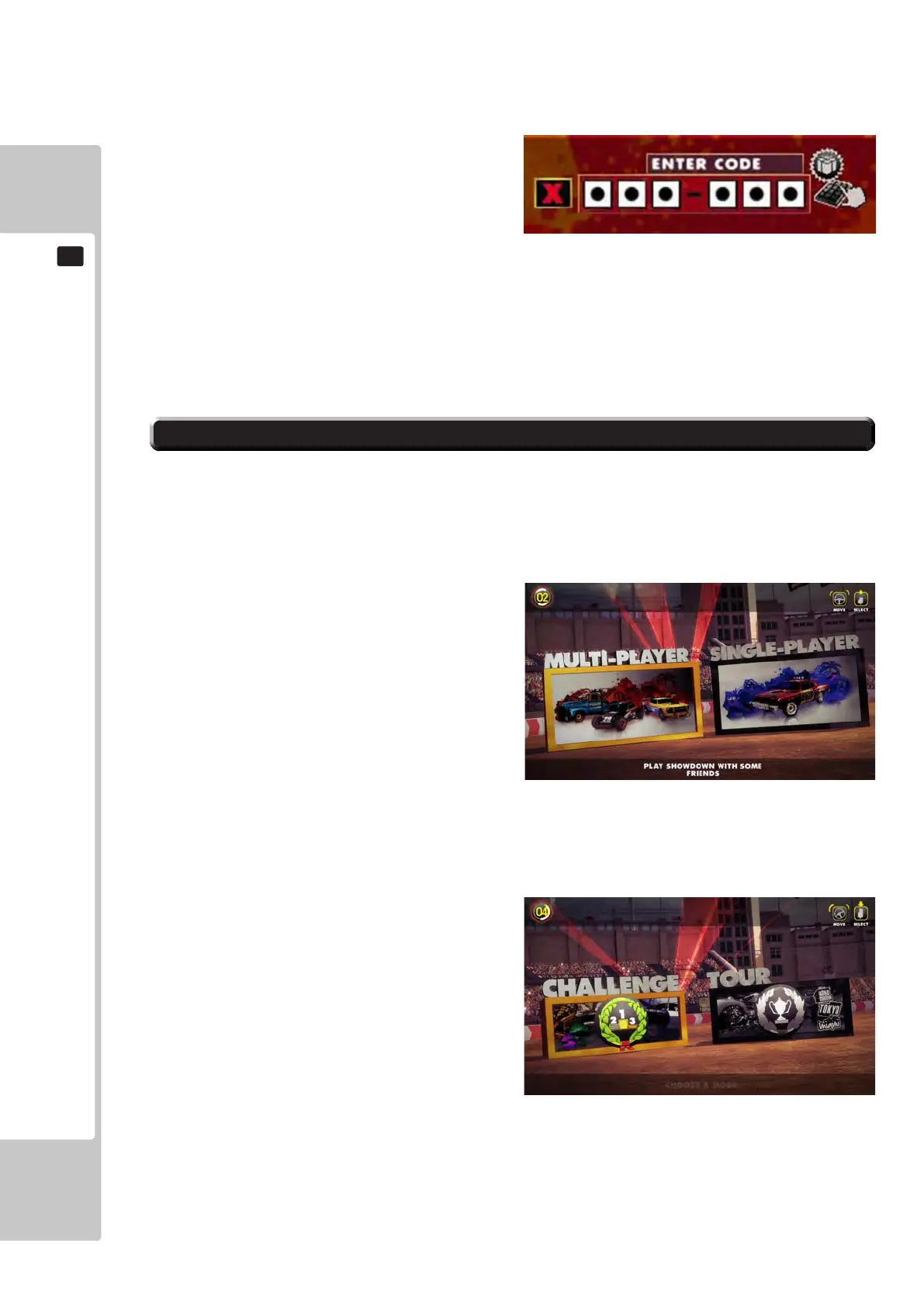
An incorrect code can be entered a maximum of 3 times, at this point the player will need to press the start button to
start their game. A code can be entered again after the game is over.
After finishing an event, the player’s bonus code
will be displayed on screen and remain there for 10
seconds. If the player inserts another credit within this
time, or already has a credit available, the game will
automatically apply this bonus code to the game. After
10 seconds the code will disappear from the screen, any
credits inserted after this will require a bonus code to be
entered or to play the game without a code.
Showdown’s unique composite ‘unlock’ system allows players to keep the bonus items they have collected and then
use them at any location encouraging repeat play. When a player uses a code and then unlocks a new feature they are
given a new code with the new item added to their previous collection.
Bonus codes are awarded by the game, via Segascores.com and also distributed via Sega Amusements’ social media.
WHEN THE MACHINE IS IN CREDIT AND THE START BUTTON IS PRESSED, THE FOLLOWING SCREEN
IS DISPLAYED, INDICATING THE GAME PLAY AVAILABLE.
When a cabinet is not linked up to any other cabinets, once the player presses the Start button, they will be taken
straight to a Single Player game where they are given the option between CHALLENGE and TOUR.
The rst action for the player is to select whether to enter
into a Multiplayer or Single Player game. Turning the
Steering Wheel left and right will highlight the option
and pressing the Accelerator pedal, or the start button,
will conrm the player’s selection.
During this selection process, a countdown is displayed
in the top left hand corner of the screen. If the player
does not make a selection within this time, the
highlighted option will be selected.
If the player has entered into a Single Player game, they will have the choice of two game modes – Challenge or
Tour.
Again, turning the steering Wheel left and right will highlight the option and pressing the Accelerator pedal, or the
start button, will conrm the player’s choice.
During this selection process, a countdown is displayed
in the top left hand corner of the screen. If the player
does not make a selection within this time, the
highlighted option will be selected.
Name Entry
Before the player can pick an event to play, they must
first enter a 3 letter name to represent them in their
chosen event.
If the player fails to enter their initials in the allotted
time, or enters a forbidden combination they will be
assigned ‘PLA’.
*PLEASE NOTE* The 3 letters are used to authentic a players high score on the Sega Scores leader boards when
used with the QR Code provided on the race results screen.
Please visit www.segascores.com for more details.
8-2 GAME SELECTION
To Purchase This Item, Please Visit : BMIGaming.com | Call Global Sales : + 561.391.7200 | USA / CA : (800) 746-2255












 To Next Page