56
EXPLANATION OF TEST AND DATA DISPLAY
9
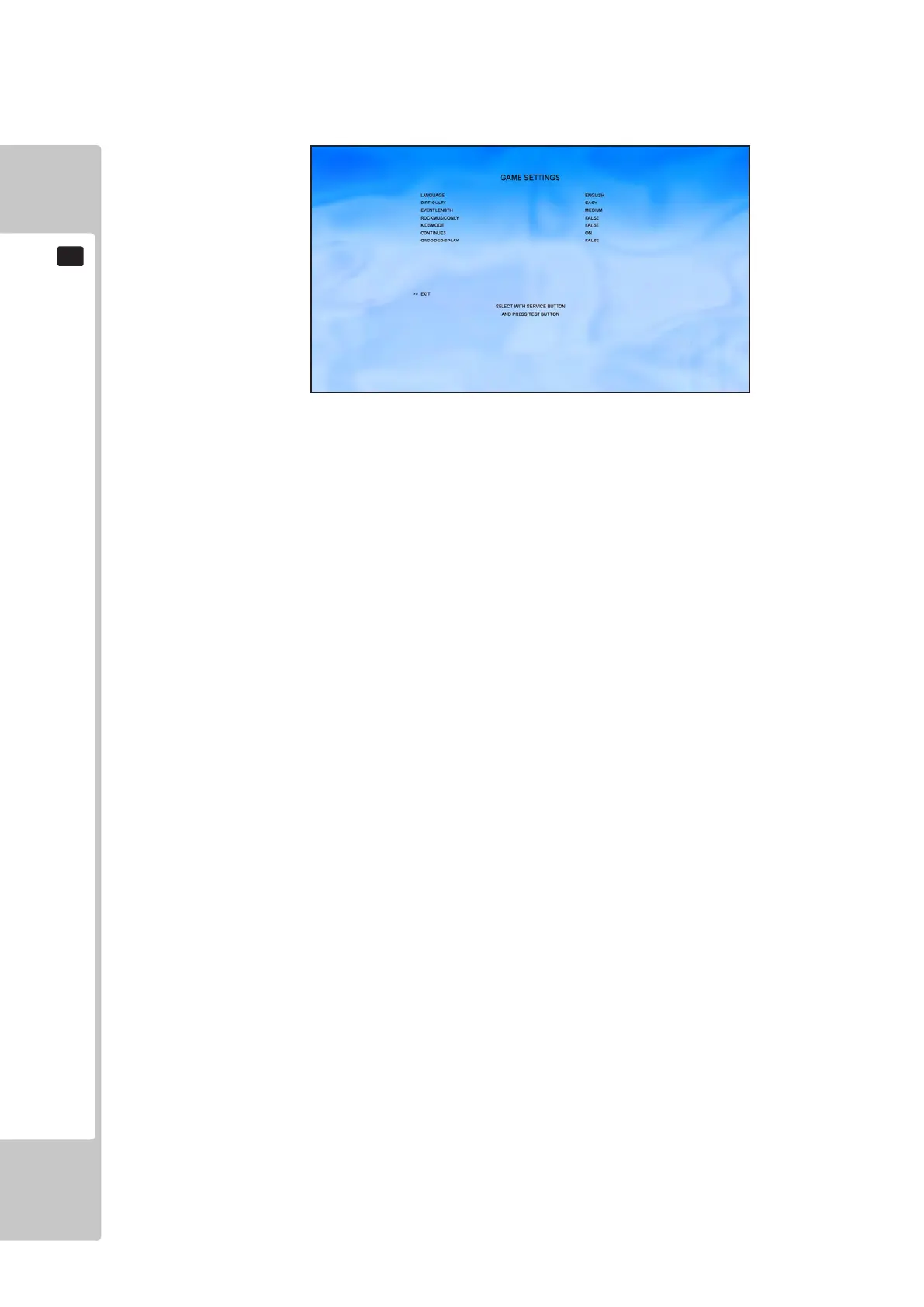
9-2-12 GAME SETTINGS
Select ‘GAME SETTINGS’ from the Test Menu screen to enter the Game Settings screen.
This test is used to change the language of the in game text and voice, turn continues on or off and event length and
difculty.
NOTE TEST MENU text only displays in ENGLISH.
The following option is available from the Game Settings screen
LANGUAGE ENGLISH/FRENCH/ITALIAN/GERMAN/SPANISH
DIFFICULTY EASY/MEDIUM/HARD
EVENTLENGTH SHORT/MEDIUM/LONG/VERY_LONG
ROCKMUSICONLY ON - Rock music only / OFF - All music tracks available
KIDSMODE ON – Car will accelerate without pedal being pressed / OFF – Normal
game play
CONTINUES ON – Player will be able to continue a tour if they fail to complete an
event
OFF – Player will have to place 1st, 2nd or 3rd to progress and complete
a tour
QRCODEDISPLAY ON – QR Code displayed at race results to register progress at
www.segascores.com / OFF – QR Code is not displayed
Use the SERVICE button to navigate, and the TEST button to action changes to the following options.
EXIT Return to the main Test Menu screen.
Move the cursor to EXIT and press the TEST button to return to the Test Menu.
To Purchase This Item, Please Visit : BMIGaming.com | Call Global Sales : + 561.391.7200 | USA / CA : (800) 746-2255












 To Next Page