AUX Input
You can display the video image output by making the device connected to this unit.
CAUTION
For Safety reasons, video images cannot be view while your vehicle is in motion. To
view video images, please stop in a safe place and apply the parking brake.
Bluetooth Operation
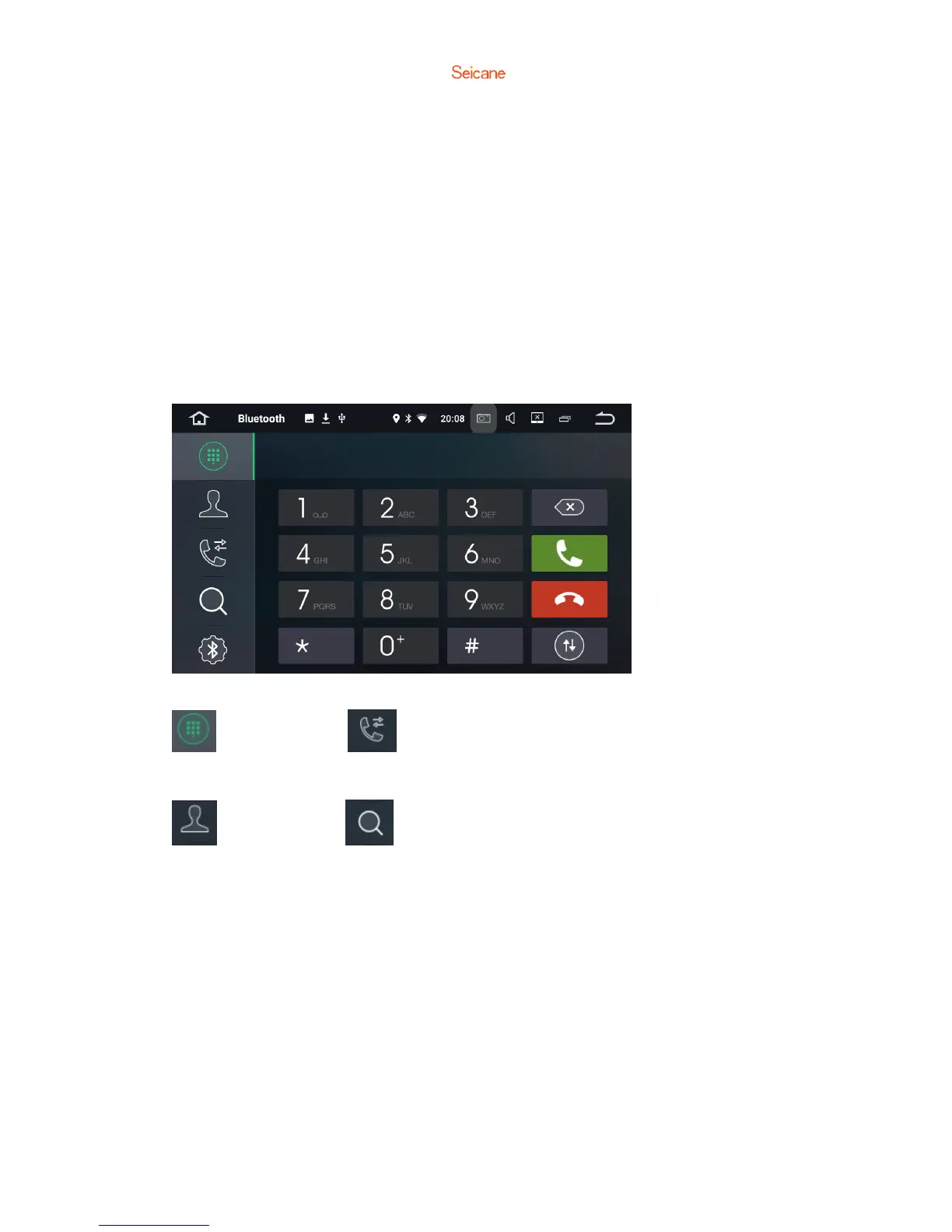
Keypad Recent calls
Phone book Device list
You may connect your Bluetooth-enabled mobile phone to this unit via Bluetooth
and use an external microphone to make and receive hands-free phone calls.



 To Next Page