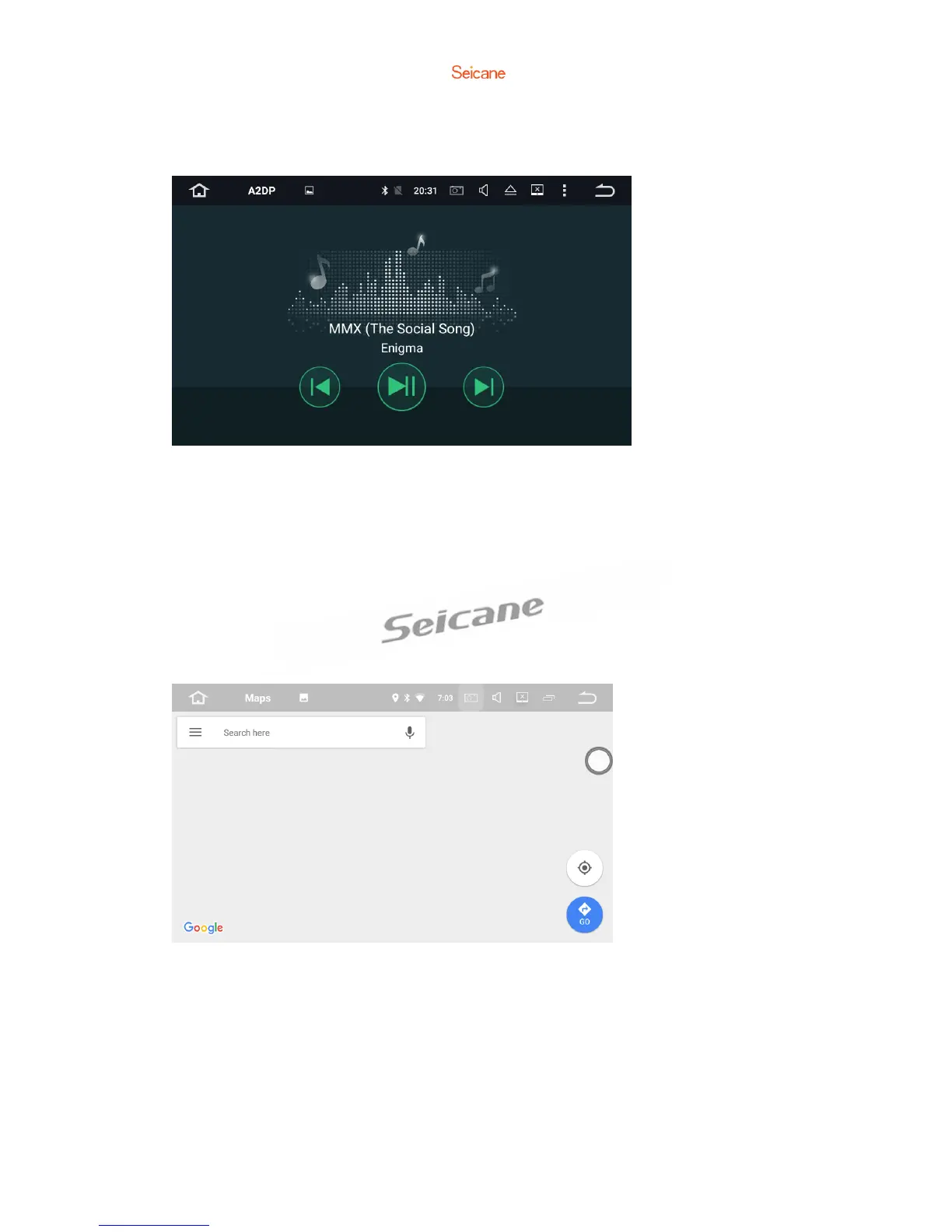
Bluetooth Music
After the Bluetooth connection is established, tap A2DP on the Home screen,
thenyou can play music stored in your Bluetooth device on this unit.
※ At first, you need to operate the music playback on your Bluetooth device, then
you can operate the Bluetooth music on this unit.
※ Please note that the unit may not support the Bluetooth music function when
some mobile phones are not quite compatible with the unit.
Navigation



 To Next Page