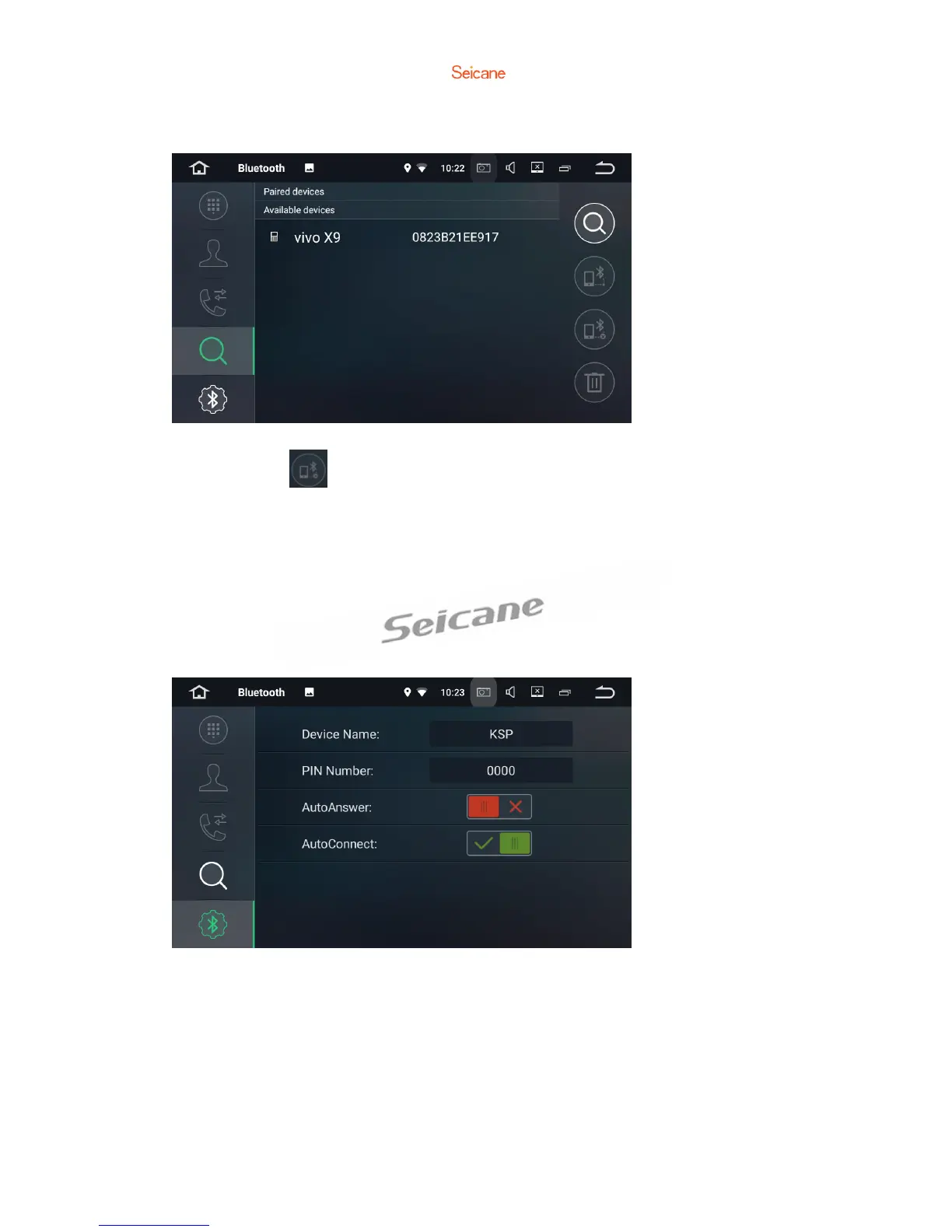
Devices List
Tap a device of the paired devices or on the available devices list, then tap to pair
the device. Tap to unpair the device.
Bluetooth Settings
1. You can change the Device Name of this unit. Tap KSP to enter a different name.
2. You can change the PIN Number( Bluetooth pairing password). The default
password is 0000. Enter another four digit number, then tap Done to set a new
password.
3. You can turn AutoAnswer/Autoconnect on or off.



 To Next Page