Google Play Store
Google Play brings together all your favorite movies, TV programs, books, music,
magazines, apps and more in one place.
If you purchased content on Google Play in the past, you will automatically have
access to this content on any Android device. Just make sure that you have signed in
using the same account that you used to purchased it.
Settings
1. Wireless &Networks
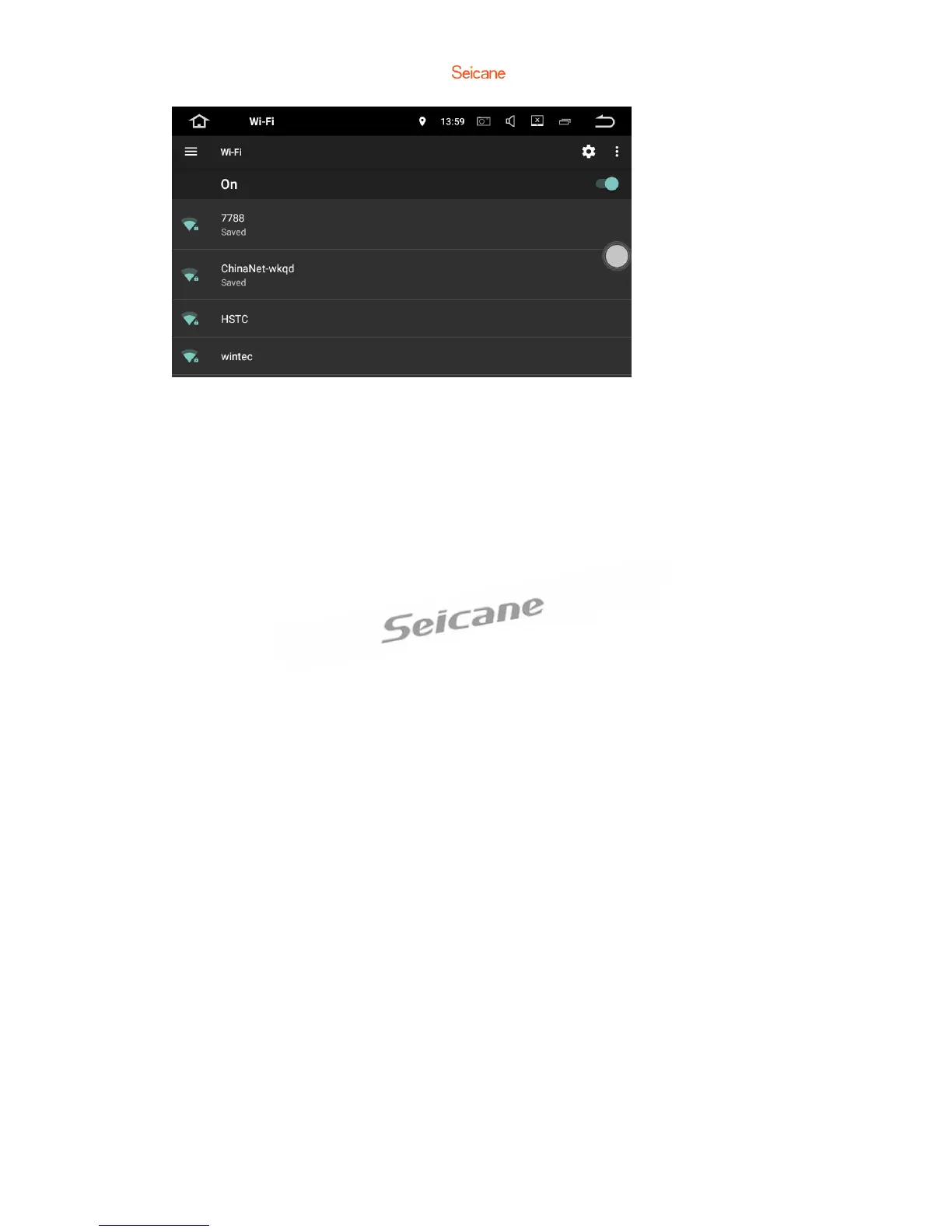
1.1 Wi-Fi
Turn Wi-Fi on or off.
Choose a network: Tap one of the listed networks, then enter the password if asked.
1.2 Bluetooth
a. You can change the Device Name or the PIN Number(Bluetooth paring password)
of this unit.
b. You can turn Auto Answer/Auto Connect on or off.
c. Tap a device on the Paired devices or on the Available devices list to pair or unpair
it.
1.3 More
You can set up Portable Wi-Fi hotspot or VPN.



 To Next Page