2.5 Elements
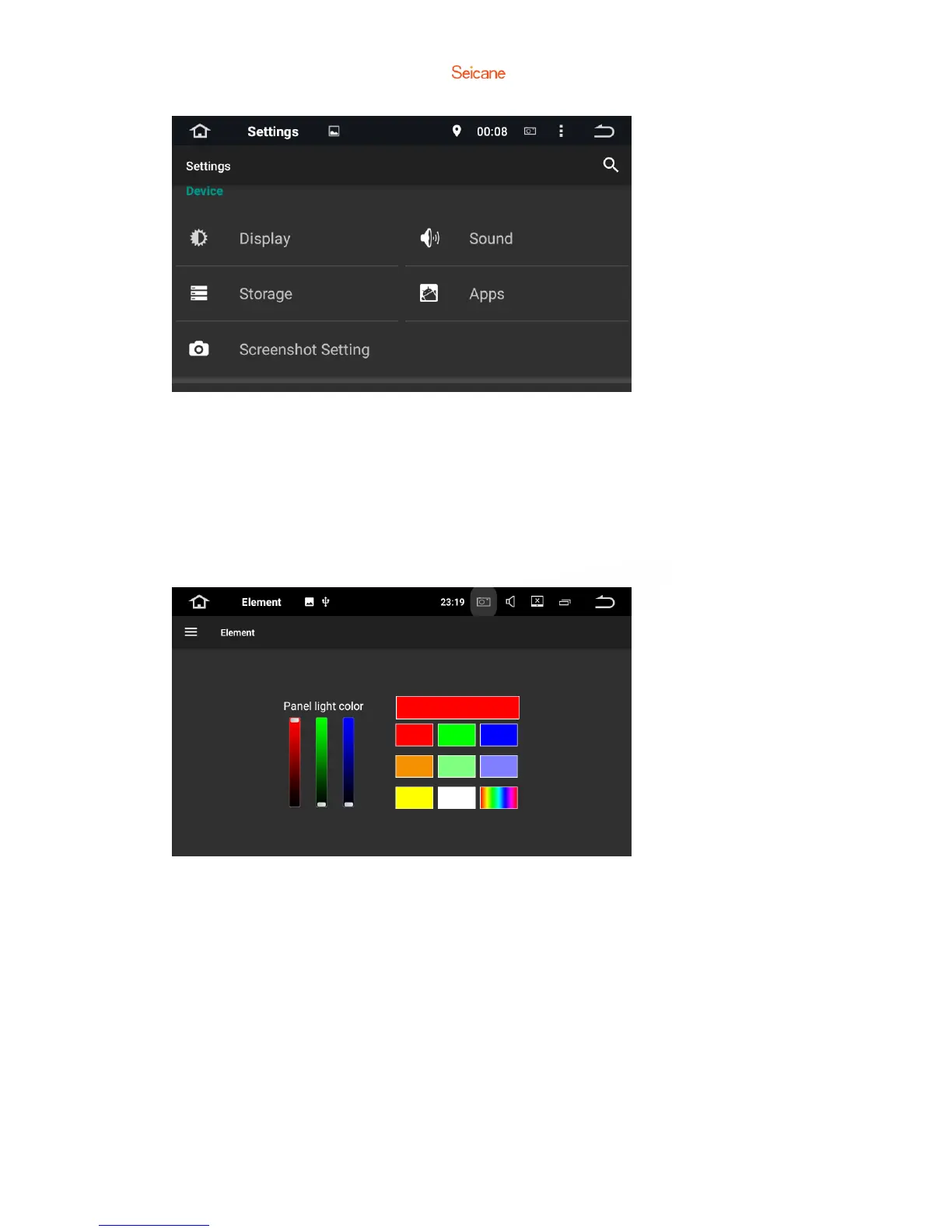
This enables you to change the illumination color of the buttons to your personal
preference. You can choose from a wide variety of colors. Drag the color bars of red,
green and blue to create a favorite color.
※ Please note the multi-colored button illumination features is not supported on all
models.
2.6 Screenshot settings
a. Select delay time to capture the screen.
Choose from 15 seconds, 30 seconds, 1 minute, 2 minute, 3 minutes, 4 minutes, and
5 minutes later.
b. Set the locations of screenshot storage.
Choose from Nand Flash, GPS Card, SD Card and USB Storage.
c. Show the screenshot button in the status bar.
Turn this on or off.



 To Next Page