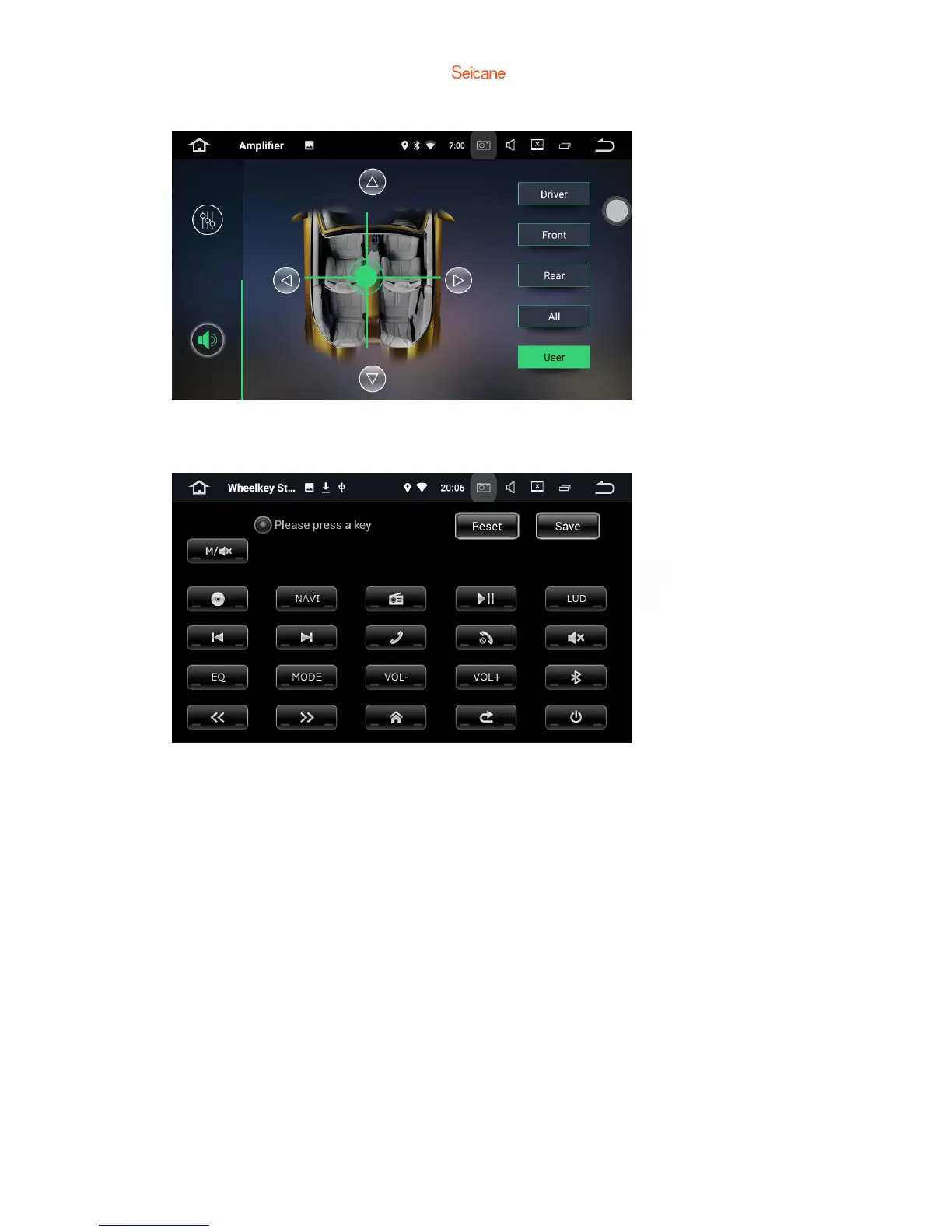
Choose from Driver, User, Front, Rear and All.
5.5 Steering wheel keys
This allows you to use the steering wheel control of your vehicle to control the unit.
Note: if your car has CAN BUS system, the SWC will be controlled by CAN BUS, and
you don’t need to set in this way.
5.6 Factory settings
You can click [Setting] and find [Factory settings], click it and enter the
password[126].For avoiding damage to the machine, the factory setting password is
only used for maintenance and necessary settings.



 To Next Page