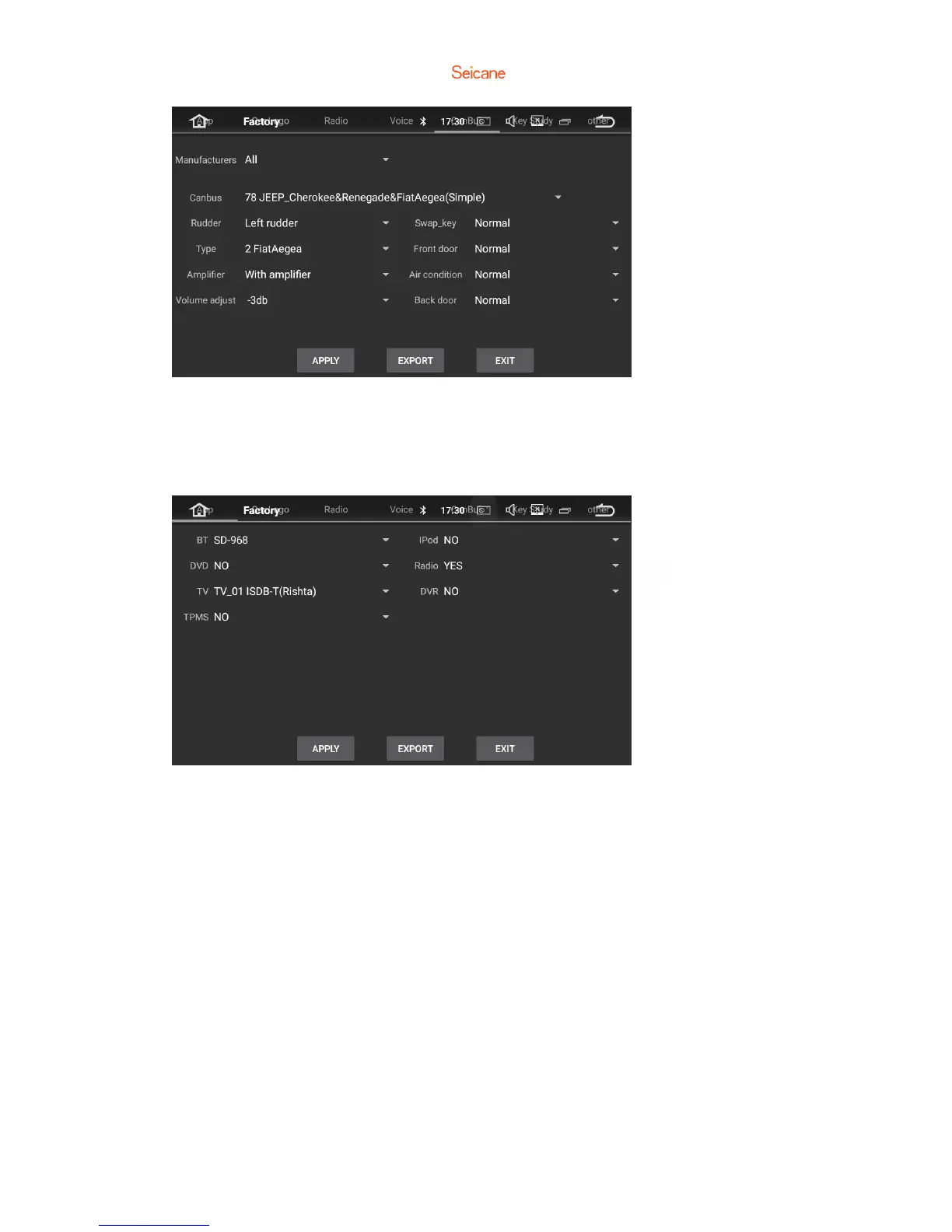
5.6.1 Application
Change the options for Bluetooth, DVD,TV and iPod.
5.6.2 Car logo
Select one of the preinstalled car manufacturer logos as your start up screen. You
can also select images imported from an SD memory card. You need to insert the SD
memory card into the GPS card slot. The image should be 800 x 480 pixels and the
image format should be JPEG.
5.6.3 Radio
Select an area for the radio.



 To Next Page