Selecting page length for fanfold paper
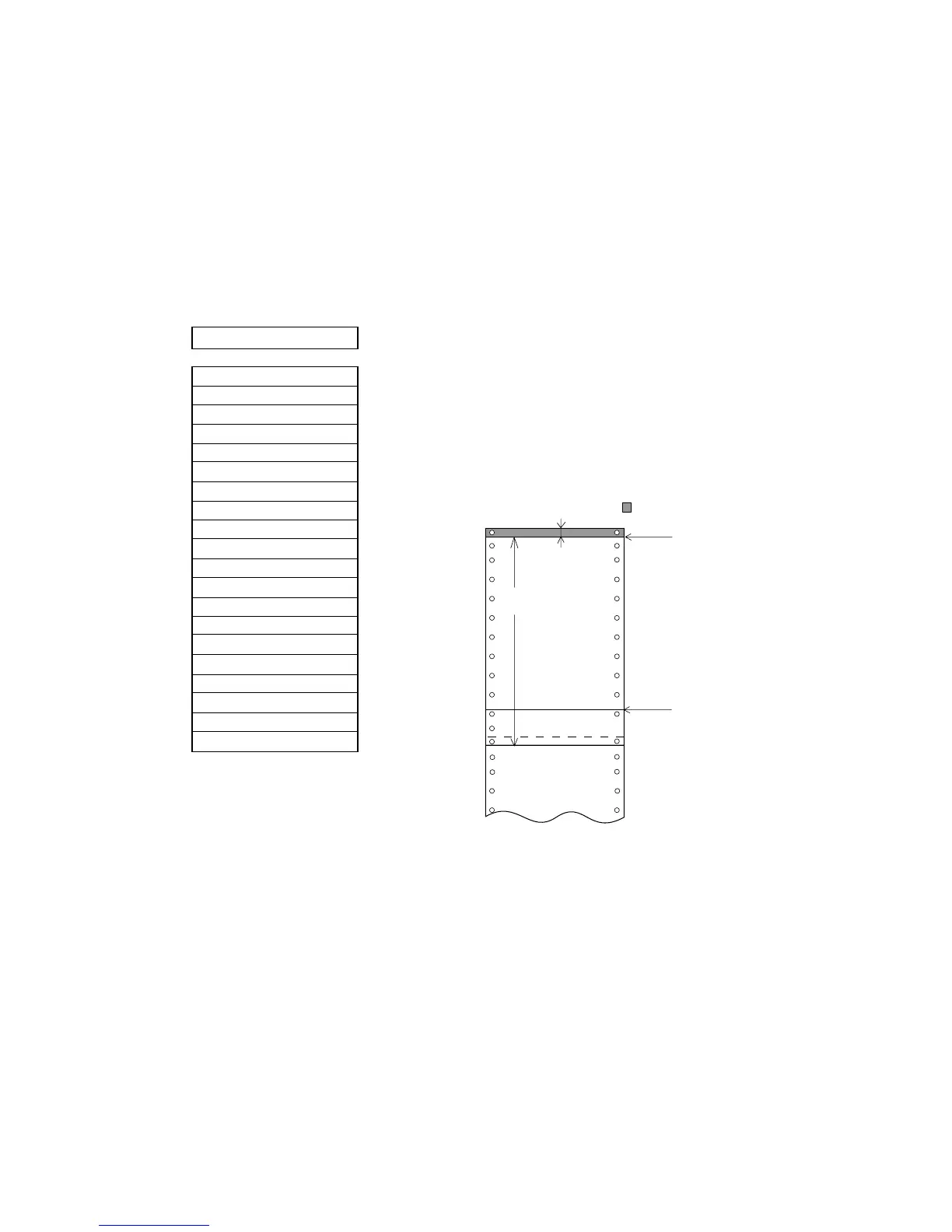
The page length selection varies`1` roughly from 2 inches to 22 inches according to the given
options.
When CODE is selected, the page length can be changed by a software command. When the
page length is other than CODE, it is a fixed length and a software command is ignored. The
page length is the same as the distance between two perforations.
3 PAGE FANFOLD
PAGE: CODE
PAGE: 2 INCH
PAGE: 2.5 INCH
PAGE: 3 INCH
PAGE: 4 INCH
PAGE: 4.5 INCH
PAGE: 5 INCH
PAGE: 5.5 INCH
PAGE: 7 INCH
PAGE: 8 INCH
PAGE: 8.5 INCH
PAGE: 10 INCH
PAGE: 11 INCH
PAGE: 12 INCH
PAGE: 14 INCH
PAGE: 15 INCH
PAGE: 16 INCH
PAGE: 16.5 IN
PAGE: 17 INCH
PAGE: 22 INCH
.................... Default page length is 11 inches.
The default page length can be set to 12 inches at
"8.DEFAULT PG LNG" in the extended setup
options on page 38.


 To Next Page