Communication protocol (serial interface)
This function selects the appropriate communications protocol. Refer to the specification of
your host system for selecting proper communication protocol.
Note: The XON/XOFF 1 differs from the XON/XOFF 2 in that the XON code (11h) is sent
from the printer at power-on in the XON/XOFF 1 protocol.
Communication speed (serial interface)
This function selects the appropriate baud rate for the data transmission speed.
Serial error check (serial interface)
This function selects the printer's response to a serial data transmission error. The serial data
transmission error includes a parity error, framing error, and over-run error. If "PRINT" is
enabled, the data in error is printed as an asterisk(*). If "IGNORED" is enabled, the data in
error is discarded.
48
5. Extended setup options (34-36)
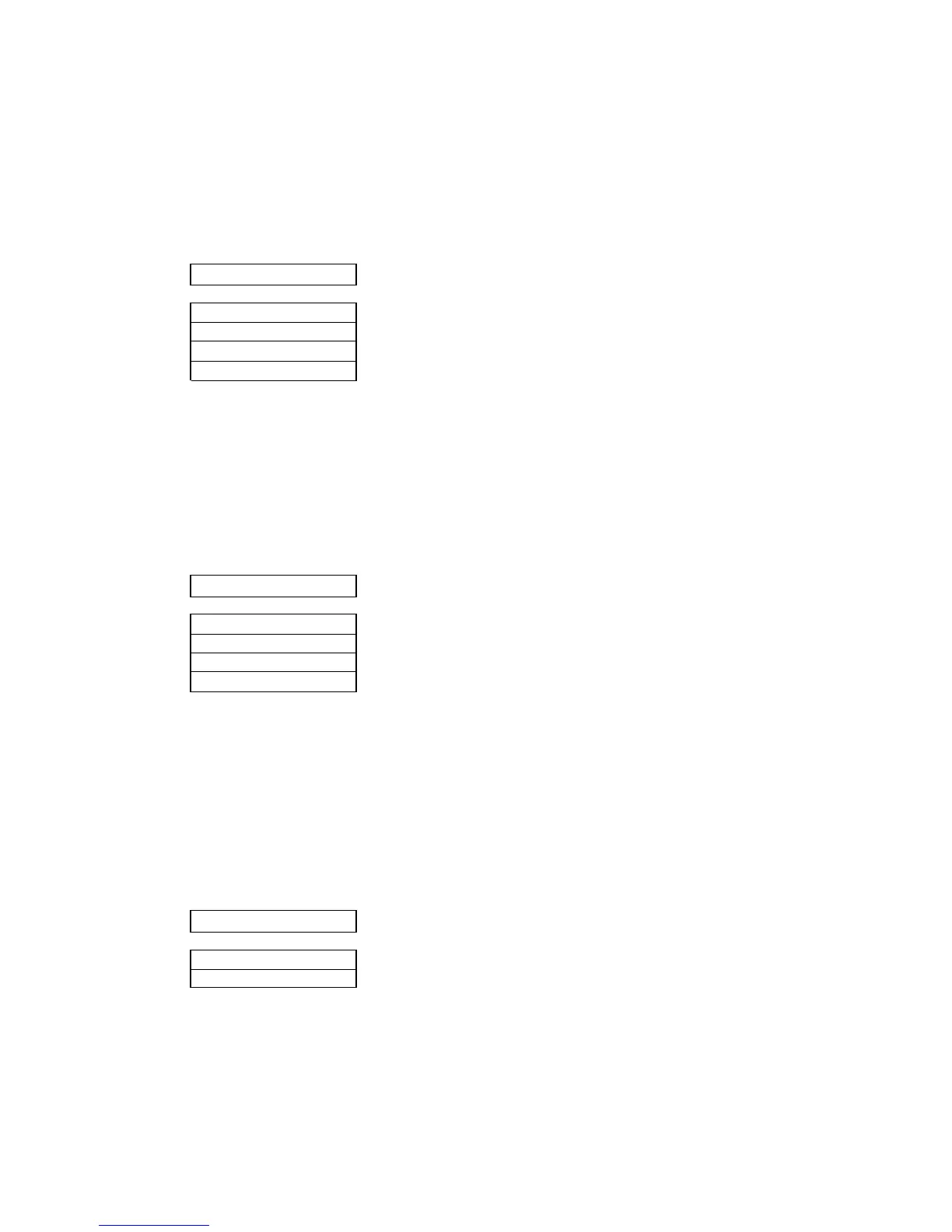
36 SERIAL ERROR
S.ERROR: PRINT
S.ERROR:IGNORED
35 BAUD RT
SPEED: 9600 BPS
SPEED: 4800 BPS
SPEED: 2400 BPS
SPEED: 1200 BPS
34 PROTOCOL
DTR
XON/OFF1
XON/OFF2
ETX/ACK
.................... Busy/Ready protocol
.................... Set XON/XOFF 1.
.................... Set XON/XOFF 2.


 To Next Page