To make your first print, follow the procedure below . For more detailed instructions on setting your
printer, please refer to the page indicated.
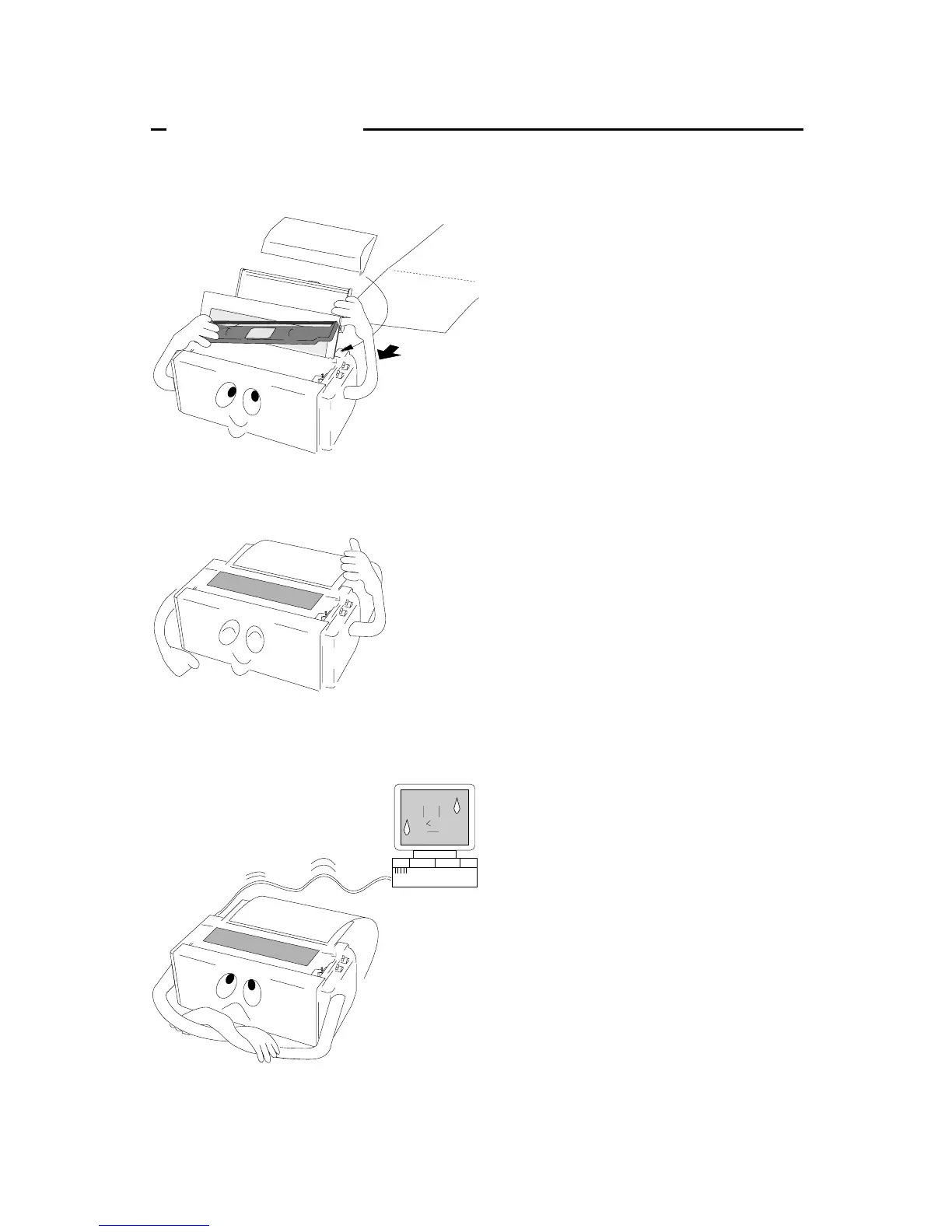
❏ To set up the printer
1. Install the paper rack, the sound seal cover,
and the ribbon cassette — Pages 10 and 11.
2. Load the single cut sheet paper or fanfold
paper. Press the FF key to load the paper —
Pages 13 and 14.
❏ To make a test print
1. Set the paper size to the printer in the setup
options — Pages 28 and 29.
2. Press the LF key and hold while initializing
the printer by the RESET key. Hold the LF
key until the self test starts — Page 21.
❏ To connect your computer
1. With all equipment turned off, connect the
printer to your computer. Interface cable is
purchased separately — Page 12.
2. Use the extended setup options (emulation
type and communication enhancement
section) to match the specification needs
between the printer and your computer —
Pages 47 to 50.
3. Select the printer driver from your
application software — Pages 40 and 54.
2
Quick startup
Quick startup


 To Next Page