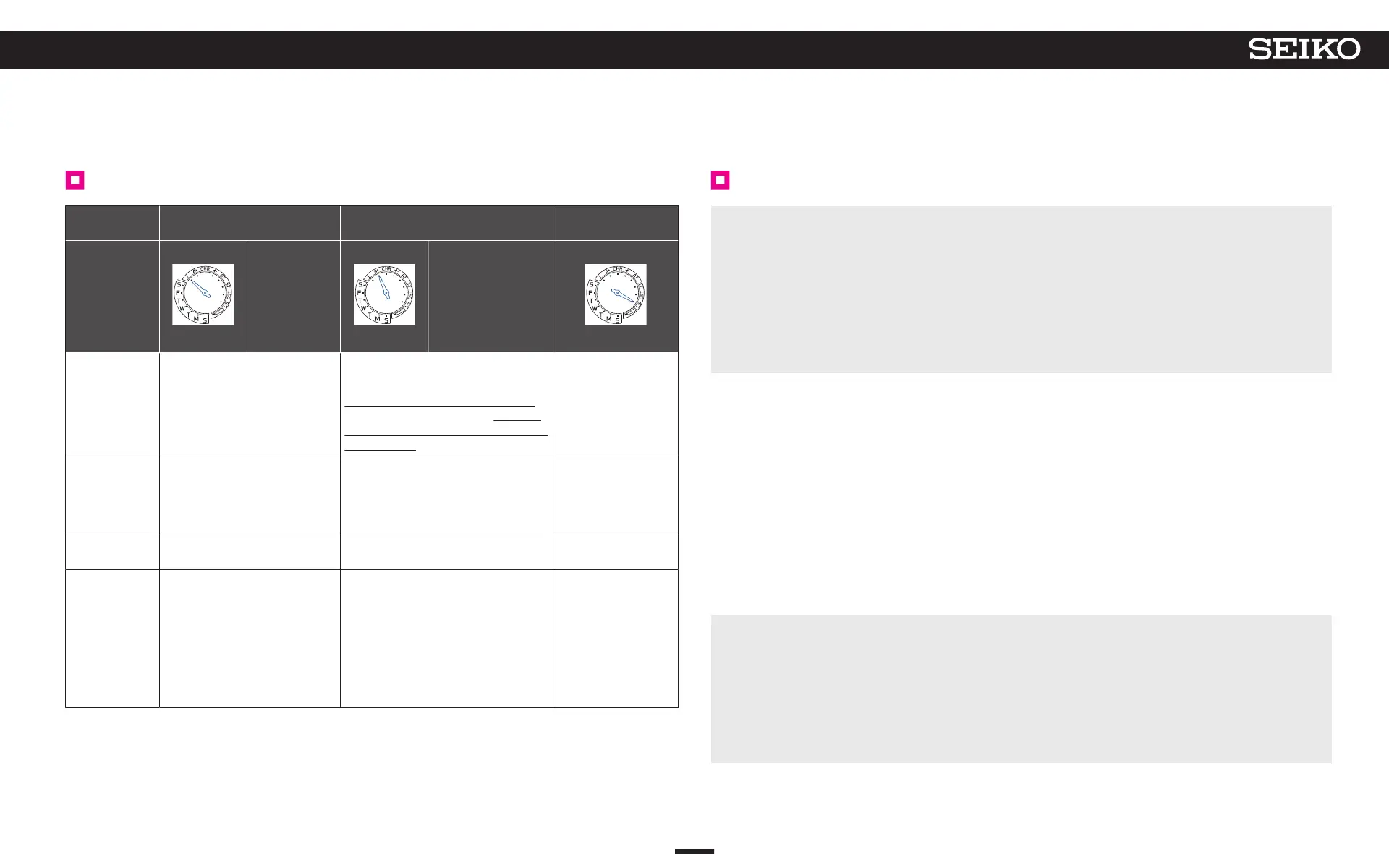
List of GPS signal reception methods (characteristics of all three types)
Reception
method
Time adjustment Time zone adjustment
Leap second data
reception
Display
How to
manually
adjust the time
→ P. 23
Automatic time
adjustment
→ P. 31
How to adjust the
time zone
→ P. 21
Features
Time adjustment
Precise current time of the set time
zone is displayed
Time zone identification and
time adjustment
Time zone where you are is identified,
and the precise current time, reflecting
the addition conditions of DST (Daylight
Saving Time), is displayed
Leap second
reception
Ready for leap second
data reception and
receiving Leap second
data → P. 33
Number of
acquired
satellites
necessary for
reception
One unit (to obtain only time
information)
Basically more than 4 units (to obtain
time information and time zone
information)
-
Time taken for
reception
3 seconds to 1 minute 30 seconds to 2 minutes
30 seconds to
18 minutes
What kind of
situation
To set the watch to the precise time
while it is used in the same time
zone
When the watch is used in a different time
zone
This is performed
automatically after
GPS signal reception
(automatic time
adjustment, manual
time adjustment, or
time zone adjustment)
on or after June 1st and
December 1st.
GPS signal reception Q & A
Q : When the watch is moved to a different time zone, does the watch automatically display the
local time?
A
: The watch does not automatically display the local time just by changing location.
If you are in a place where GPS signals can be easily received, adjust the time zone. The
watch automatically displays the local time.
When you are in a place where GPS signals cannot be received, manually set the time zone.
→ Manual time zone setting P. 25
The watch can be set to all time zones around the world.
Q : Is DST (Daylight Saving Time) automatically changed by receiving GPS signals?
A : The settings for DST (Daylight Saving Time) are done automatically by doing a time zone
adjustment.
The time automatically switches to adjust for the adoption and duration of DST (Daylight
Saving Time) for regions that follow DST (Daylight Saving Time).
“Normal time” always appears for regions that do not adopt DST (Daylight Saving Time).
Manually switch the DST (Daylight Saving Time) setting if you have moved to a place that
adopts different DST (Daylight Saving Time) details, even if the area is the same time zone.
→ Set DST (Daylight Saving Time) P. 26
Even in the same time zone, some countries and regions do not adopt DST (Daylight Saving
Time).
→ Time zone display and list of time zones around the world P. 13
Q : Is it necessary to carry out special operation for years in which a leap second is added?
A :
No special operation is necessary.
Since the watch receives leap second data at the same time of receiving GPS signals
(automatic time adjustment, manual time adjustment, or time zone adjustment) on or after
June 1st and December 1st, a leap second is automatically added by periodically receiving
GPS signals. For details, refer to “Leap second (Automatic leap second reception
function)” P. 33.
19
4
BASIC OPERATION (HOW TO SET THE TIME/HOW TO RECEIVE GPS SIGNALS, ETC.)
5X83 GPS SOLAR



 To Next Page