Points to be checked
●Reception was
successful (the reception result is displayed as “Y”), but
time has been gained or lost.
• Check the time zone setting.
→ Check the time zone and DST (Daylight Saving Time) settings P. 27
If
the currently set time zone does not correspond to the region where you are, set the time zone
by either of the following operations.
Place where GPS signals can be easily received → How to adjust the time zone P. 22
Place where GPS signals cannot be received → How to manually set the time zone P. 25
• Check DST (Daylight Saving Time) setting.
→ Check the time zone and DST (Daylight Saving Time) settings P. 27
If DST (Daylight Saving Time) setting does not correspond to the addition conditions of DST
(Daylight Saving Time) of the region where you are, set DST (Daylight Saving Time) with
reference to “Turn ON DST (Daylight Saving Time)” P. 26.
• Automatic time adjustment may not get activated for a few days.
→ Automatic time adjustment P. 31
The automatic time adjustment function is unlikely to be activated due to low energy stored in
the watch or depending on the environment.
To immediately adjust the time, refer to “How to adjust the time zone” P. 22.
Preliminary position
When the watch is unable to display the precise time or date, or the stopwatch 1/20-second
hand or multi-function indicator hand does not point to the correct position even when it
has successfully received GPS signals, the preliminary position may be misaligned.
The preliminary position is misaligned due to the following reasons.
Strong impact such as dropping or hitting
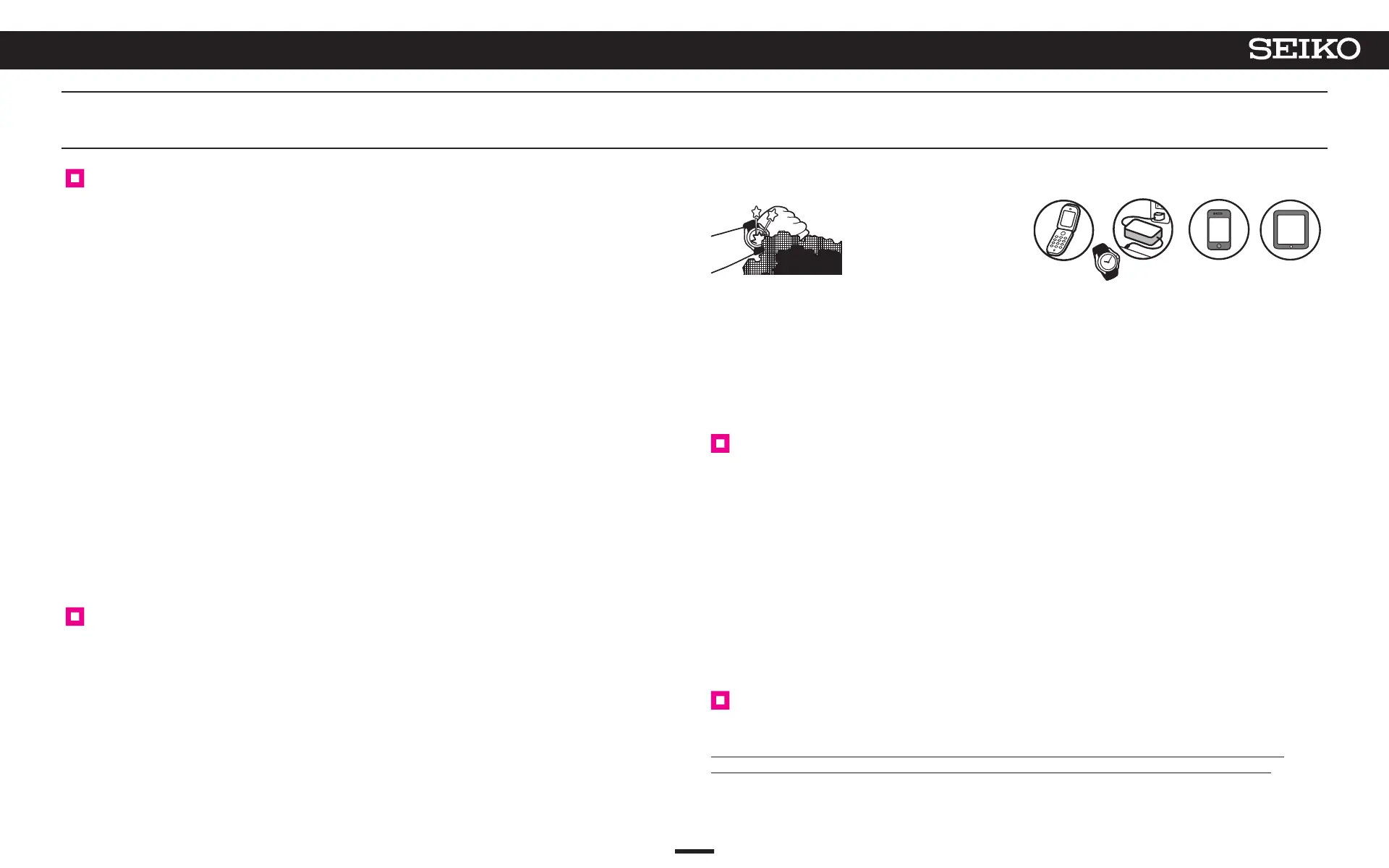
Things around you which generate magnetism
→ Examples of common magnetic products
that may affect watches P. 41
When
comparing the state of “Misaligned Preliminary Hand Position” to that of a weight scale, it is
like “a scale which is unable to display the correct weight because its needle is not set to the zero
position before weighing.”
Setting the preliminary position of the hour, minute, and seconds hands
(automatic hand position alignment function)
The “automatic hand position alignment function” automatically adjusts the hour, minute, and
seconds hands when the preliminary positions are incorrect.
The
automatic
hand position alignment function acts once per 12 hours for the hour hand (at noon
and midnight), once per hour for the minute hand, and once per 10 minutes for the seconds hand.
* This
function works when the preliminary hand position is misaligned due to external factors such as strong impact
or magnetic influence.
It
does not work to adjust accuracy of the watch or slight misalignment which may occur during the manufacturing
process.
* The preliminary positions of the hour and minute hands can be adjusted manually.
→ Setting the preliminary position of the sub-dial, stopwatch 1/20-second hand, multi-function indicator hand, date,
and hour/minute hands P. 52
Setting the preliminary position of the sub-dial, stopwatch 1/20-second
hand, multi-function indicator hand, or date
Since the preliminary positions of the sub-dial, stopwatch 1/20-second hand, multi-function
indicator hand, and date are not automatically adjusted, they must be adjusted manually.
→ Setting the preliminary position of the sub-dial, stopwatch 1/20-second hand, multi-function
indicator hand, date, and hour/minute hands P. 52
When the sub-dial, stopwatch 1/20-second hand, multi-function indicator hand, date, or hour/minute/seconds hand
position is misaligned
51
7
TROUBLESHOOTING
5X83 GPS SOLAR



 To Next Page