How to adjust the time zone
1
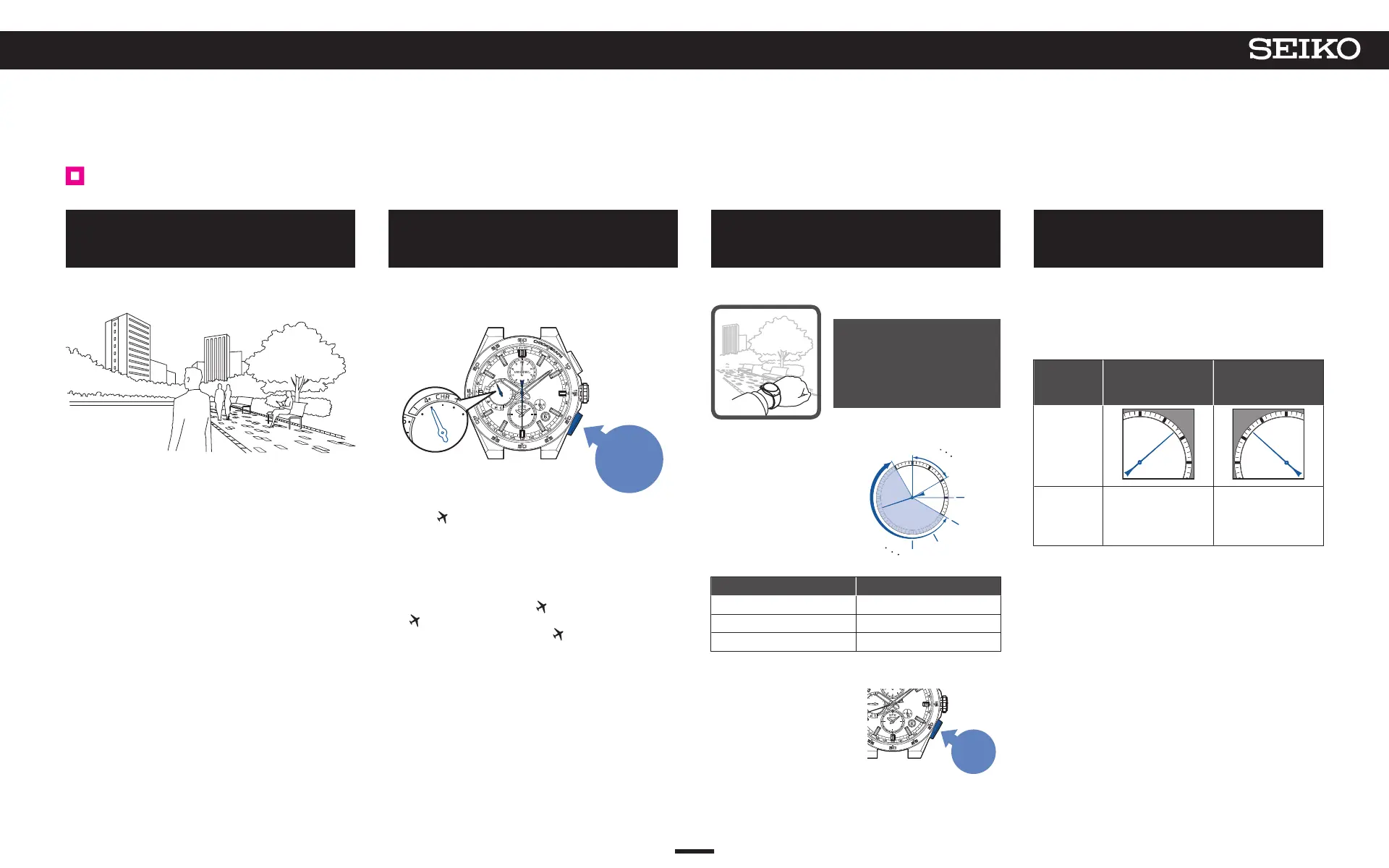
Go to a place where GPS signals can
be easily received
Move to the outdoors under an open sky with good
visibility.
→ Place where GPS signals can be easily received/
Place where
GPS signals cannot be received P. 18
2
Continue to press Button B (3 seconds),
and then release it when the seconds
hand moves to the 30-second position
When the seconds hand has reached the 30-second
position, reception is started.
The multi-function indicator hand points to “4+”.
Press for
3 seconds
* While the multi-function indicator hand points to
“low,” or “CHR”, reception is not started even with
operation for reception.
*
When the hand points to “low,” charge the watch by
exposure to light.
→ Check the charging status P. 14
→ How to charge the watch P. 16
* When the hand points to
, reset the in-flight mode
( ).
→ Reset the in-flight mode ( ). P. 32
*
When the hand points to “CHR”, turn off the
stopwatch mode
→ Turning off stopwatch mode P. 36
3
Direct the watch face upward and
wait
* Please note that it may be difficult to receive GPS
signals while you are in motion.
It takes a maximum of
2 minutes to complete
reception.
* It depends on the
receiving conditions.
< Display during reception (= satellites acquisition status) >
The seconds hand
indicates ease of receiving
(= number of GPS satellites
from which GPS signals are
received).
* The larger the number of
acquired satellites there
are, the easier it is to
receive GPS signals.
Number of satellites Ease of reception
4 units or more Easy to receive
3 units May receive
0-2 units Cannot receive
* Even when the hand points to 4 units or more,
reception may not be allowed.
* To cancel the reception,
press Button B.
Press
Button B
0 units
2 units
3 units
4 units
5 units
6 units
4
When the seconds hand points to
“Y” or “N”, reception is completed
The reception result is displayed for 5 seconds.
If reception is successful, the time and date are
adjusted.
The settings for the time zone and DST (Daylight
Saving Time) are reflected in the time that appears.
Reception
result
display
Y: Successful
(8-second
position)
N: Failed
(52-second
position)
Display
State
Use the watch as it
is.
When the
reception result is
displayed as “N”
→
P. 18
Check that the reception is successful after the watch
returns to the time display mode.
→ Check that reception was successful (reception
result display) P. 20
* The buttons cannot be operated while the hour and
minute hands, multi-function indicator hand, or sub-
dial is moving.
22
4
BASIC OPERATION (HOW TO SET THE TIME/HOW TO RECEIVE GPS SIGNALS, ETC.)
5X83 GPS SOLAR



 To Next Page