• When the region or
time zone where
the watch is used
is changed
• To set only the
time
1. Check the place where GPS signals can be
easily received
→ Place where GPS signals can be easily received/Place
where GPS signals cannot be received P.
18
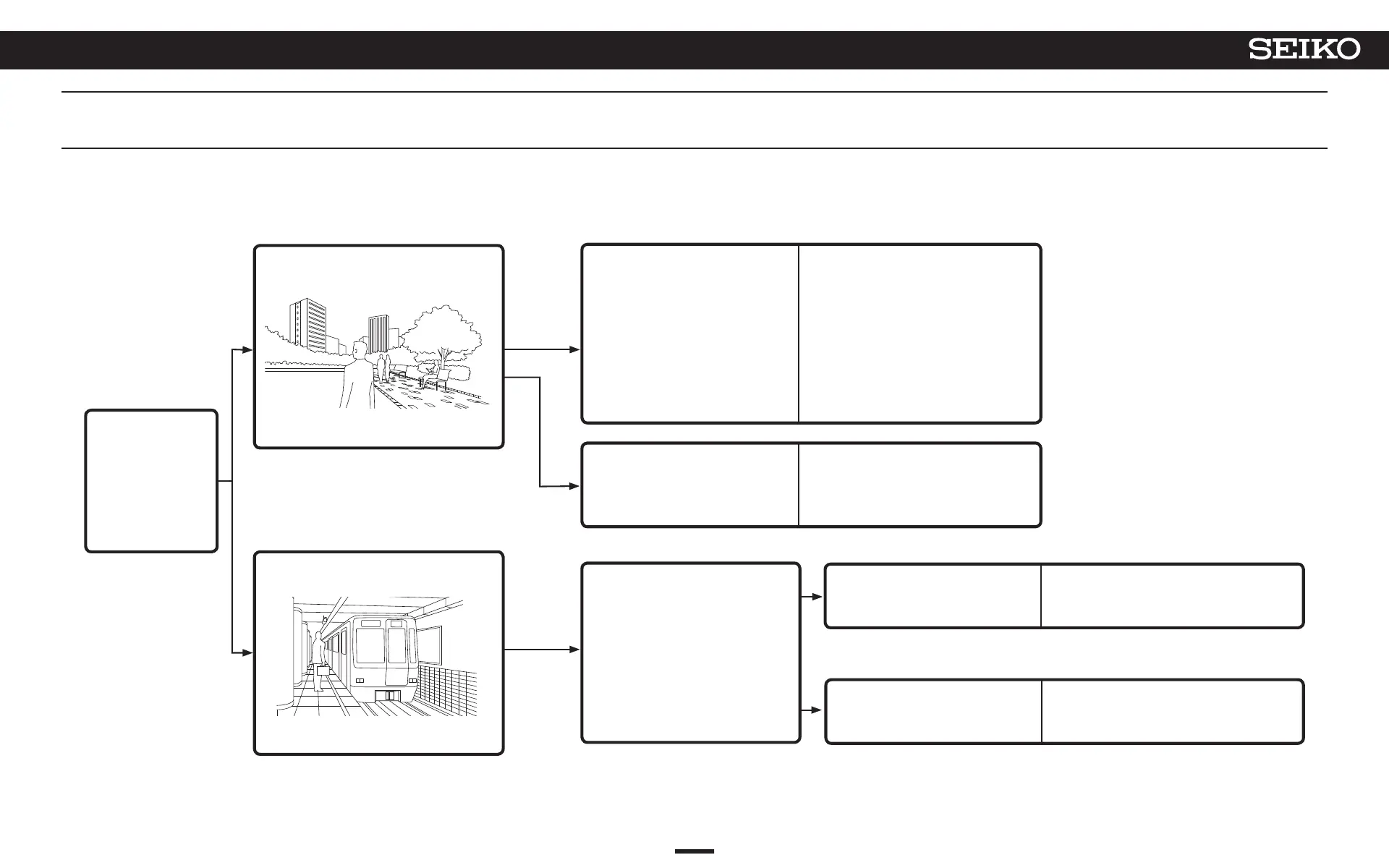
Place where GPS signals can be
easily received
Outdoors under an open sky with good
visibility
Place where GPS signals cannot be
received
Example: Within a subway station
2. Set the time zone and set the time and date
< Setting by GPS signal reception >
Receive GPS signals, set the
time zone and set the time
and date
* The time includes DST
(Daylight Saving Time) due to
the time zone adjustment.
→ How to adjust the time
zone P. 22
Set only the time
→ How to manually adjust the
time P. 24
< Manual setting >
→ Check the time zone and DST
(Daylight Saving Time) settings
P. 27
Time zone setting is not correct
→ How to manually set the time zone
P. 25
Time zone setting is correct
→ How to manually set the time P. 50
Basic operation flow
17
4
BASIC OPERATION (HOW TO SET THE TIME/HOW TO RECEIVE GPS SIGNALS, ETC.)
5X83 GPS SOLAR



 To Next Page