(11)Mechanismofaltitudemeasurement
・Thisproduct adoptsa methodtoestimate altitudeusingthe relationshipbetween altitudeand
atmosphericpressureof theInternationalStandardAtmosphere specifiedbythe InternationalCivil
AviationOrganization.
・Usingareferencealtitudesetataplacewherethecorrectaltitudeisknowninadvance,thewatch
measuresthe differenceinaltitude basedonthe changeinatmospheric pressurefromthere and
displaytheresultasthecurrentaltitude.
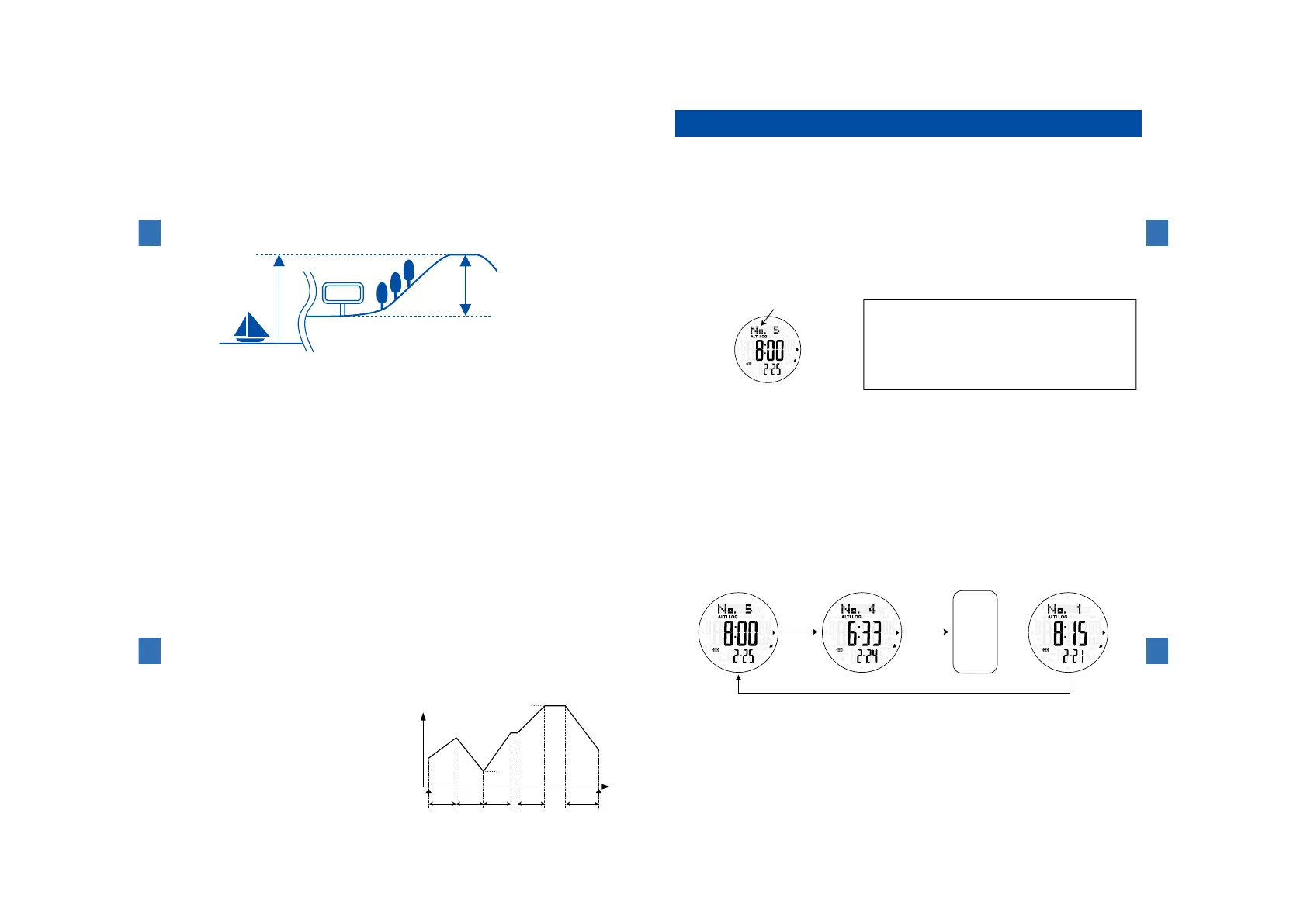
Inthe illustrationbelow,the altitudeiscorrectedat astartingpoint foratrail etc.(200m).Then,
thedifference inaltitude(400 m)generatedby movementismeasured andis combined withthe
correctedvalue,andthenthealtitude(600m)aftermovementisdisplayed.
・Becausea changein atmosphericpressureis convertedinto altitude,displayof thealtitudealso
changeswhenatmosphericpressurechangesevenwhenaltitudeismeasuredatthesameposition.
【CAUTION】Correctmeasurementscannotbemadeunderthefollowingconditions.
・Whenatmosphericpressurechangesdependingonweathercondition
・Whenatmospherictemperaturesignificantlychanges
・Whenthisproductreceivesastrongimpact
200m
(Currentaltitude=Correctedvalue+Measuredvalue)
Correction
600m
Indicatoretc.
Seasurface
Measurement
(400m)
Abovesealevel
Sensorfunctions
4
122
Howtousethealtituderecord(ALTI-LOG)recallmode
Inthealtitude recordrecallmode,the data recordedwiththe data recording
(REC)functionofthealtimeter(ALTI)modecanberecalled.
※Thecurrentlyrecordingdatacanbecheckedinthealtimeter(ALTI)mode.→Page117
・Totalof15timesofdatacanbesaved.
・If newdata arerecordedusingthedata recording(REC) functionwhen 15data are
alreadyrecorded,thendatawillbedeletedinchronologicalorderstartingfromtheoldest.
※Makeabackupcopyofyourrecordbywritingdowntherecordedcontentinnotebook.
(1)Buttonsandfunctions
・Press ButtonⒶtoswitchto thealtituderecord (ALTI-LOG)recallmode. After"LOG"
appearsatthetoprowofthedisplay,thelatestlognumberamongthestoreddatais
shown.
ButtonⒸ
ButtonⒷ
ButtonⒶ
ButtonⒹ
Lognumber(No.1to15)
ButtonⒺ
ButtonⒻ
ButtonⒶ:
Toswitchtothebarometer/thermometermode
ButtonⒷ
(Pressandhold):Todeleteallthealtitudedata
ButtonⒸ:Toswitchtothetime/calendarmode
ButtonⒹ:Toturnonthebuilt-inilluminatinglight
ButtonⒺ:Todisplaythemountaineeringdata
ButtonⒻ:Tomoveforwardthelognumber
Sensorfunctions
4
123
Aboutrecordeddata
■Measureddateandtimerequired
・Lognumberatthetoprow,timerequiredatthemiddlerowandmeasureddateatthebottomrow
aredisplayed.
※Dataof 15timescanbe recorded. Fromthe16thdataonward,theexistingdata are overwritten in
chronologicalorderstartingfromtheoldest,andtheLognumberismoveduponebyone.(Example:No.15→
No.14)
■Averageclimbingspeed(Ascending/Descending)
・Averagevalueofclimbingspeedinascendingzone(zonewhereclimbingspeedindicatedascending)
ordescendingzone(zonewhereclimbingspeedindicateddescending)duringdatarecording
Example:Averagevalueofclimbingspeedinzone1,zone3andzone4inthediagramincaseofascending
Averagevalueofclimbingspeedinzone2andzone5inthediagramincaseofdescending
・Thedatawhenyouarerestingorwalkingonflatgroundareexcluded.
■Accumulatedaltitude(Ascending/Descending)
・Totalvalueofascendingordescendingaltitudeduringdatarecording
Example:Totalvalueofascendingaltitudeinzone1,zone3andzone4inthediagramincaseofascending
Totalvalu
eofdescendingaltitudeinzone2andzone5inthediagramincaseofdescending
■
Altitudewhen datarecordingstarts, and
altitudewhendatarecordingends
・Altitude(① inthediagram)and thetimewhen
datarecordingstartsand altitude(④ inthe
diagram)andthetimewhendatarecordingends.
■Consumedenergy
・Consumedenergyduringdatarecording
■Maximumaltitude,minimumaltitude
・Maximumaltitude(③ inthediagram)and the
time,andminimumaltitude(②inthediagram)and
thetimeduringdatarecording
[Altitude]
[Time]
Zone1 Zone2 Zone3 Zone4 Zone5
①
④
③
②
RECON
RECOFF
Sensorfunctions
4
124
(2)Howtocheckdata
①First,selectthelognumberyouwanttocheck.
②Whenthemodeisswitchedtothealtituderecordrecallmode,thelatestlognumberis
displayed.OlderdataisdisplayedonebyoneeverytimetheButtonⒻispressed.
Further
one
older
data
…
ⒻⒻ
ⒻⒻ Ⓕ
Ⓕ
※Ifnewdataarerecordedwhendataof15timesarealreadyrecorded,thelatestdata
isrecordedasdataNo.15andthelognumberoftheprecedingdataisautomatically
moveduponebyone.(Example:No.15→No.14)
Sensorfunctions
4
125



 To Next Page