-13-
5. Operation
5-A Preparation
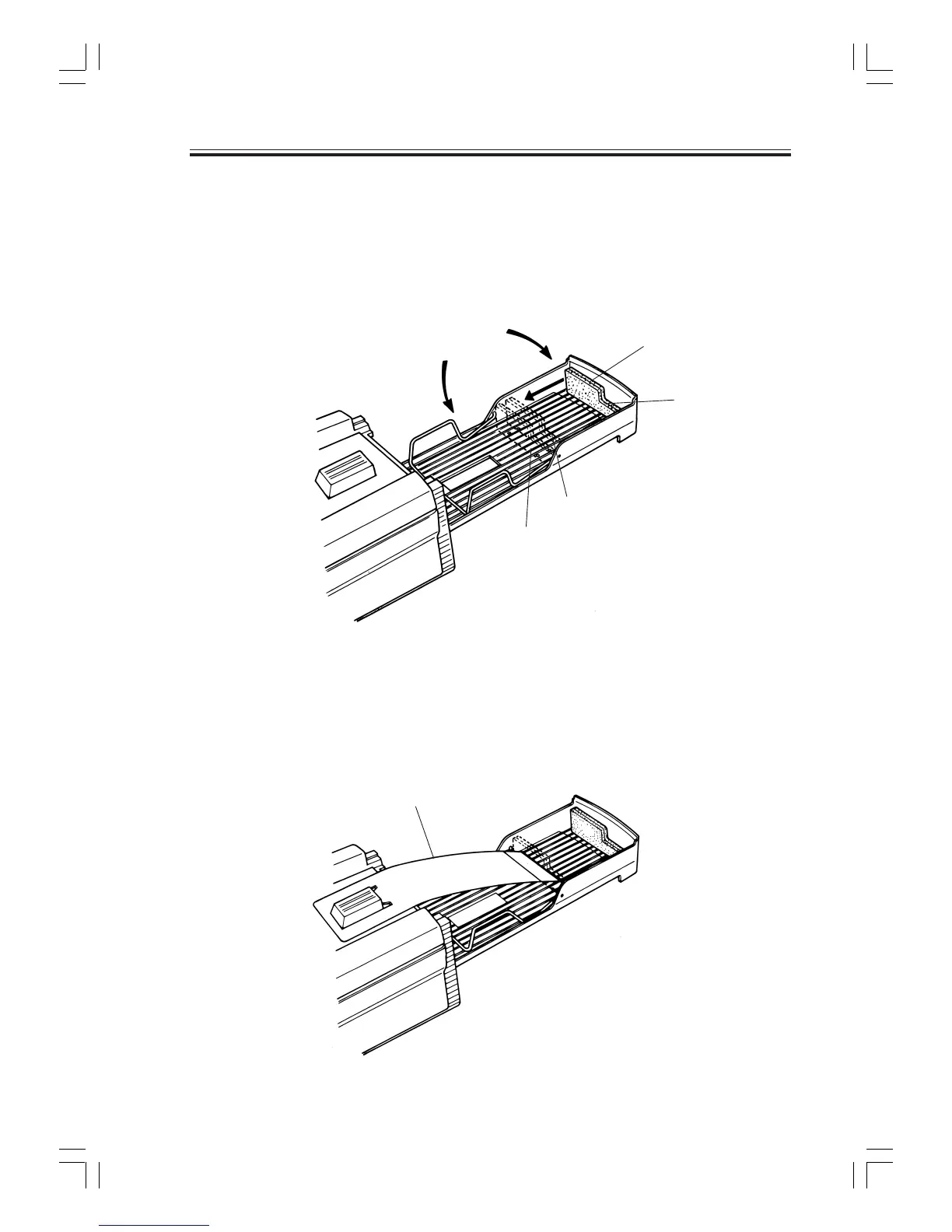
Install the device and open the stacker. Set the card stopper at an appropriate position for the card
size to be used and raise the side guard at the specified position. (Make sure that the card stopper has
not been set inside out.)
During this operation, be careful not to allow bright light to directly enter the card ejector or hopper.
Open the stacker.
Raise the side guard.
Card stopper and card size
PositionA:Long-sizedcard
PositionB:Standard-sizedcard
PositionC:Postcard-sizedcard
Stopper plate
When using long-sized cards it is recommended to use the stopper plate so as to prevent paper from
coming out of the stacker.
Setting method: Engage the angled hole on the stopper plate with the protrusion at the center of the
top cover and firmly set it so that it is not disengaged even after you take off the hands.
(Be careful that the front and rear surfaces are set properly.)
A
C
B
5.Operation
Set thecardstopper
likethis.



 To Next Page