SP PRO Configuration
The Site Configuration Wizard is used to create the configuration for the Powerchain system. All
communications and system configuration are carried out by connecting to the System Manager (L1).
Once the system is configured, communications to other SP PROs in the Powerchain system is via the
System Manager. The data communications ports on the other SP PROs are disabled.
1. Make sure the USB lead is connected between the System Manager and PC.
2. Make sure the DC power is present at all of the SP PROs.
Wait until the front panel LEDs are stable.
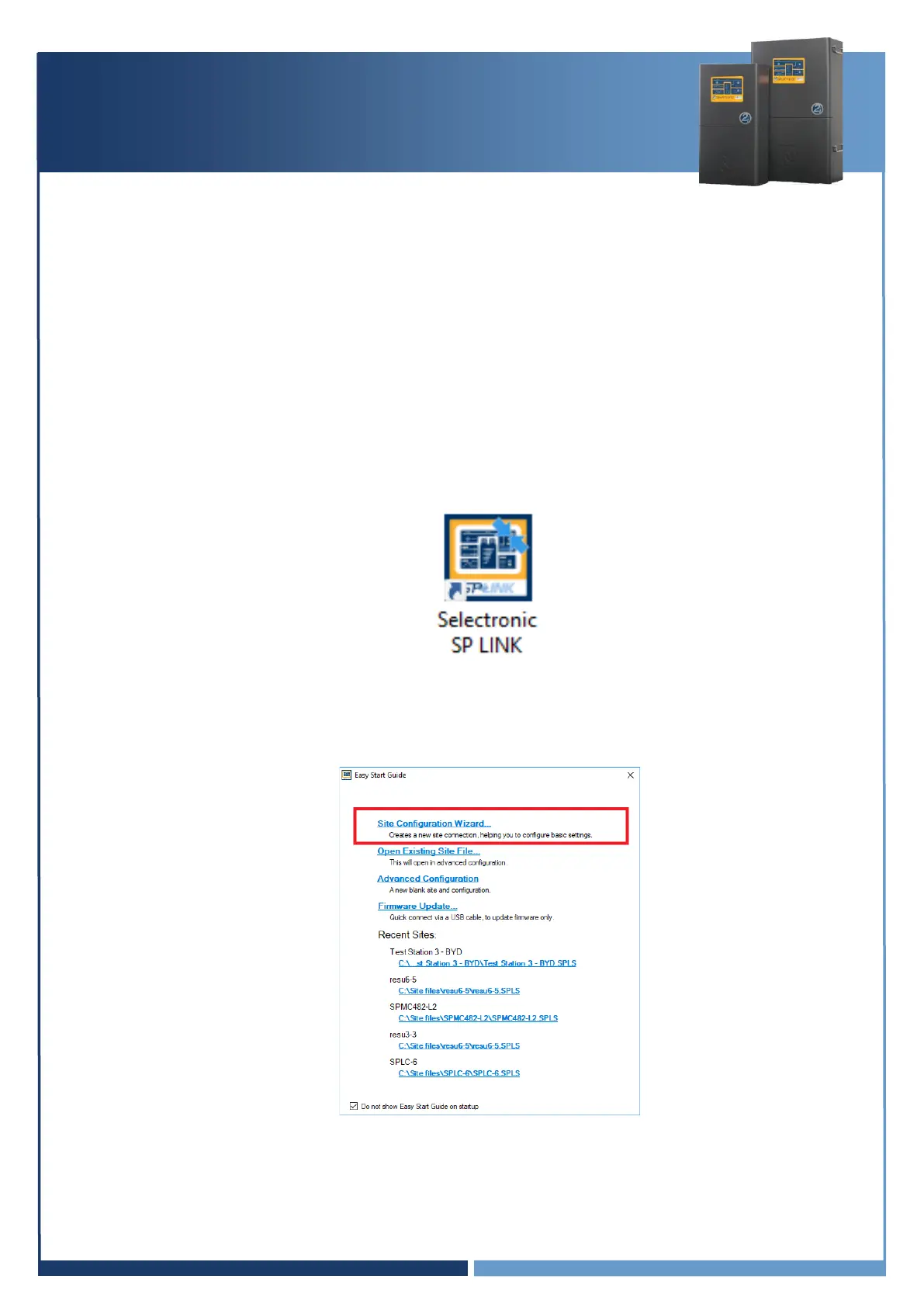
3. Start Selectronic SP LINK.
4. Select “Site Configuration Wizard” and step though the wizard to setup the system to suite the
Powerchain system application.
Hint: For information on how to use the “Site Configuration Wizard”, right click on the page in
SP LINK and a help guide will appear.



 To Next Page