16
508.366.1488 | www.semshred.com
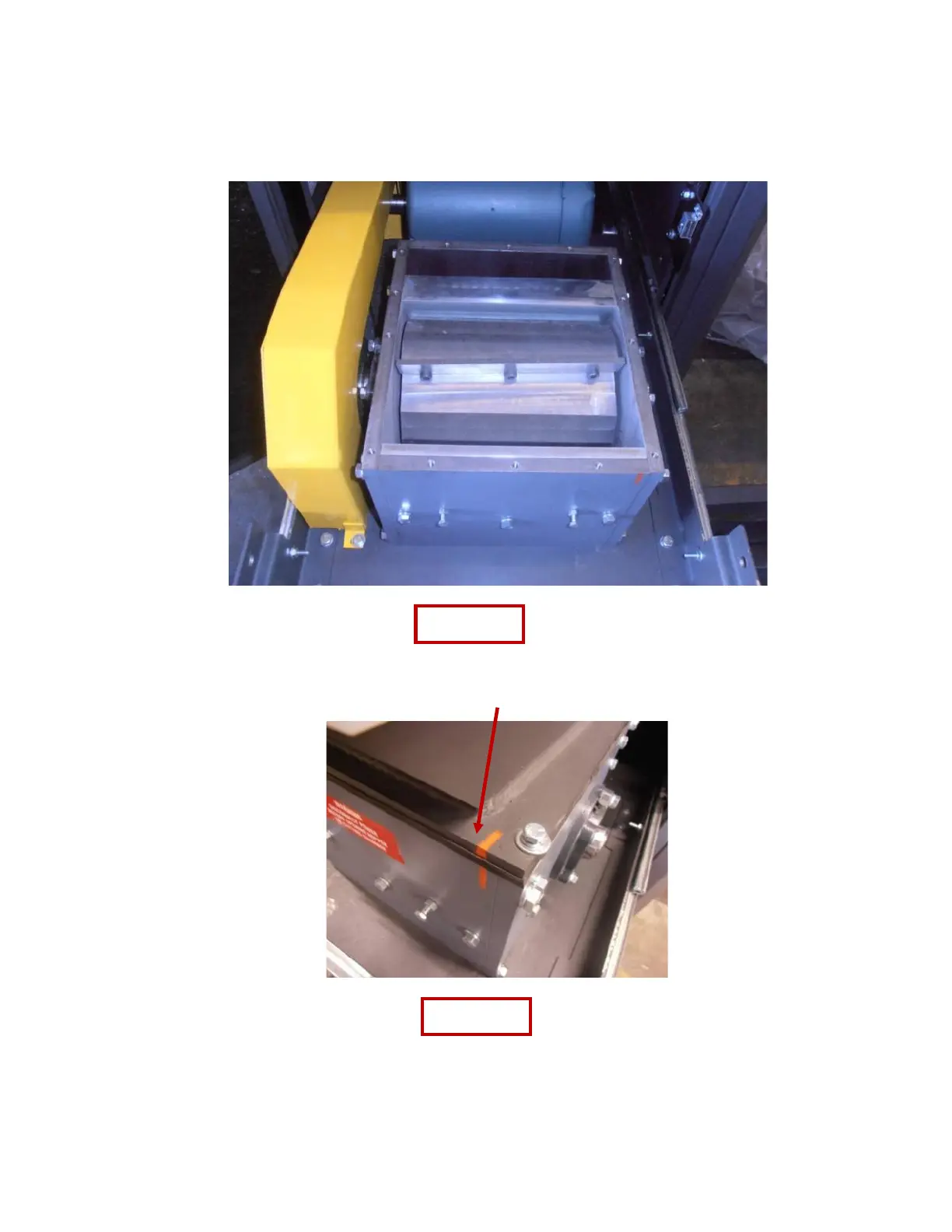
6. Clear the jam
a. Ensure that the rotor can make the full 360° of rotation otherwise it is still jammed.
b. In the event that the operator cannot clear out all the material from the cutting chamber, the
screen may need to be removed (see page 22).
7. Loosen the bolts of the brush and move it up so it clears the hopper. Snug one bolt so it stays in position
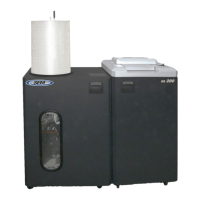
8. Replace the gasket and hopper, ensuring the painted lines match up
a. Insert but do not tighten bolts.
b. Align the hopper and ensure the drawer can close all the way before tightening bolts as the fit is very
tight (See figure 13).


 To Next Page