Wireless & Sensing Products
Development Kit User Guide Rev.1.0
UG.DEV.SX1280-1.W.APP February 2017
10 of 15
Semtech
Before starting the test:
- Place the Slave unit into the desired position
- Place the Master unit into the desired position
Press
SLAVE to toggle the unit to MASTER and vice-versa
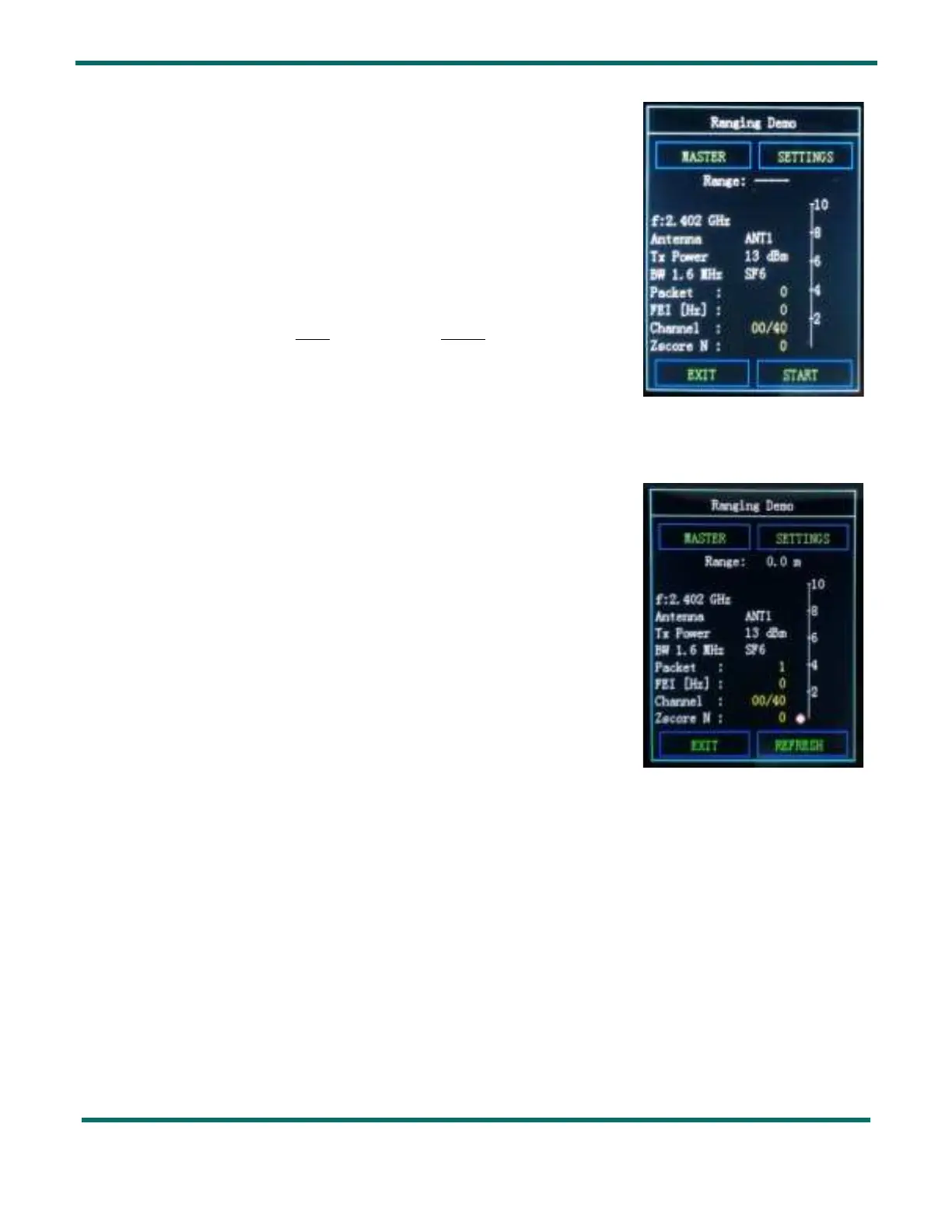
To start the Ranging test:
Press
START first on the Slave unit then on the Master Unit
When testing in Ranging Demo, refresh the result and the graphical
illustration by hitting the
REFRESH button.
Figure 11: Ranging Demo Master Display before start
Figure 12: Ranging Demo Master Display during test



 To Next Page