Wireless & Sensing Products
Development Kit User Guide Rev.1.0
UG.DEV.SX1280-1.W.APP February 2017
14 of 15
Semtech
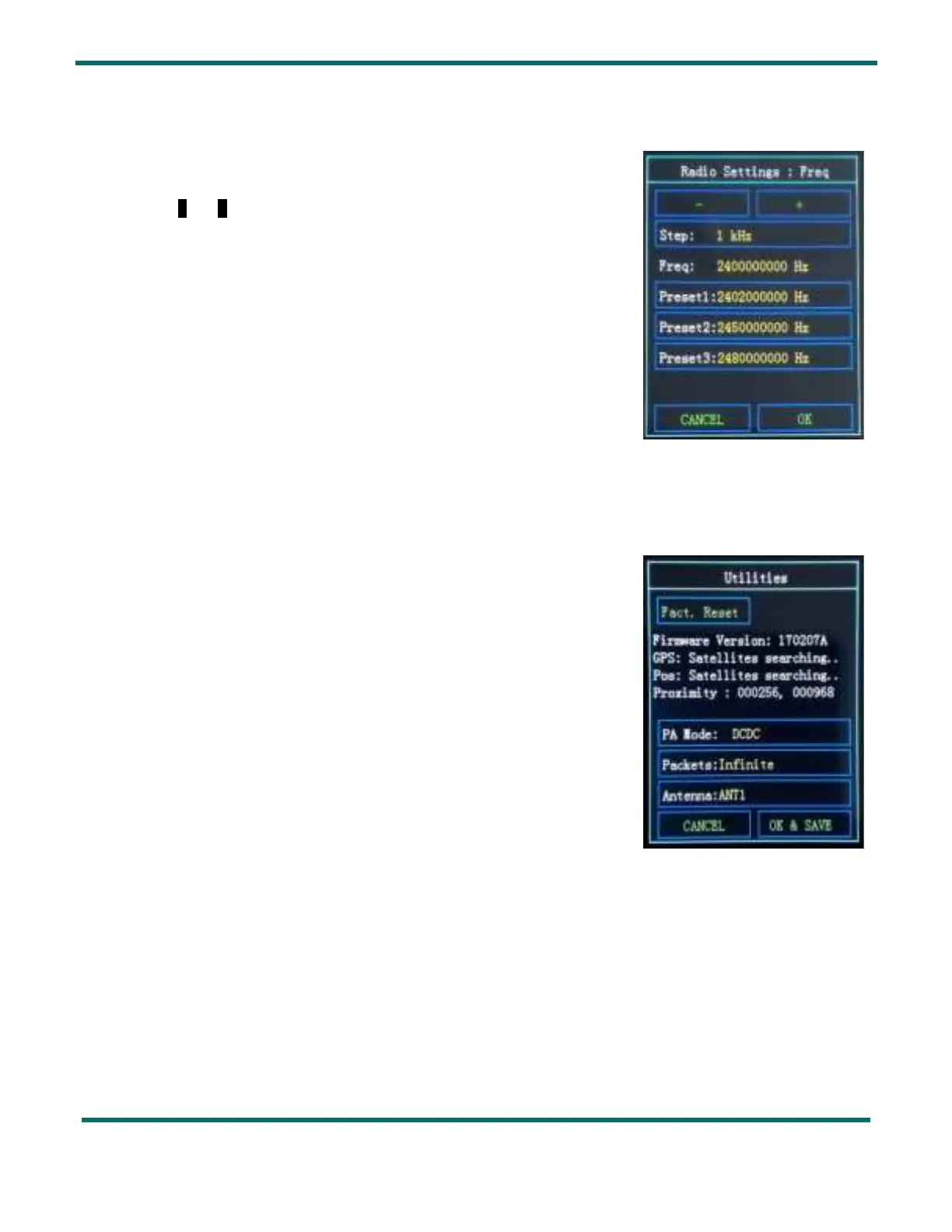
Frequency Setting 7.5.
In this menu you can set the frequency for each modulation:
- Select the frequency
Step that you wish to tune: from 1 Hz to 10 MHz
- With - and + change the value of the step of your tuned frequency
- The resulting frequency in displayed in
Freq
- Additionally you can select one of the three
Preset frequencies by simply
pressing the desired frequency value.
8. Utilities
In this menu you can reset the SX1280 Development Kit to its factory settings:
Press on
Fact. Reset
The
Utilities section is also useful to check:
- the Firmware Version
- the
GPS satellites that the unit sees and the resulting position in Pos.
If no satellite can be seen, the unit will display
Satellites searching
- the
Proximity sensor output – each antenna has an independent capacitive
proximity sensor that allows the detection of proximate objects – here we
see the raw sensor output.
You can modify:
- the Power Amplifier mode (
PA Mode): either DCDC or LDO
- the
Packets limit: Infinite, 100, 200, 500 or 1000
- the
Antenna in use: either ANT1 or ANT2
Figure 18: Frequency Setting Display
Figure 19: Utilities Display



 To Next Page