Wireless & Sensing Products
Development Kit User Guide Rev.1.0
UG.DEV.SX1280-1.W.APP February 2017
9 of 15
Semtech
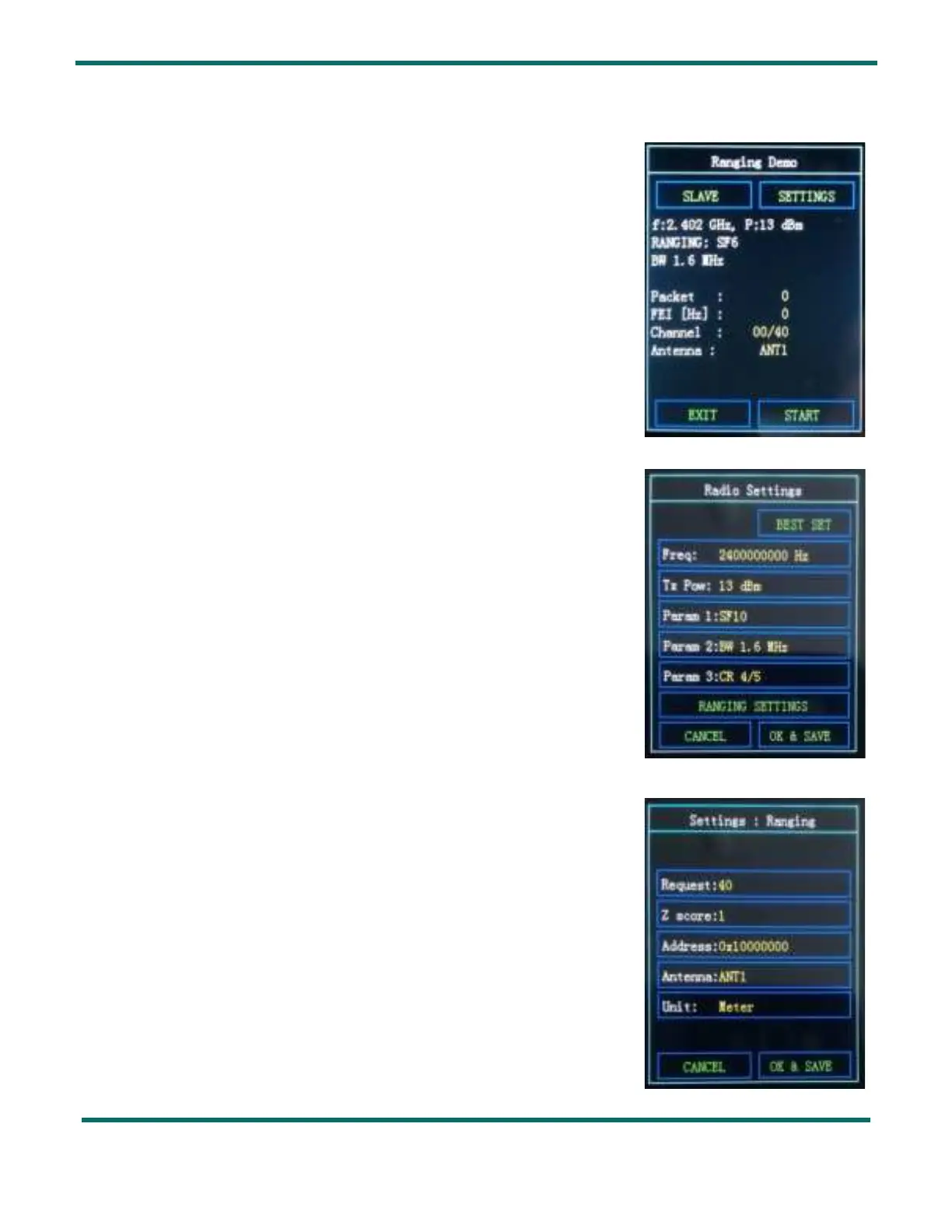
5. Ranging Demo
Press on
Demo Ranging
from the Welcome Display to access this test.
You can change the radio settings from this menu:
Press SETTINGS
to adjust the same radio settings on the Master and the
Slave units. See
Section 7
for more details on the radio settings.
From the
Radio Settings menu you can change the ranging settings:
Press RANGING SETTINGS
See
Section 7.4
for more details on the ranging settings.
Figure 8: Ranging Demo Slave Display
Figure 10: Ranging Demo Settings Display
Figure 9: Radio Settings Display in Ranging Demo



 To Next Page