5R LITE Motorcycle Bluetooth
®
Communication System | 26
7. BLUETOOTH INTERCOM
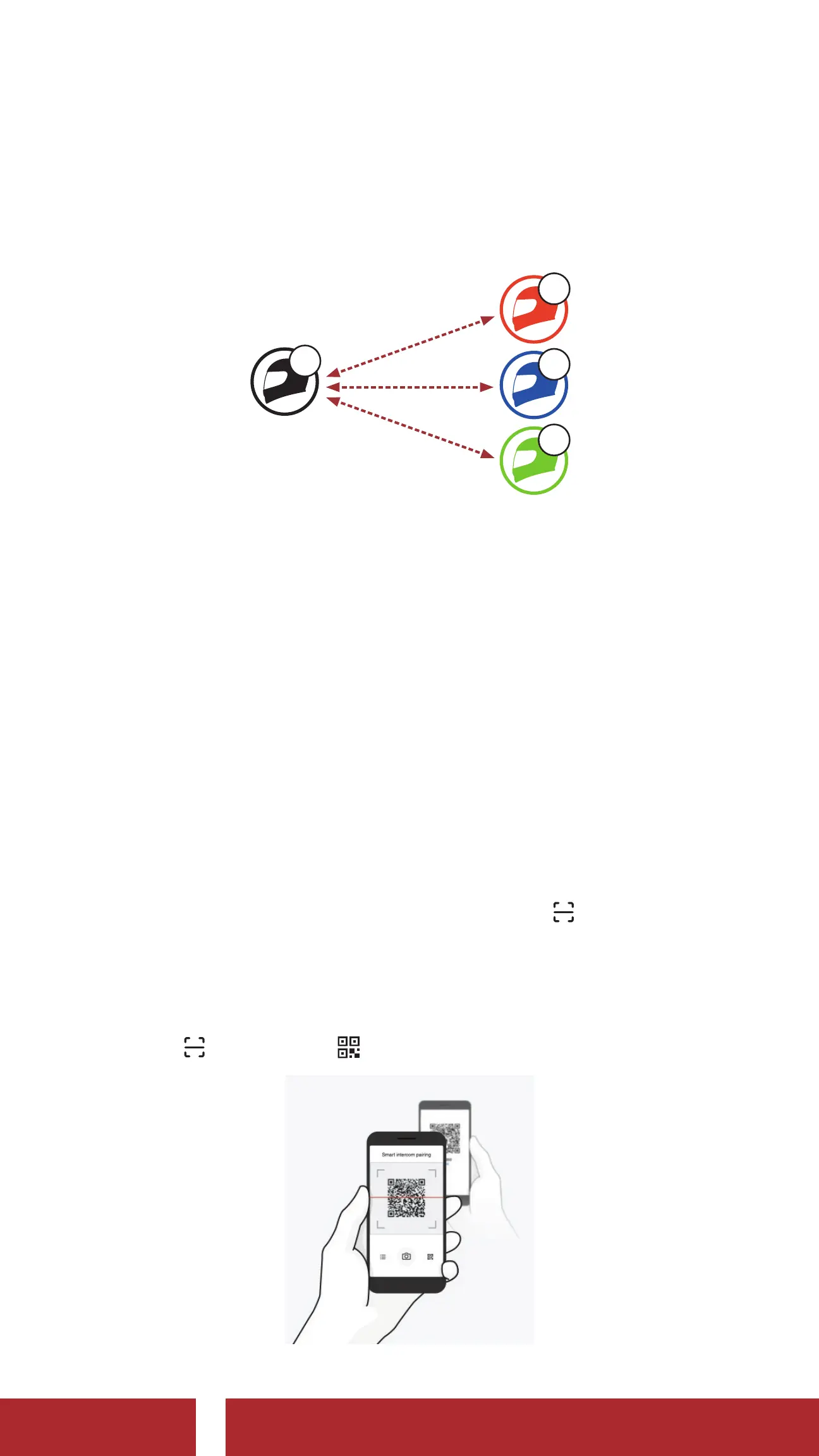
Up to three other people can be paired with the headset for Bluetooth
intercom conversations.
YOU
A
B
C
D
7.1 Intercom Pairing
There are two ways to pair the headset.
7.1.1 Using the Smart Intercom Pairing (SIP)
SIP allows you to quickly pair with your friends for intercom
communication by scanning the QR code on the SENA
MOTORCYCLES App without remembering the button operation.
1. Pair the mobile phone with the headset.
2. Open the SENA MOTORCYCLES App and tap
(Smart Intercom Pairing Menu).
3. Scan the QR code displayed on your friend (B)’s mobile phone.
• Your friend (B) can display the QR code on the mobile phone by
tapping
> QR code ( ) on the SENA MOTORCYCLES App.
CHAPTER



 To Next Page