SF Series
10
3 INSTALLING THE SF SERIES ON YOUR
HELMET
3.1 Installing the Main Unit
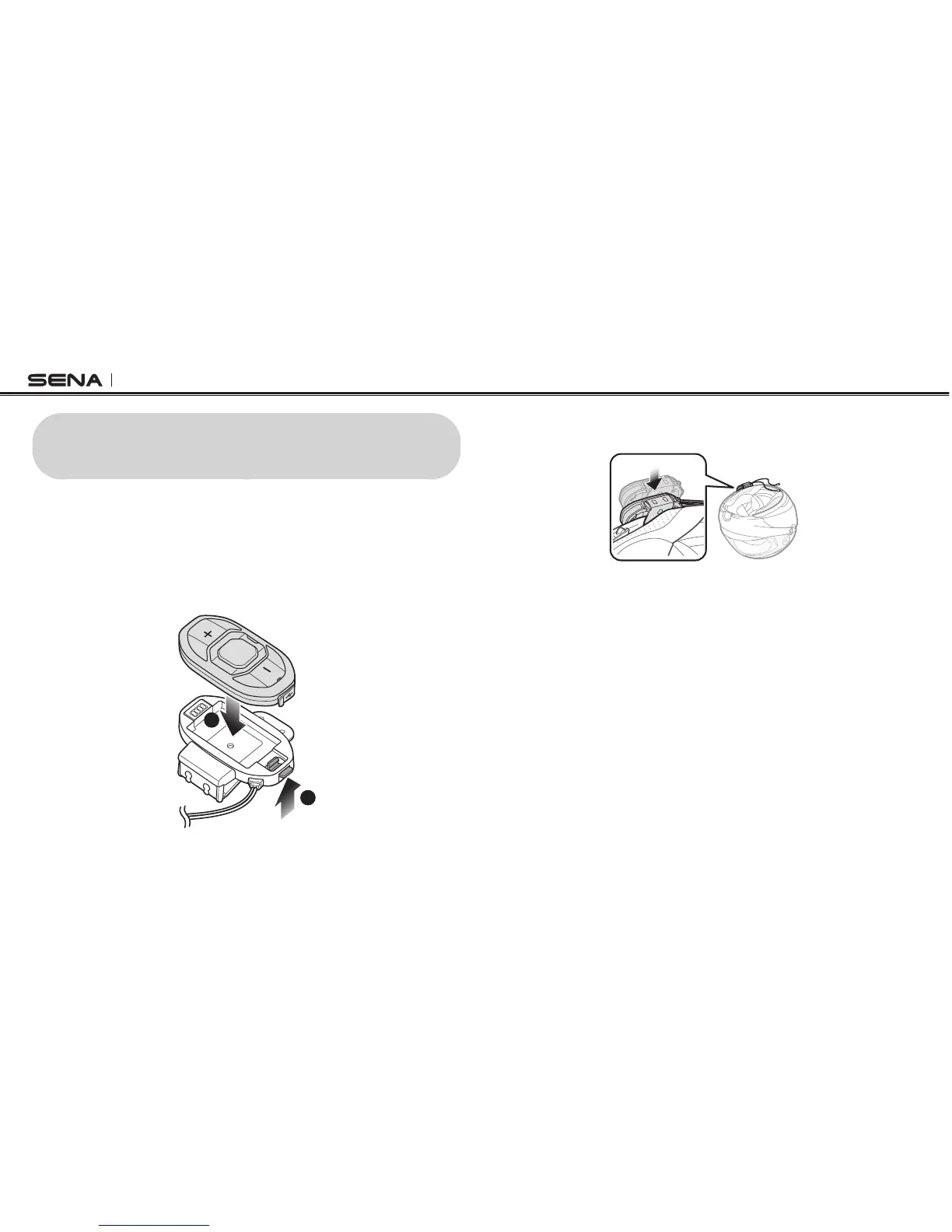
3.1.1 Installing the Clamp Kit to the Main Unit
1. Push and hold the clamp kit’s tab upwards. While pushing the tab,
insert the main unit into the clamp kit.
1
2
2. Insert the back plate of the clamp kit between the internal padding
and external shell on the left side of the helmet.



 To Next Page