14 EN
EN
06/2016
2016
First time setup
5. First time setup
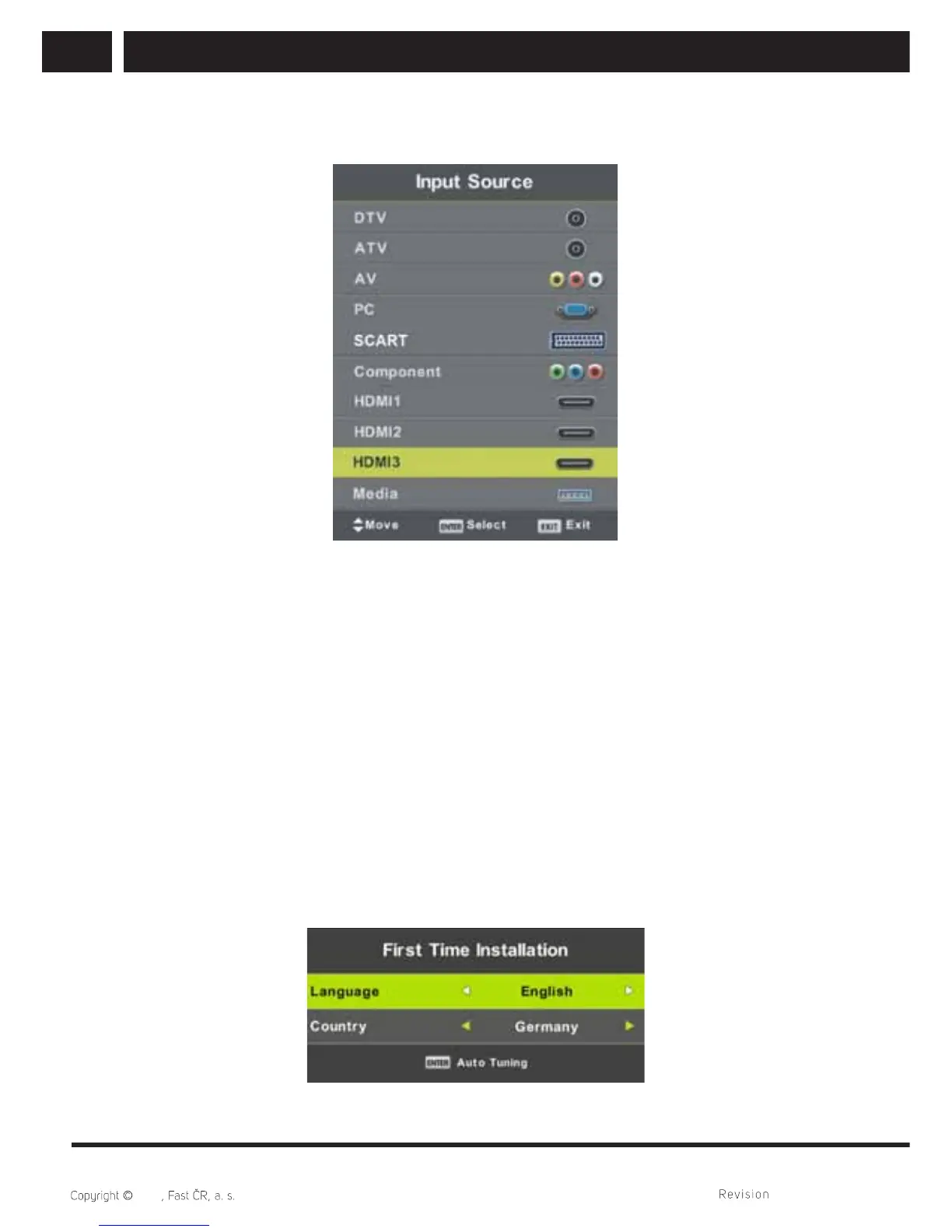
Press SOURCE button to display the input source list.
Press / or ENTER button to select the desired input source.
Press ENTER button to enter the input source.
Press EXIT button to quit.
Connect an RF cable from the Tv’s input called “RF-In” and to your TV Aerial socket
(antenna, common antenna, cabel, …).
5.1. Select Language
Press / button to select the language to be used for menus and message.
5.2. Select Country
Press / button to highlight country menu.
Press / button to select the country you want to.



 To Next Page