EN 39
EN
06/2016
2016
USB
7. USB
Note:
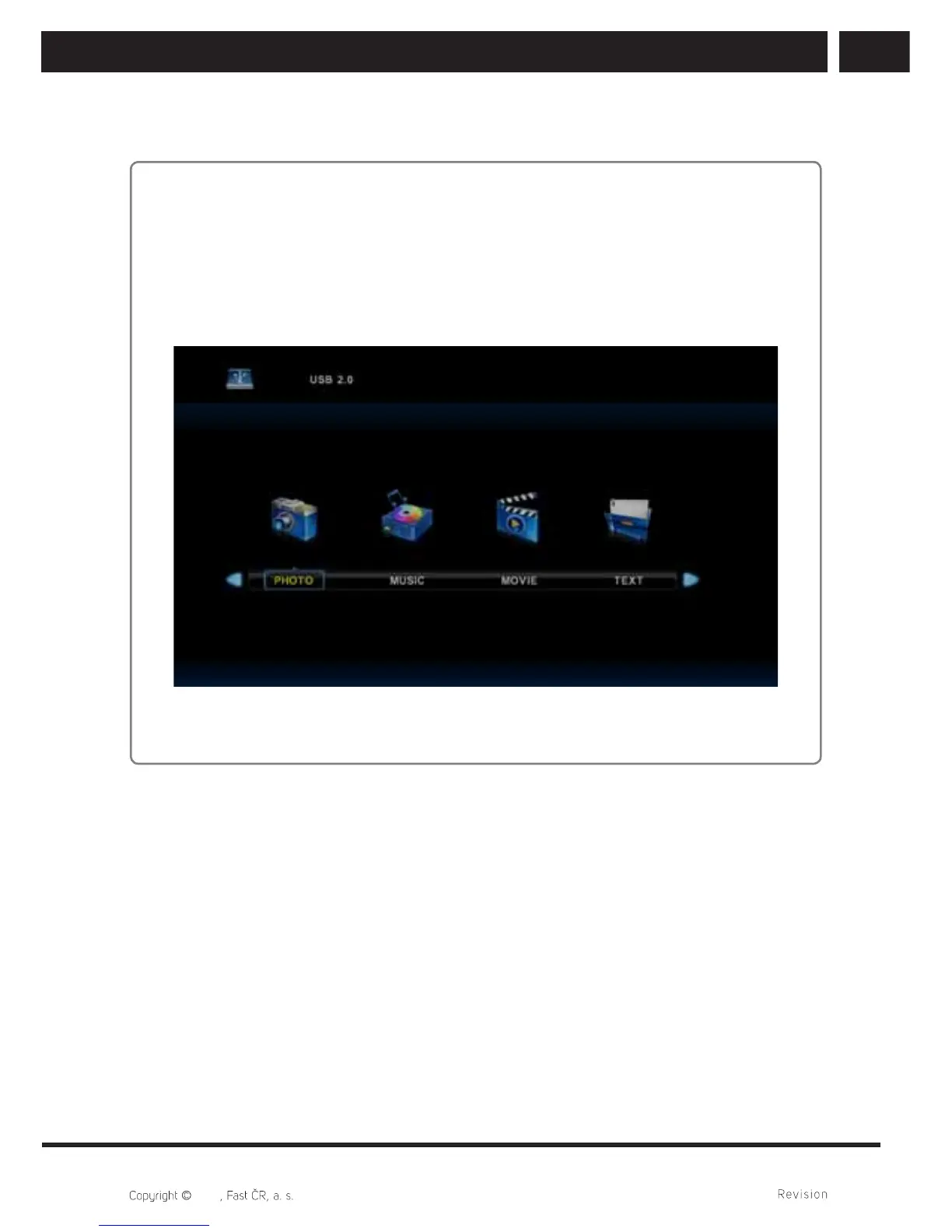
Before operating Media menu, plug in USB device,then press INPUT button to set the
Input Source to Media . TV will recognise majority of USB devices and it will shortly
show the menu for playback. If there is no action, menu disappears and the previous
mode will be on.
Press / button to select Media in the Source menu, then press Enter button to
enter.
Press / button to select the option you want to adjust in the main Media menu,
then press Enter button to enter.



 To Next Page