EN 31
EN
06/2016
2016
Menu
6.5.5. Key lock
Press / button to select Key Lock, then press / button to select Off or On.
When Key Lock’s statue is on, you can’t use the Key panel button.
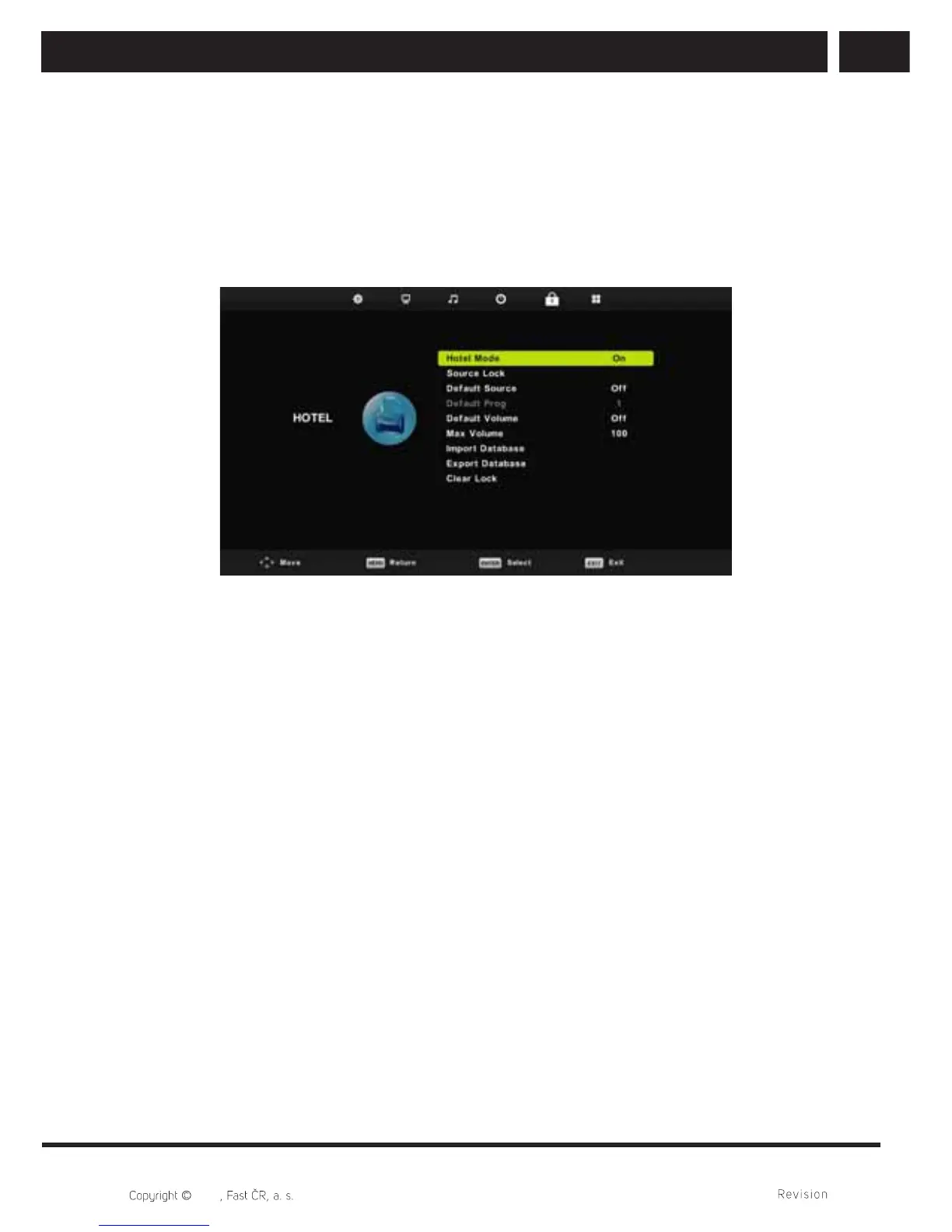
6.5.6. Hotel mode (Available only from the service menu)
Hotel mode serves to limit the TV functions for easier usage in place where for example
maximum volume or tuning should be limited.
1. Press / button on the remote control to select hotel mode in the Lock menu.
2. Press Enter button on the remote control to enter the sub-menu.
3. After fi nishing your adjustment, Press MENU button to save and return back to the
previous menu.
6. 6. Hotel mode
Press / button to select Hotel Mode, then press / button to select on or off.
6.6.1. Source lock
Press / button to select Source Lock, then press Enter button to enter sub-menu to
select.
6.6.2. Default source
Press / button to select Default Source, then press Enter button to enter sub-menu
to select.
6.6.3. Default prog
Press / button to select Default Prog, then press / button to adjust. It is
available when the default source is TV.



 To Next Page