28 EN
EN
06/2016
2016
Menu
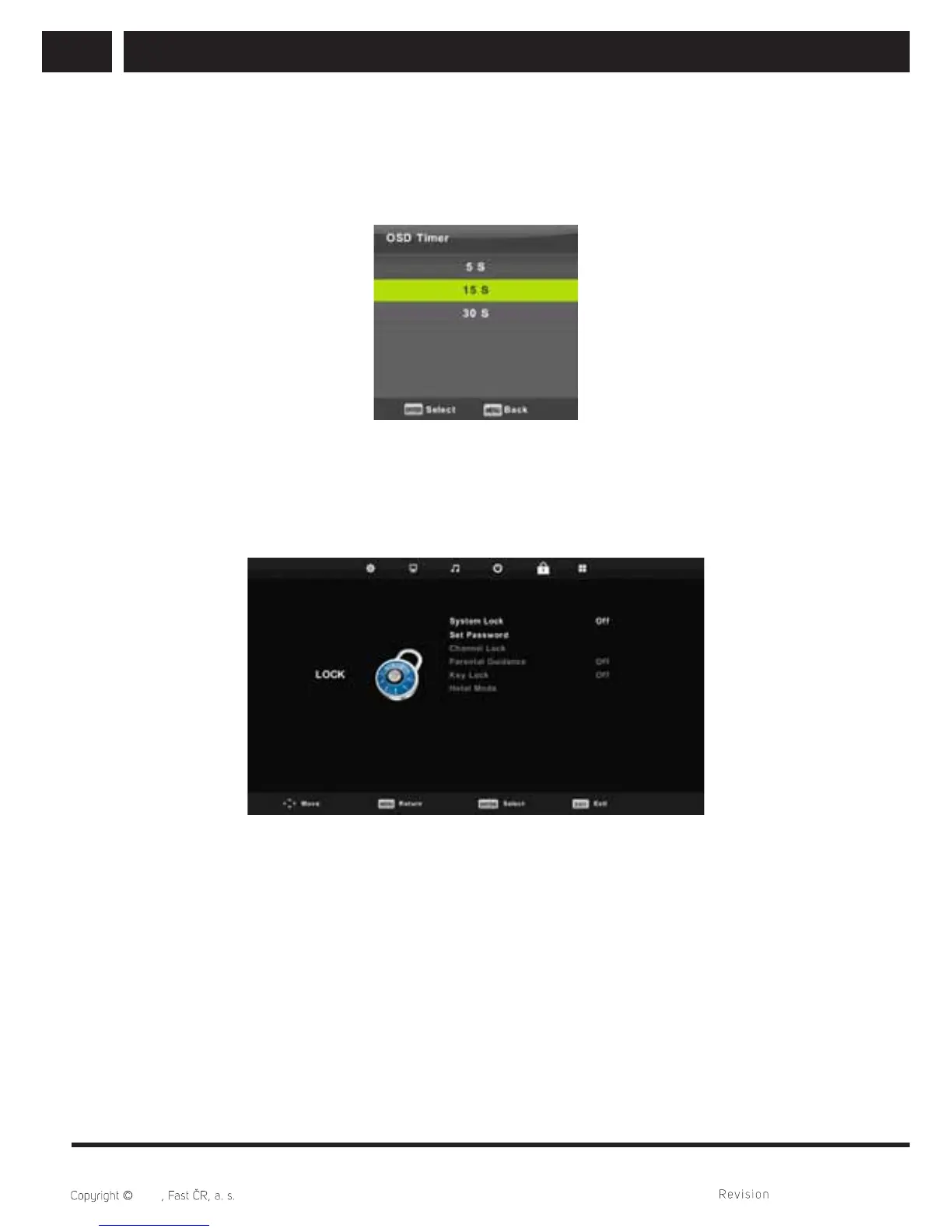
6.4.4. OSD timer
Press / button to select OSD Timer, then press Enter button to enter sub-menu.
Press / button to select how long the setting will be displayed before automatic shut
off.
6.5. Lock menu
Press MENU button to display the main menu.
Press / button to select LOCK in the main menu.
1. Press / button to select the option that you want to adjust in the LOCK menu.
2. Press Enter button to adjust.
3. After fi nishing your adjustment, Press Enter button to save and return to the previous
menu.
Default password is 0000, and if forget what you set, please call the service center.



 To Next Page