EN 27
EN
06/2016
2016
Menu
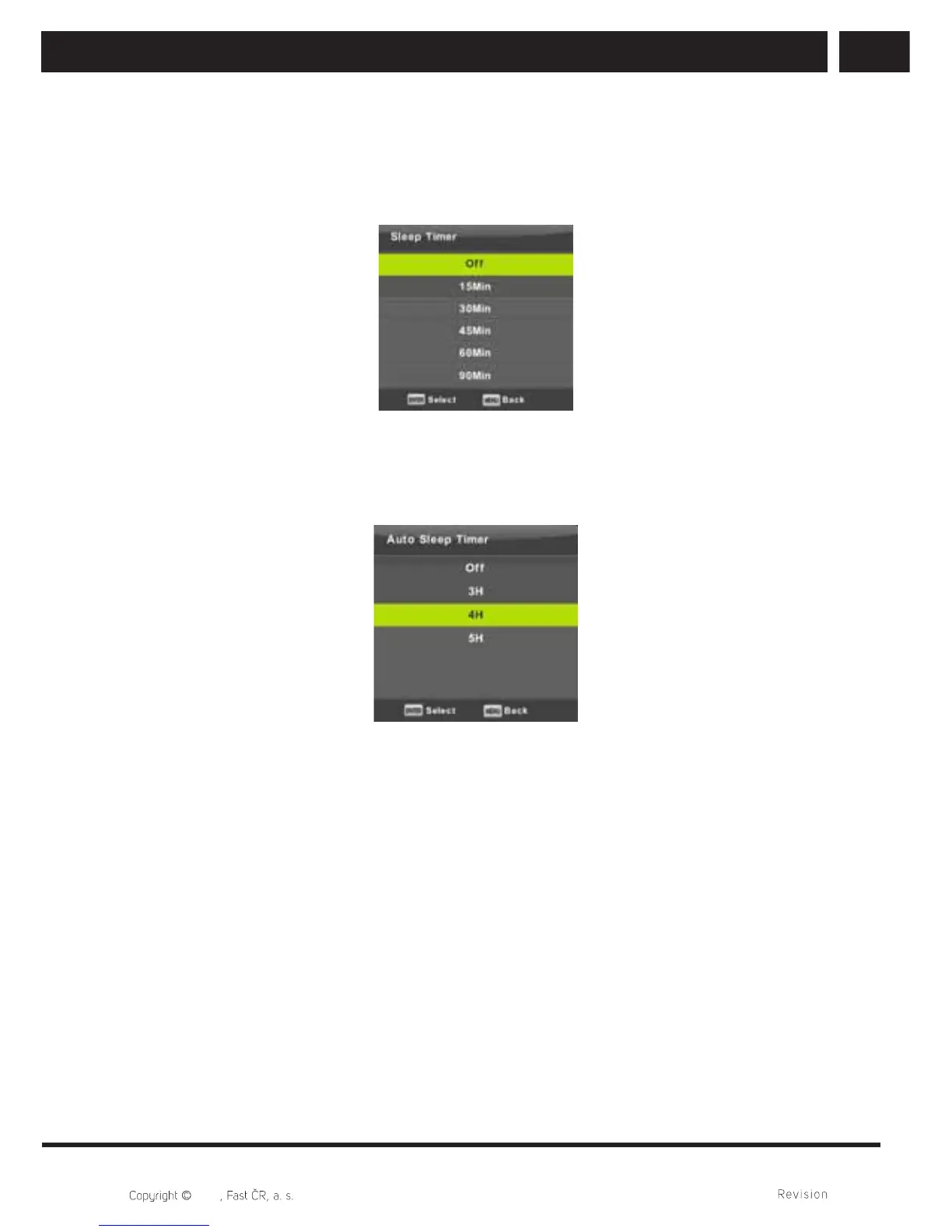
6.4.2. Sleep timer
Press / button to select Sleep Timer, then press Enter button to enter sub-menu.
Press / button to select. (Available options are:Off,10min,20min,30min,60min,
90min,120min,180min,240min).
6.4.3. Auto standby
Press / button to select Auto Standby, then press Enter button to enter sub-menu.
Press / button to select.
Tip:
If the remote control does not make any operation in the hypothesis time, it will close
down automatically. If you do any operation by the remote control, it will reset the time.
Long time is suffi cient for the vast majority of applications. Off function can be also
completely deactivated by selecting OFF.



 To Next Page