EN 17
EN
06/2016
2016
Menu
6. Menu
6.1. Channel menu
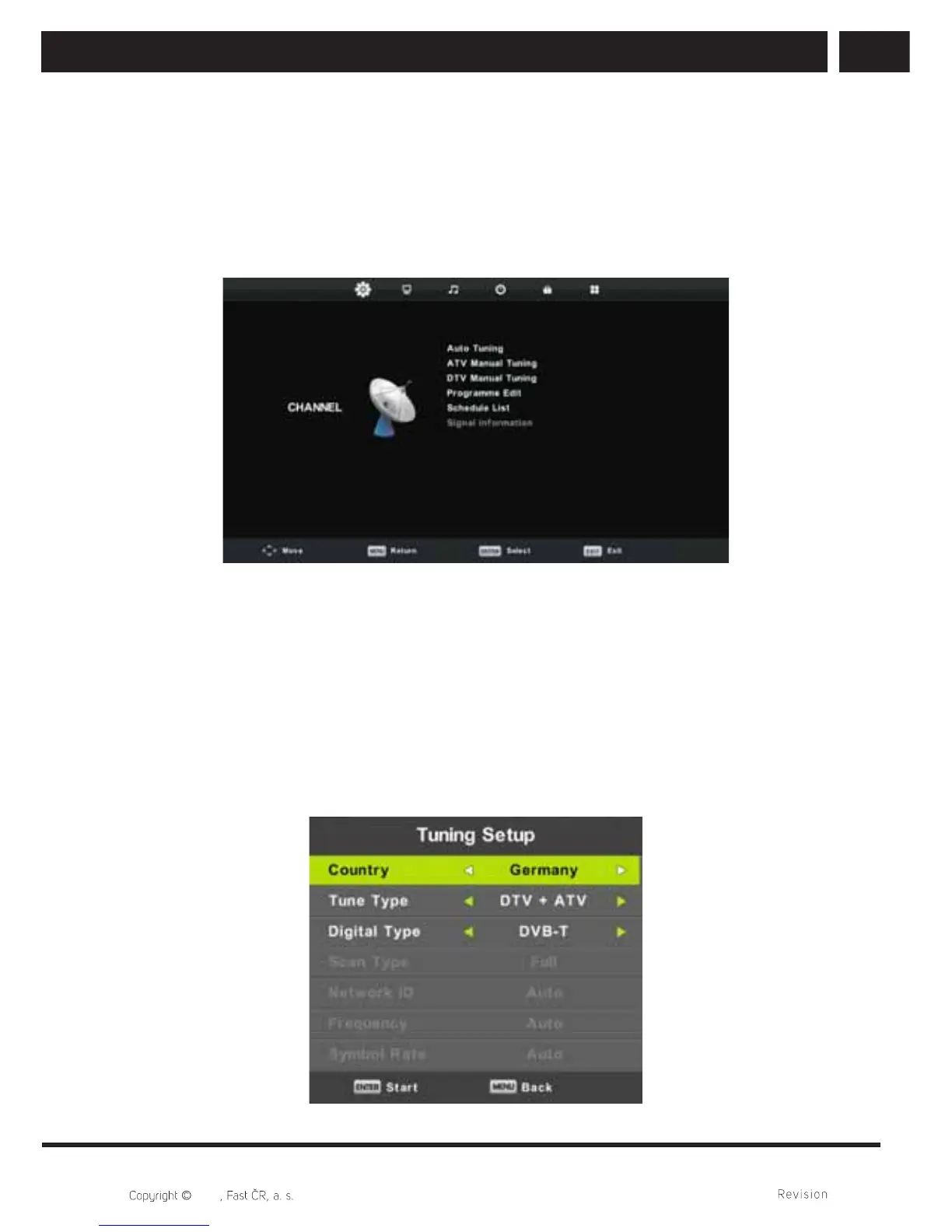
Press MENU button to display the main menu.
Press / button to select CHANNEL in the main menu.
1. Press / button to select the option that you want to adjust in the CHANNEL menu.
2. Press Enter button to adjust.
3. After fi nishing your adjustment, Press Enter button to save and return to the previous
menu.
6.1.1. Auto tuning
Press / button to select Auto Tuning, then press Enter/ button to enter.
The system will run the same operation as for the fi rst time setup, all previously channels
will be deleted.



 To Next Page