26 EN
EN
06/2016
2016
Menu
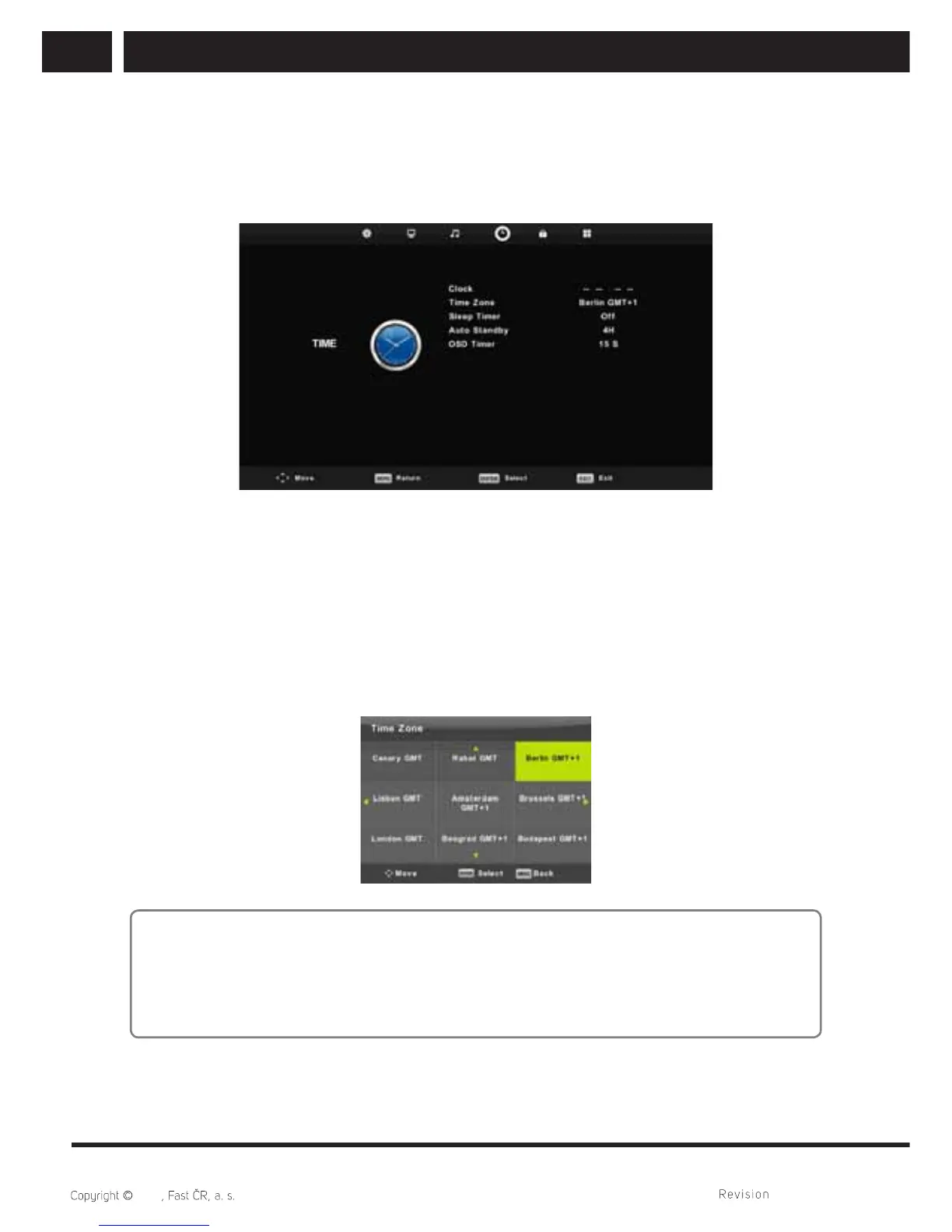
6.4. Time menu
Press MENU button to display the main menu.
Press / button to select TIME in the main menu.
1. Press / button to select the option that you want to adjust in the TIME menu.
2. Press Enter button to adjust.
3. After fi nishing your adjustment, Press Enter button to save and return to the previous
menu.
6.4.1. Time zone
Press / button to select Time Zone, then press Enter button to enter sub-menu.
Press / / / button to select time zone.
Note:
Correct set time (including summer time) is important for more functions of a digital
broadcasting, such as EPG. Very accurate time is presented at broadcasting and the
device is synchronized upon it. It is necessary to select the correct time zone from the
user´s point of view.



 To Next Page