EN 15
EN
06/2016
2016
First time setup
5.3. Surrounding
Choose between Home (Home/Off) or Shop (Shop/On).
Note: Using of Shop, the system will set some parameters of the device to the highest
settings to present the device in a surrounding with extreme lightning, accompanying
by higher ballast and consumption. Therefore, the switch to a Shop surrounding is
accompanied by a question of the device where you should confi rm your aim.
For common use, it is recommended to set Home surrounding.
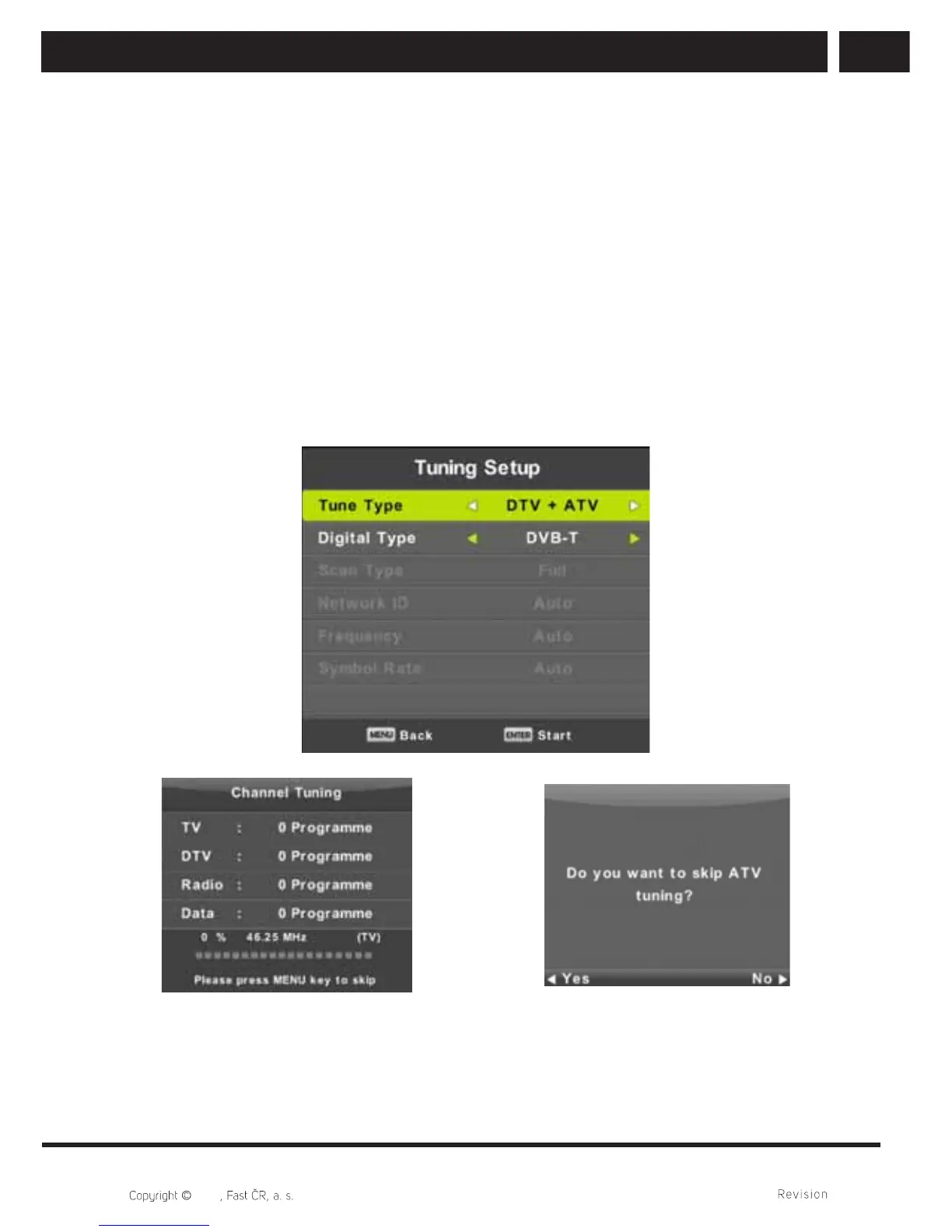
5.4. Auto Tuning
Select among Analogue (ATV) or digital (DVT) or leave both sources ATV+DTV. ATV tuning
will start fi rst. If you want to skip ATV tuning, press MENU button and left arrow button.
Then DTV tuning will start. To skip DTV tuning, press MENU button and left arrow button.



 To Next Page