42 EN
EN
06/2016
2016
USB
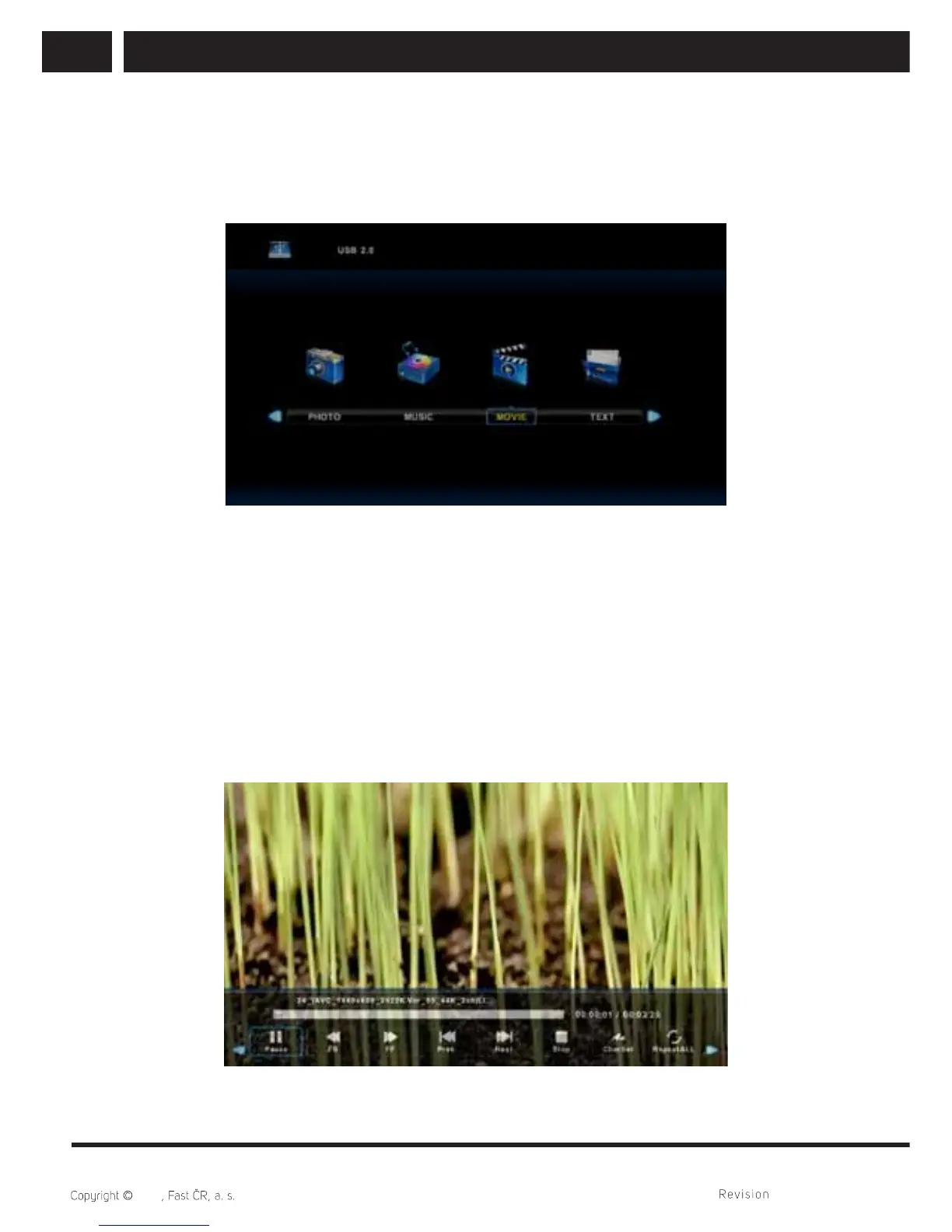
7.3. Movie menu
Press / button to select MOVIE in the main menu, then press Enter button to enter.
Press Exit button to return to the previous menu and exit menu to quit.
Press / button to select drive disk you want to watch, then press Enter button to
enter. Press media button to play the selected movie if it is suitable to play, especially
its codek.
Press display button to select menu in the bottom you want to run, then press Enter
button to operate. If a directory contains a movie with external subtitles with the same
title as a movie, the device will show them (SUBTITLE button). You can select CharSet
in the information bar among the multi nation alphabets. When highlighting the option
you select, the fi le information will appear on the right and picture will be previewed in
the center.
Press Exit button to back to the previous menu and exit button to quit the entire menu.



 To Next Page