30 EN
EN
06/2016
2016
Menu
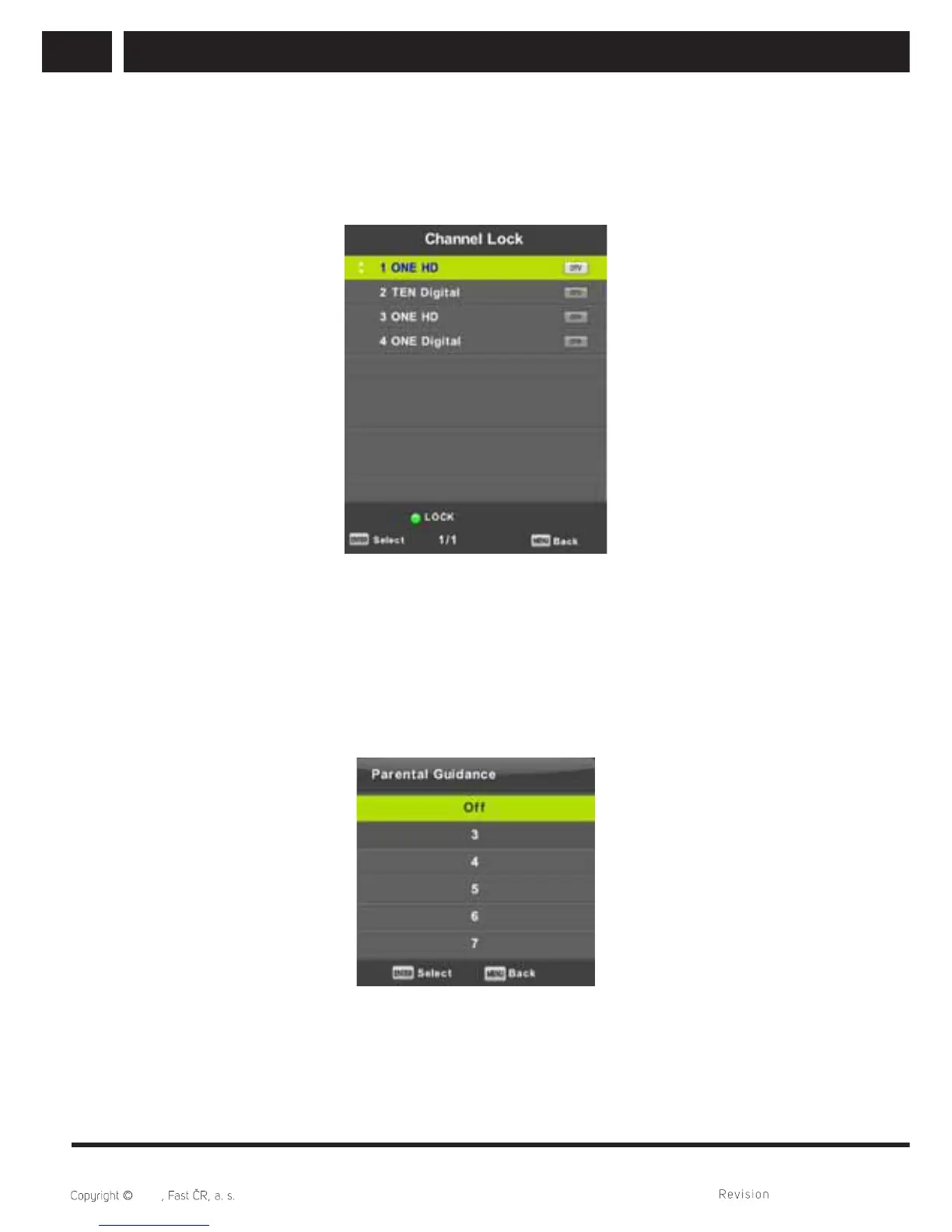
6.5.3. Channel lock
Press / button to select Channel Lock, then press Enter button to enter sub-menu to
select.
Press
Green button to lock or unlock the channel.
6.5.4. Parental Guidance
Press / button to select Parental Guidance, then press Enter button to enter sub-
menu to select the number of age which is suitable for your children.
Broadcaster may equip channels by information about the recommended or minimum
age for watching. If a channel is broadcasted with a hidden index of a minimum age, the
device will compare it with your set data and it may ask you to enter a password in order
you can watch a program with higher age setting.



 To Next Page