20 EN
EN
06/2016
2016
Menu
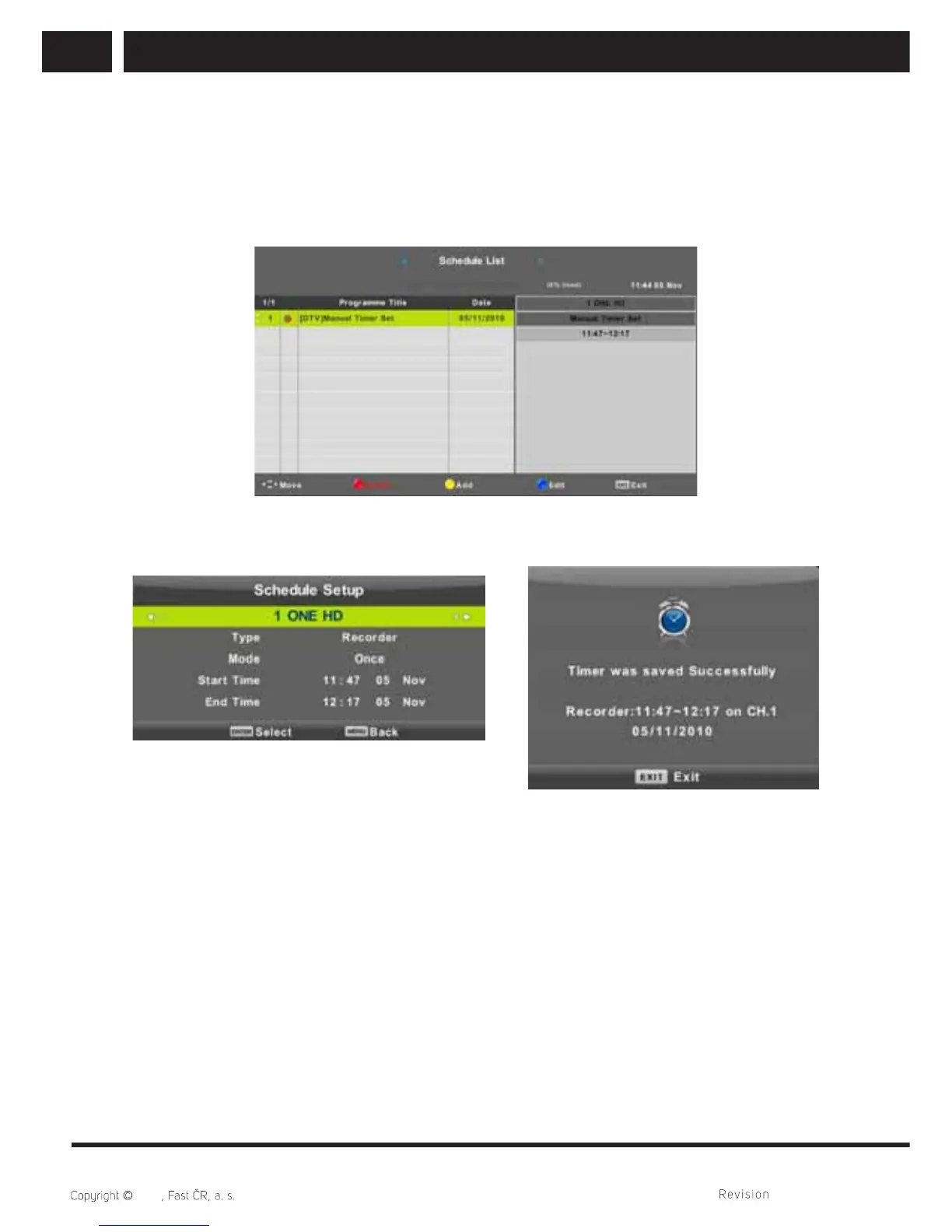
6.1.5. Schedule list
You can program certain events fi xed in time in digital broadcasting. Such planned
(programmed) events are saved in the List.
Press / button to select Schedule List, then press Enter button to enter sub-menu.
It is available in source.
Press the YELLOW button to enter the interface below.
When the time appointment is confl ict, it will produce a warning message.



 To Next Page