36 EN
EN
06/2016
2016
Menu
6.7.11. Software Update (USB)
Press / button to select Software Update (USB), plug your USB device in the USB
slot, then press Enter button to update the right software.
WARNING
Run the software update only if you have an original software to the correct
model from the manufacturer including the changes description. Using not
original software, even in case of a small differences, can damage TV and that is
not covered by warranty.
6.7.12. Surrounding
Choose between Home (Home/Off) or Shop (Shop/On).
Note: Using of Shop, the system will set some parameters of the device to the highest
settings to present the device in a surrounding with extreme lightning, accompanying
by higher ballast and consumption. Therefore, the switch to a Shop surrounding is
accompanied by a question of the device where you should confi rm your aim.
For common use, it is recommended to set Home surrounding.
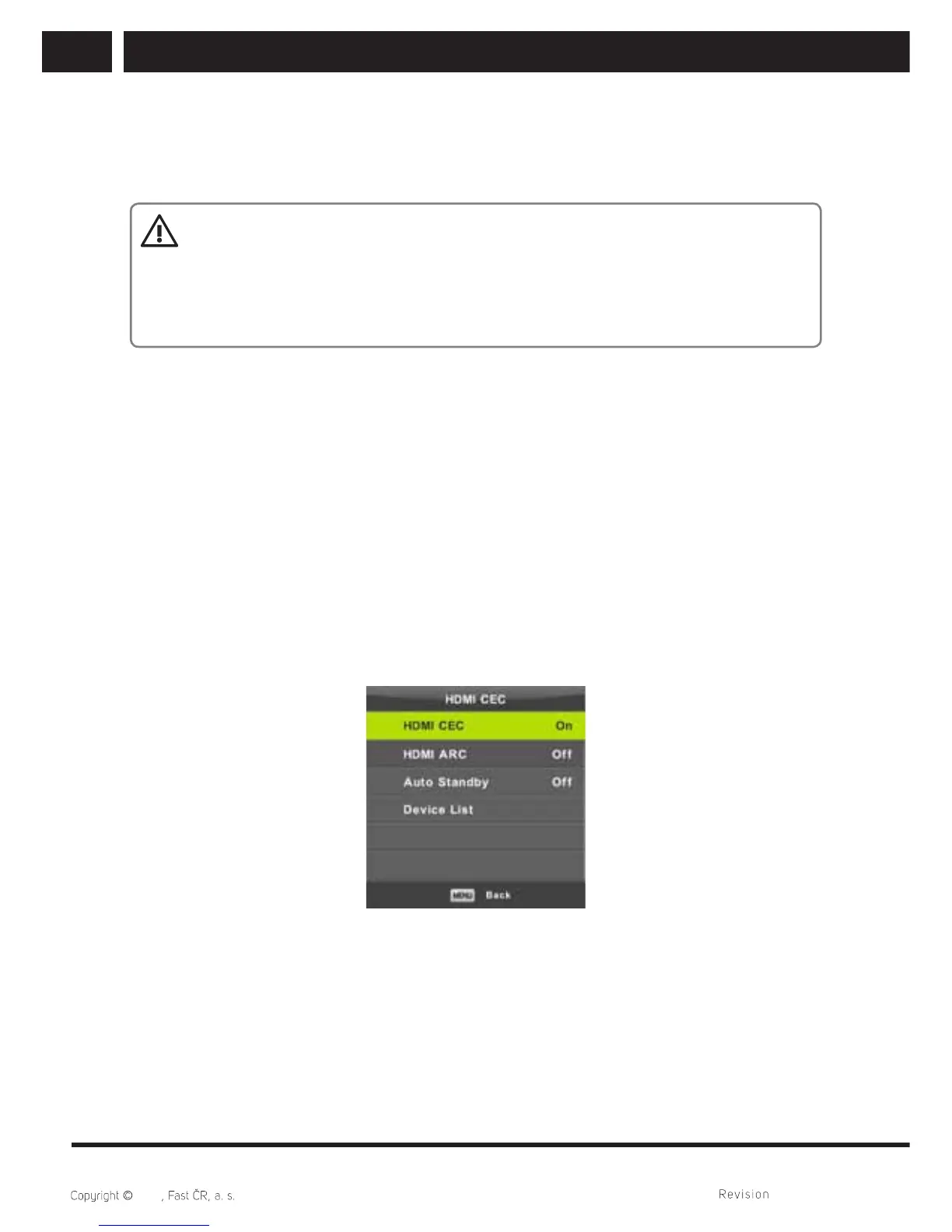
6.7.13. HDMI CEC
This function performs the setting of special items of the digital communication between
the devices of HDMI interface. Set items upon the instructions of your external devices
HDMI CEC and verify the proper communication.
Press / button to select HDMI CEC, then press Enter button to enter the sub-menu.
HDMI CEC Press / button to turn the HDMI CEC on or off.
HDMI ARC Press / button to turn the HDMI ARC on or off.



 To Next Page