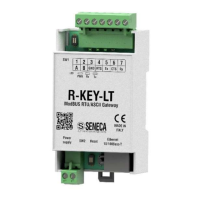
GATEWAY CONFIGURATION
GATEWAY CONFIGURATION WITH THE WEBSERVER FOR THE “COPADATA IEC61850
CLIENT™” CLIENT
The COPADATA “IEC61850 Client” software will be used as IEC 61850 client for Windows.
For more information on the client software, refer to:
https://www.copadata.com
The purpose is to configure the gateway so that it can read a register coming from the serial modbus RTU
protocol from a 61850 client.
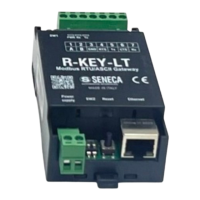
We configure the Gateway via the webserver, first we activate the webserver (by default the device is in
IEC61850 mode), we hold down the side button until the device restarts.
At this point the PWR LED starts to flash to indicate the operating mode as a webserver for the configuration.
The default address of the webserver is:
http://192.168.90.101
user: admin
password: admin


 To Next Page