GATEWAY WEBSERVERS
WEBSERVER DEI GATEWAY “-I”
WEBSERVER MODE AND IEC61850 MODE
The device is normally in Webserver mode.
To access the internal webserver, you must put the device in Webserver mode by pressing the button following
the procedure:
MANUAL PROCEDURE FOR SWITCHING FROM IEC61850 MODE TO WEBSERVER MODE AND
VICE VERSA
To force webserver mode:
1) Turn on the device
2) Keep the PS1 button pressed until all LEDs turn off
3) Release the button
4) The device restarts and the LEDs
On Z-KEY-I: PWR and SD/COM
On Z-KEY-2ETH-I: PWR and COM
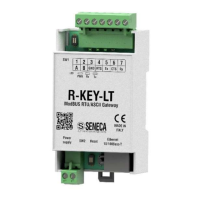
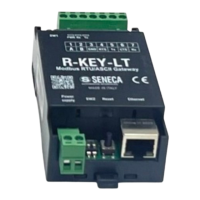
On R-KEY-LT-I: PWR and COM
flash slowly to show webserver mode
To force IEC61850 mode:
1) Turn on the device
2) Keep the PS1 button pressed until all LEDs turn off
3) Release the button
4) The device restarts and the LEDs
On Z-KEY-I: PWR and SD/COM
On Z-KEY-2ETH-I: PWR and COM
On R-KEY-LT-I: PWR and COM
end flashing slowly to show IEC61850 mode.


 To Next Page