9.1.4.3.2. IMPORTING A CONFIGURATION FROM A FILE
A configuration that includes:
CONFIGURATION
TAGS/COMMANDS
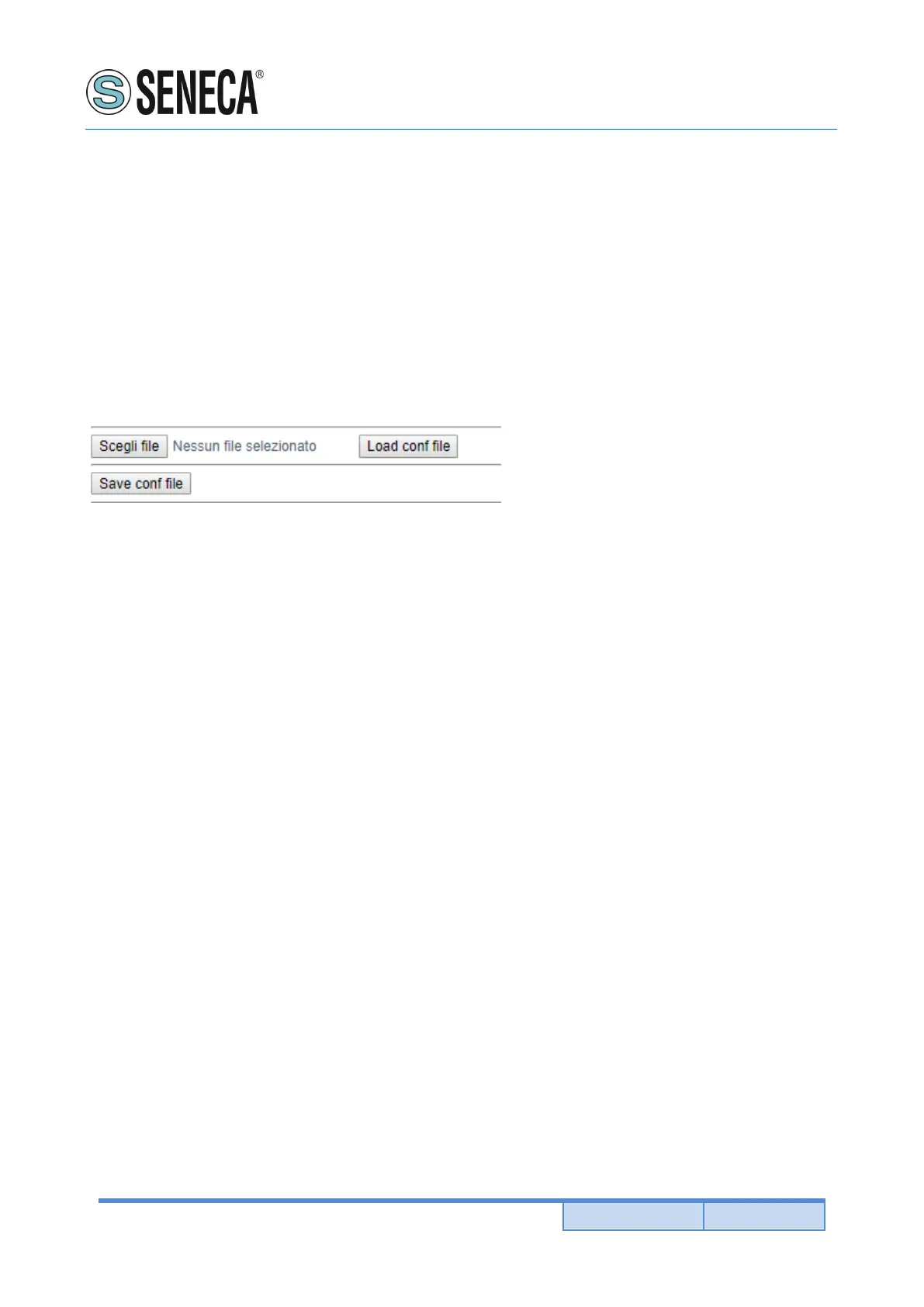
It can be imported from a file this way:
Go to the Setup section and select the file to load, press the "Load config" button
9.1.4.4. “SETUP COMMANDS/TAGS” SECTION
In this section you can add, edit or delete a Modbus command.
Using the ADD button you can add a new command.
Using the MODIFY button it is possible to modify an existing command.
Using the DEL button it is possible to delete an existing command.
MNEMONIC NAME
It is the identifying name of the command
TARGET MODBUS DEVICE
It represents the Seneca Modbus device selected from those available in the database.
In the case of a non-Seneca device or for advanced configurations, select CUSTOM.
TARGET RESOURCE
It represents the Seneca device variable you want to add.
TARGET CONNECTED TO
It selects the serial to be used for Modbus serial communication for the specified TAG.
TARGET MODBUS STATION ADDRESS
It selects the station address to use for the command.
TARGET MODBUS START REGISTER


 To Next Page