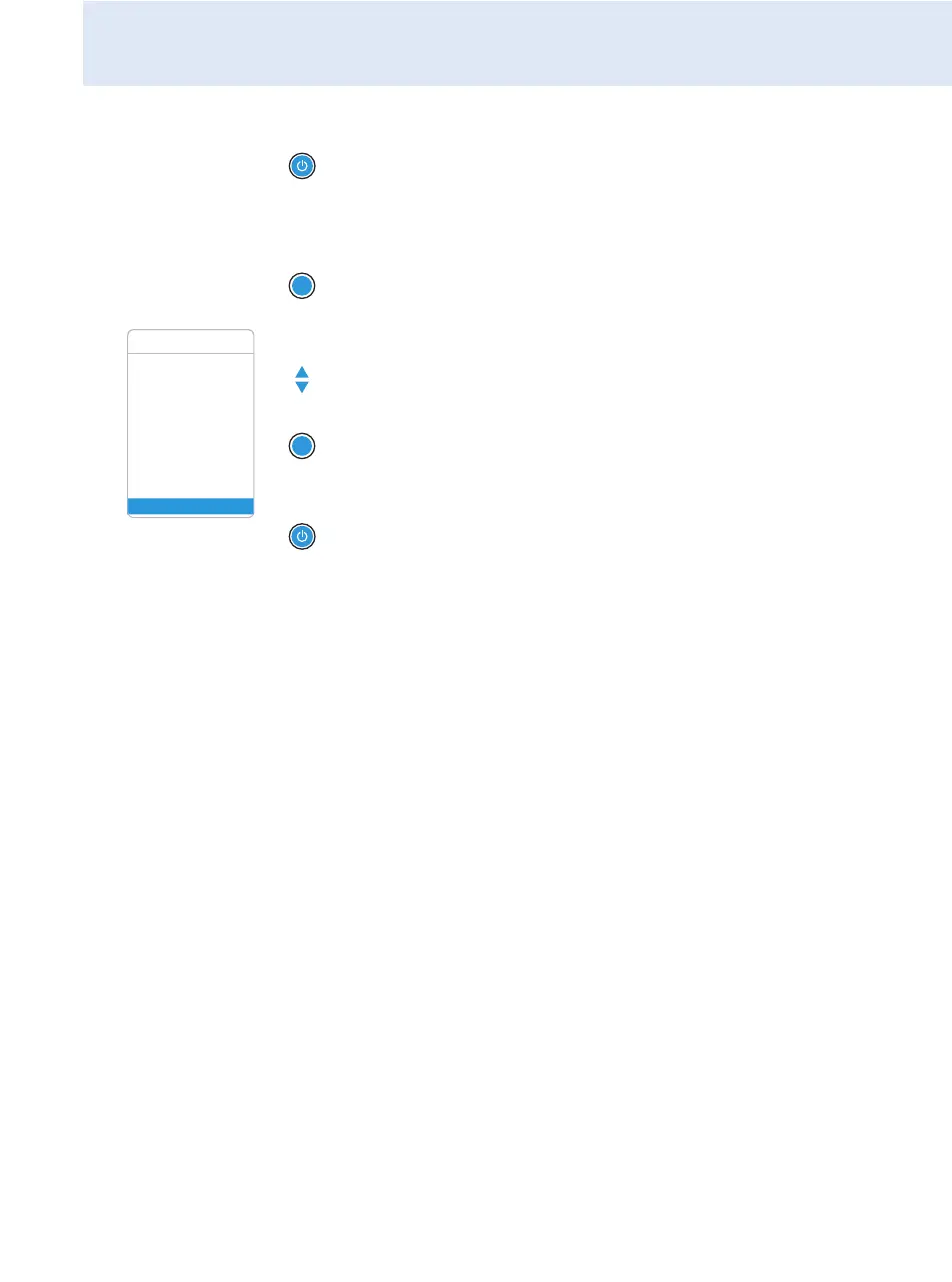
Using the operating menu
29
Canceling an entry
To subsequently return to the last edited menu item:
Exiting a menu item
To directly return to the current standard display:
왘 Press the STANDBY button to cancel an entry.
The current standard display appears on the display panel.
왘 Press the SET button repeatedly until the last edited menu item
appears.
SET
Squelch
Easy Setup Setup
Frequency Preset
Name
AF Out
Equalizer
Auto Lock
Advanced
Exit
Menu
왘 Change to the “Exit” menu item.
왘 Confirm your selection.
You return to the next higher menu level.
왘 Press the STANDBY button.
SET





 To Next Page