Putting the Flex 5000 into operation
12 | Flex 5000
Connection possibility A: optical (digital)
To achieve the best possible listening
experience, connect the trans-
mitter to your TV or hi-fi system using the supplied optical digital
cable.
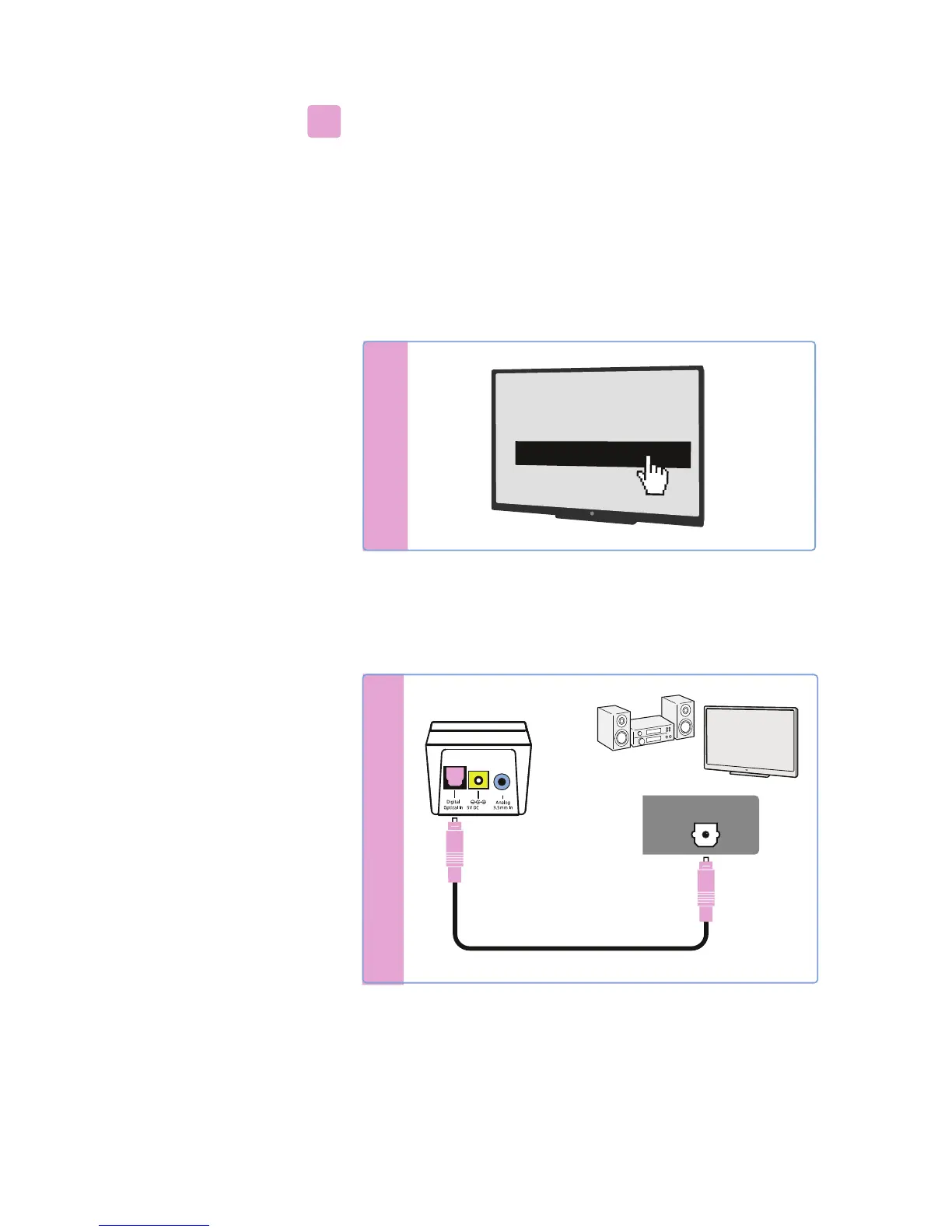
Note that your wireless headphone system only supports digital
signals cod
ed in the PCM format. Information on how to set the
audio format of the connected audio source to PCM can be found in
the Sound menu or in the instruction manual of your device.
If an incompatible digital audio signal is being received, the
Trans -
mitter status
LED flashes white and blue. Audio cannot be repro-
duced.
* The appearance of the Sound menu can vary depending on the
device you are using.
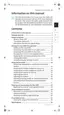
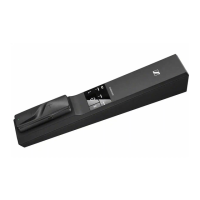
왘 Connect the optical digital cable to the pink Digital Optical In
audio input of the transmitter and to the optical output of your
audio source.
A
A
S
ound menu
*
Digital sound output
Bits
tream
PCM
Digital Audio
Digital Audio
1A
OPTICAL OUT









 To Next Page